Remplissez les enveloppes de paie avant que le temps ne s'écoule
Un bureau de paie un samedi. Des liasses d'argent atterrissent sur un sous-main vert. Faites glisser chaque liasse dans les enveloppes loyer, nourriture, transport, loisirs ou épargne. Atteignez la ligne rouge de chaque enveloppe avant que l'horloge ne tombe à zéro. Conçu pour le calcul budgétaire : budgétisation à base zéro avec des billets que l'on déplace, loin des simples boutons plus et moins.
Plus comme ça
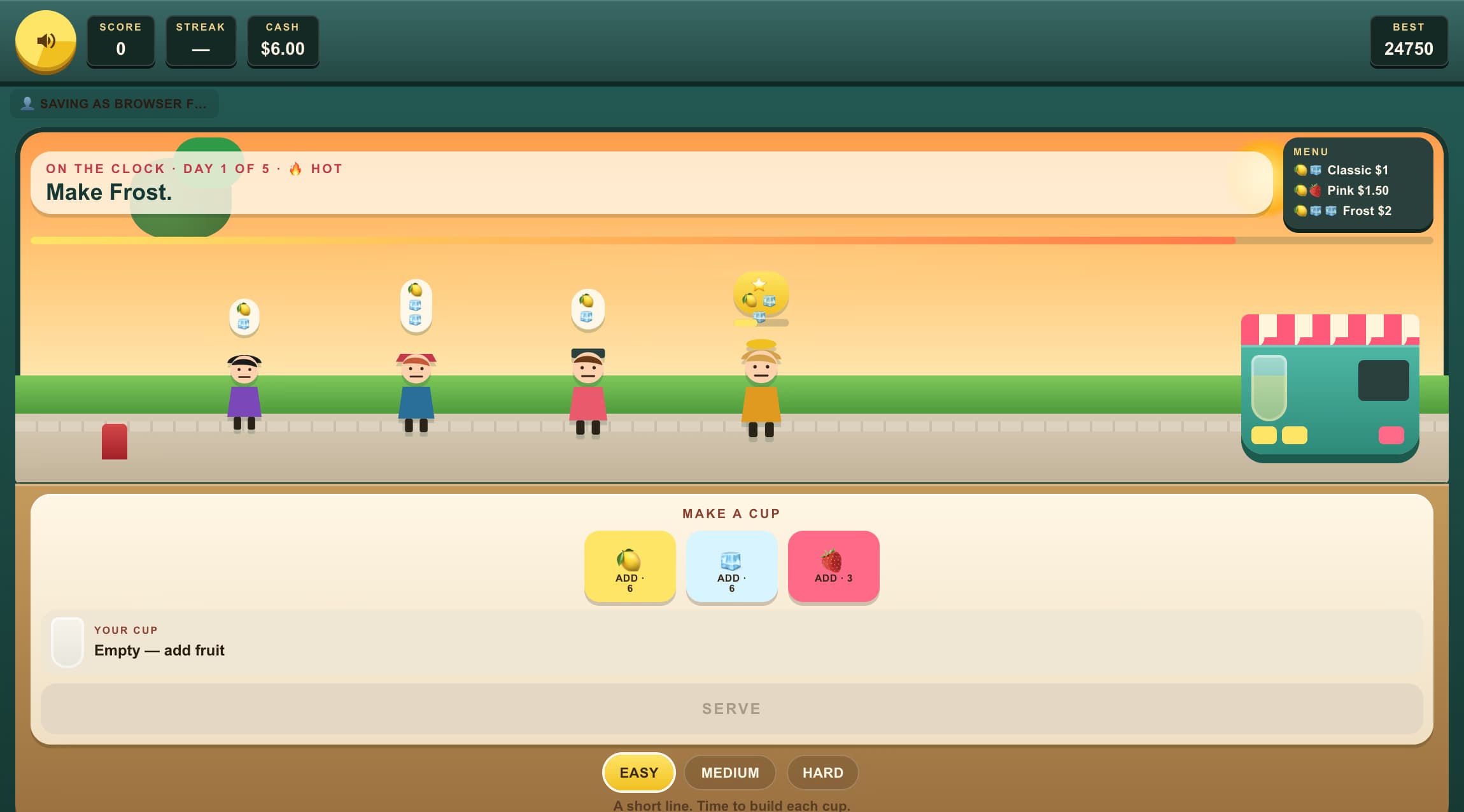
Achetez des fournitures, fixez les prix et maximisez vos profits
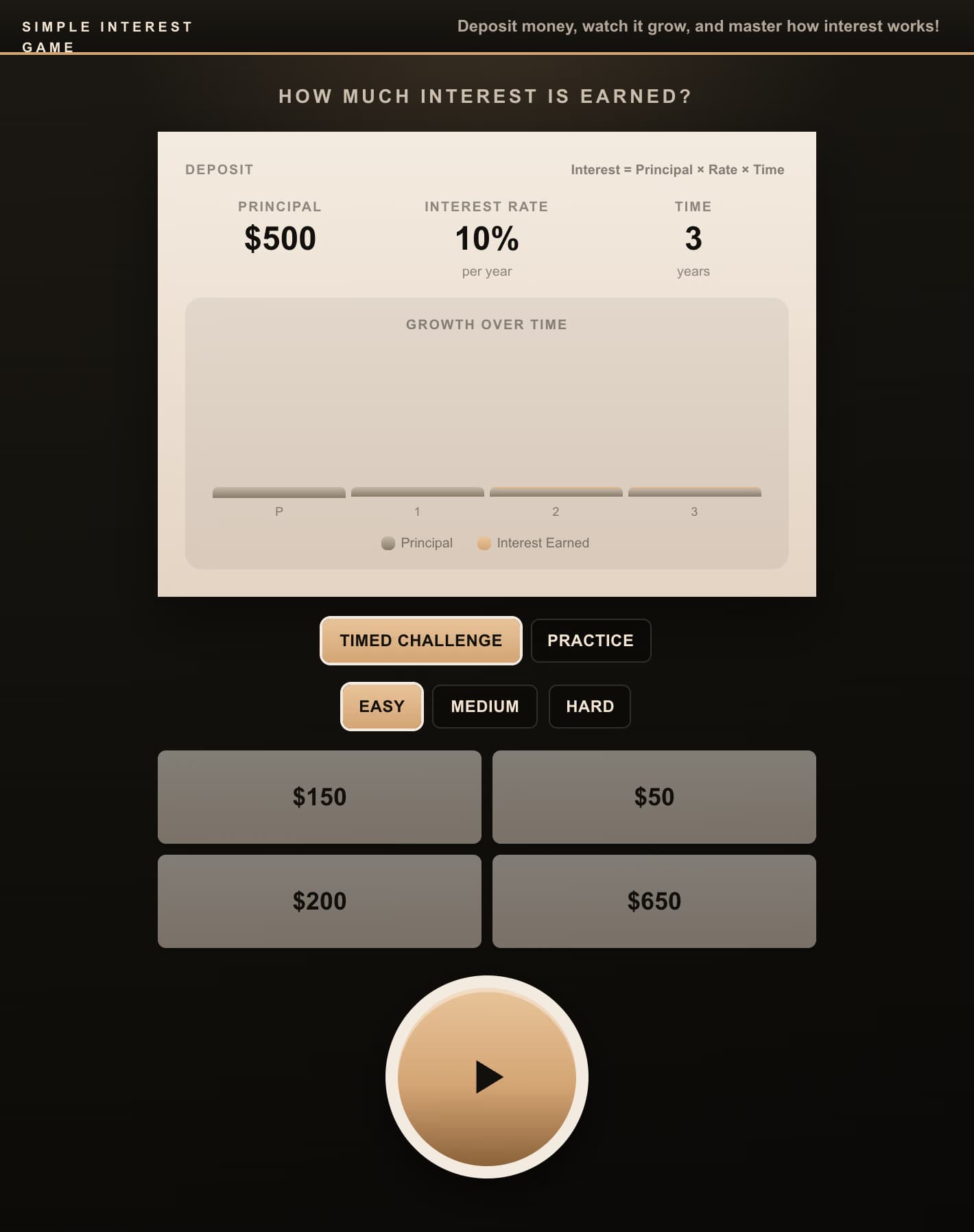
Déposez de l'Argent et Voyez-le Croître
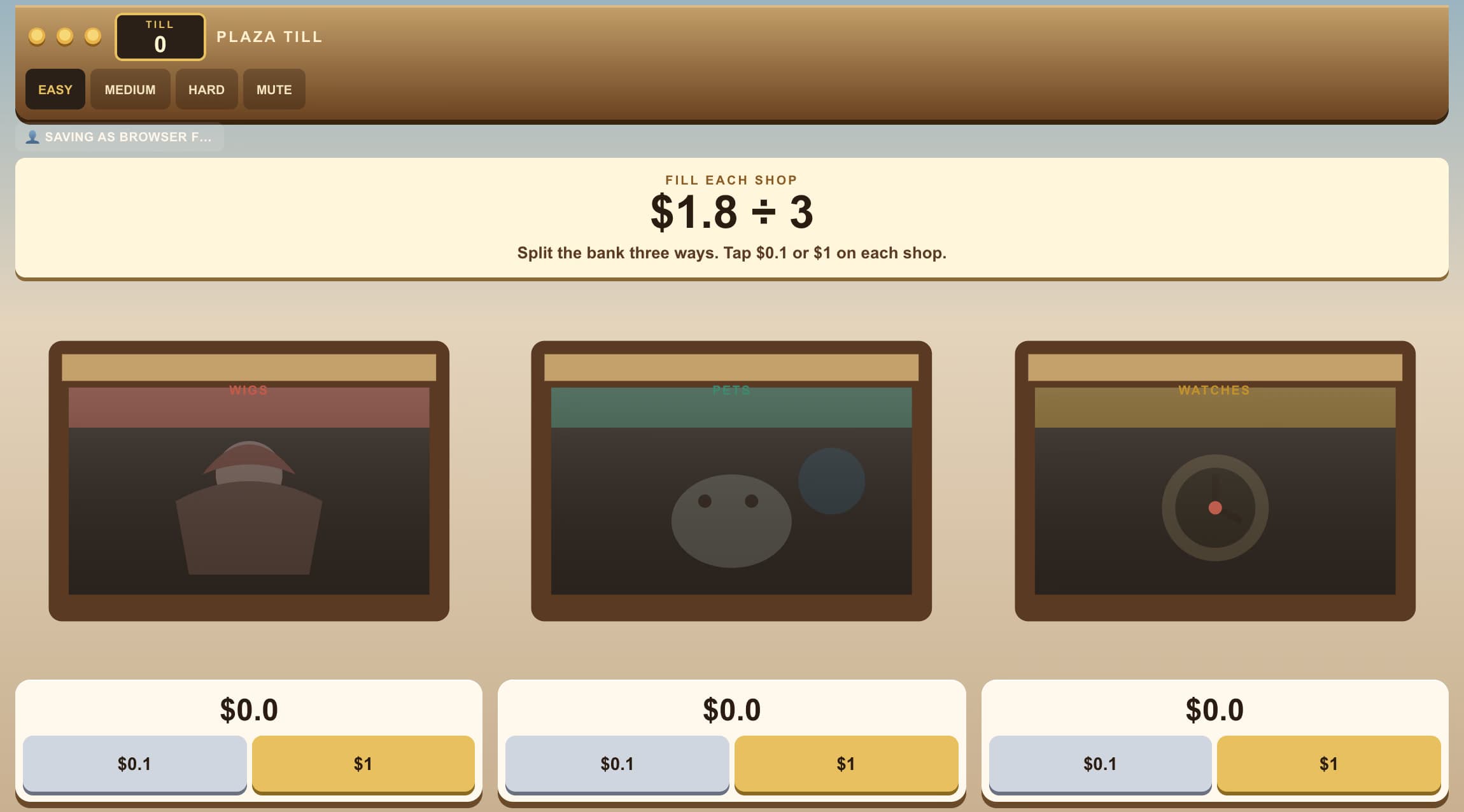
Division de nombres décimaux au dixième près
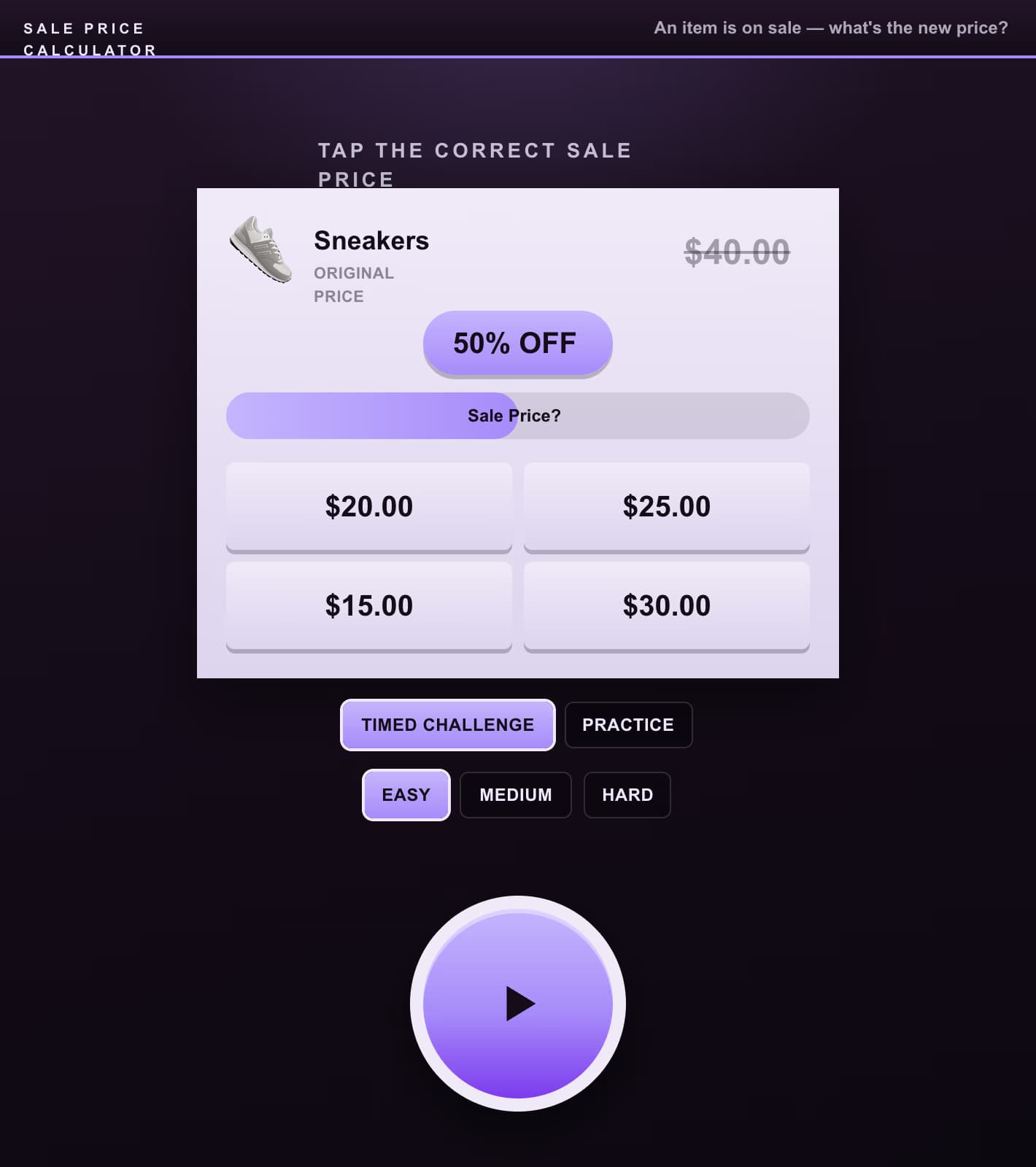
Calculez les Réductions et Trouvez le Nouveau Prix
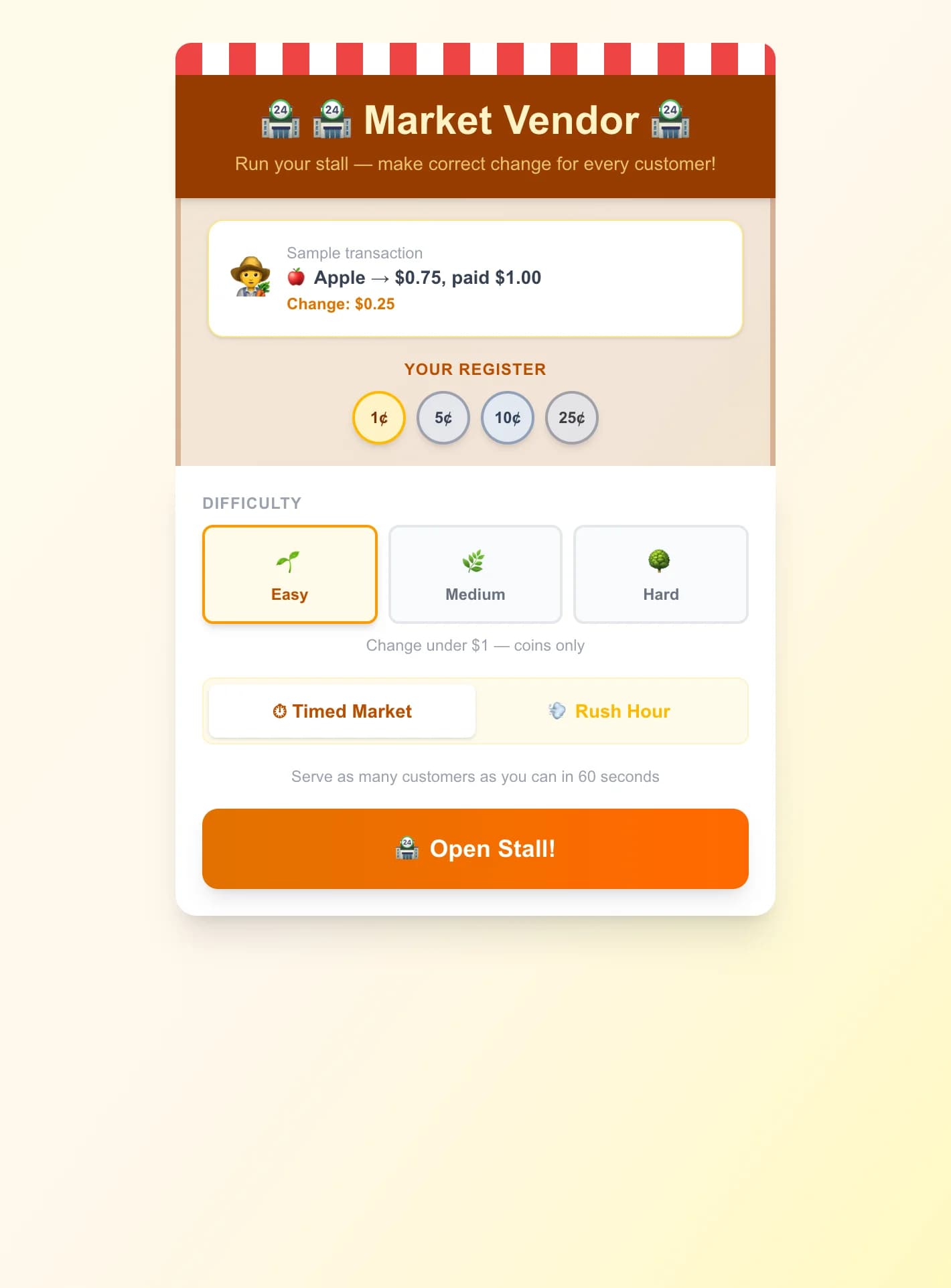
Rendez la monnaie exacte aux clients de votre stand
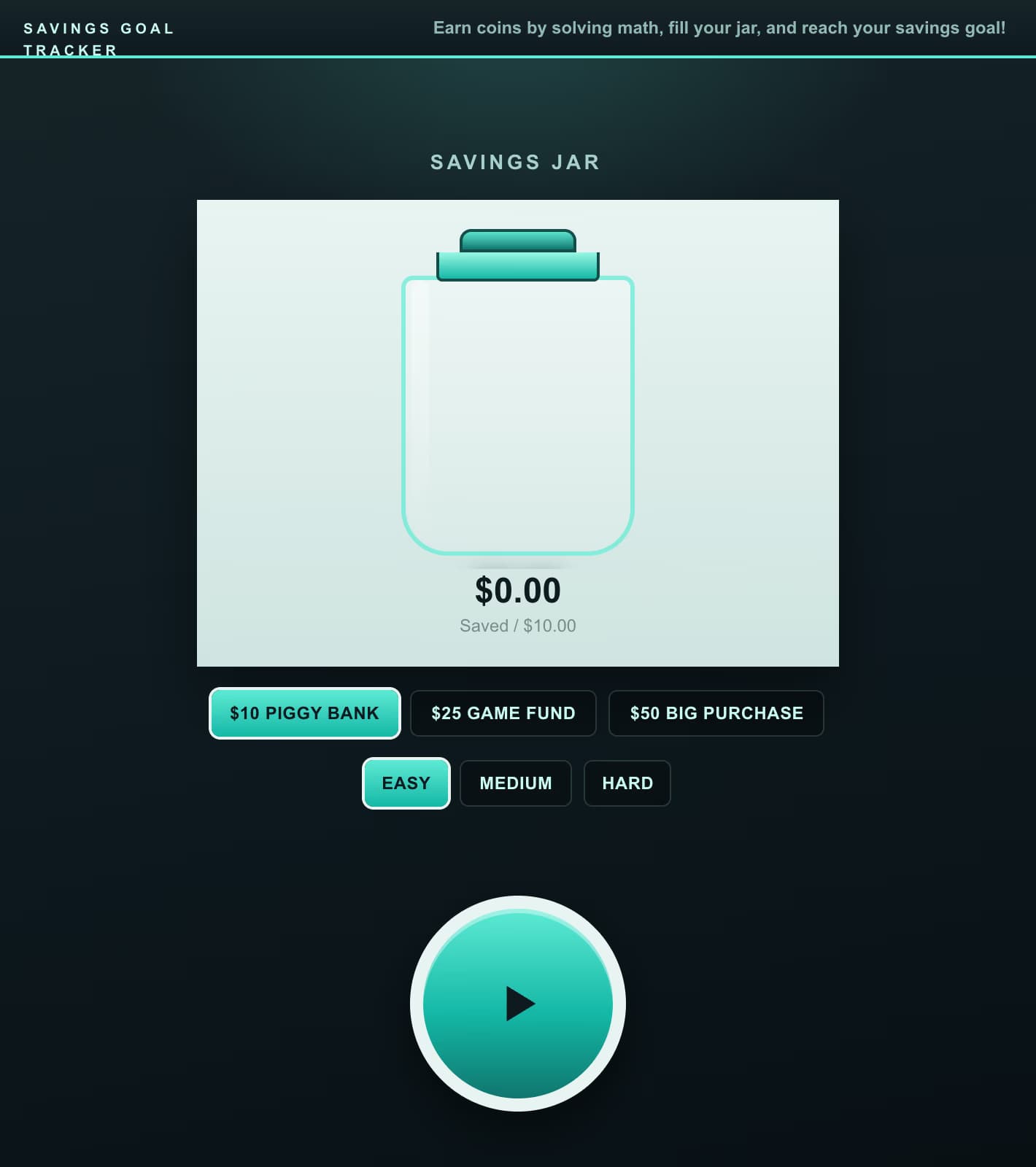
Gagnez de l'Argent en Résolvant des Maths et Remplissez Votre Bocal
Comment jouer à Budget Builder
Lire les lignes d'échéance
Cinq enveloppes sont placées dans les casiers. Chacune indique le montant déjà présent et la ligne rouge du minimum à atteindre.
Remplir les enveloppes
Faites glisser les liasses du plateau de paie vert vers les enveloppes. Couvrez chaque ligne d'échéance. L'argent restant peut aller n'importe où — l'épargne rapporte un gros bonus à 20 %.
Corriger une erreur
Saisissez la liasse supérieure dans une enveloppe remplie et déplacez-la. Le mois ne se valide pas tant que le plateau n'est pas vide et qu'aucune enveloppe n'est en manque.
Battre le chrono
Huit mois validés permettent de réussir la mission. Trois mois en manque de fonds terminent la partie. Les modes Facile, Moyen et Difficile modifient la taille des liasses, les seuils d'échéance et le temps imparti.
Fonctionnalités clés
Billets sur le bureau
Le salaire arrive sous forme de liasses réelles que vous pouvez manipuler. Vous les insérez dans cinq enveloppes en papier kraft dans un casier en chêne. Les éléments sont mobiles. Ce n'est pas une simple rangée de boutons plus et moins.
Lignes d'échéance
Chaque enveloppe possède une ligne rouge d'échéance — le minimum pour le loyer, la nourriture, le transport, les loisirs et (en mode Difficile) l'épargne. Déposer une liasse fait monter la pile. Dépasser la ligne rapporte des points bonus.
L'horloge tampon
Le mois est validé quand le plateau est vide et que chaque ligne d'échéance est couverte. Si l'horloge atteint zéro avant, une enveloppe manque de fonds et vous perdez une semaine.
Reprendre ses billets
La liasse supérieure d'une enveloppe peut être déplacée vers un autre compartiment ou remise sur le plateau. Un mauvais placement peut être corrigé ; ce n'est pas une réponse définitive à un quiz.
Qu'est-ce que Budget Builder ?
Budget Builder est un jeu de gestion de paie. Les joueurs font glisser des liasses de salaire dans des enveloppes pour le loyer, la nourriture, le transport, les loisirs et l'épargne. Un mois est complet quand chaque ligne d'échéance est couverte et que le plateau est vide. C'est de la budgétisation par enveloppes avec du poids et un chrono, pas un simple formulaire avec un bouton Valider.
Pourquoi jouer à Budget Builder ?
Chaque dollar a sa place
Le plateau doit être vidé. Les enfants comprennent la budgétisation à base zéro car les liasses restantes restent sur le sous-main tant qu'elles n'ont pas été rangées.
Les besoins d'abord
Les lignes d'échéance pour le loyer et la nourriture ne sont pas facultatives. Dépenser tout le salaire dans les Loisirs laisse une enveloppe vide et coûte une semaine.
L'épargne récompensée
Un mois avec 20 % ou plus en Épargne déclenche un bonus « grosse épargne ». Le mode Difficile impose un seuil minimum d'épargne.
Manipulation intuitive
Les liasses sont assez grandes pour être déplacées facilement. Le réglage du volume se trouve avec le score, et non caché sous le bouton plein écran.
Foire aux questions
Comment valider un mois ?
Videz le plateau de paie et couvrez la ligne rouge d'échéance sur chaque enveloppe. Le bureau se tamponne tout seul. Il n'y a pas de bouton Valider.
Que faire si j'ai mis trop d'argent dans les Loisirs ?
Sortez la liasse du dessus de cette enveloppe et déposez-la dans une enveloppe en manque. Vous pouvez déplacer l'argent tant que le chrono n'est pas arrivé à zéro.
Que changent les modes Facile, Moyen et Difficile ?
La taille des liasses, la sévérité des lignes d'échéance, la présence ou non d'un minimum d'épargne et le temps accordé par l'horloge.
Comment le score est-il calculé ?
Chaque placement utile rapporte des points. Dépasser une ligne d'échéance ajoute un bonus. Valider un mois rapporte des points, avec un bonus supplémentaire si l'épargne atteint au moins 20 % du salaire. Les séries de succès augmentent la récompense.
Pour quel niveau scolaire est-ce adapté ?
Du CM2 à la 4ème (environ 10–14 ans), quand les élèves travaillent sur l'argent et les pourcentages. Restez en mode Facile pour avoir des liasses plus grandes et un temps plus long.