Seret Syiling untuk Mencapai Jumlah Sasaran
Seret atau ketik duit syiling satu sen, lima sen, sepuluh sen, dan suku dolar ke dalam tabung ayam untuk membuat jumlah sasaran yang tepat! Tiga peringkat kesukaran memperkenalkan konsep wang langkah demi langkah — daripada 1–10 sen dengan hanya syiling satu sen dan lima sen, sehingga 50 sen dengan keempat-empat jenis syiling AS.
Lagi seperti ini
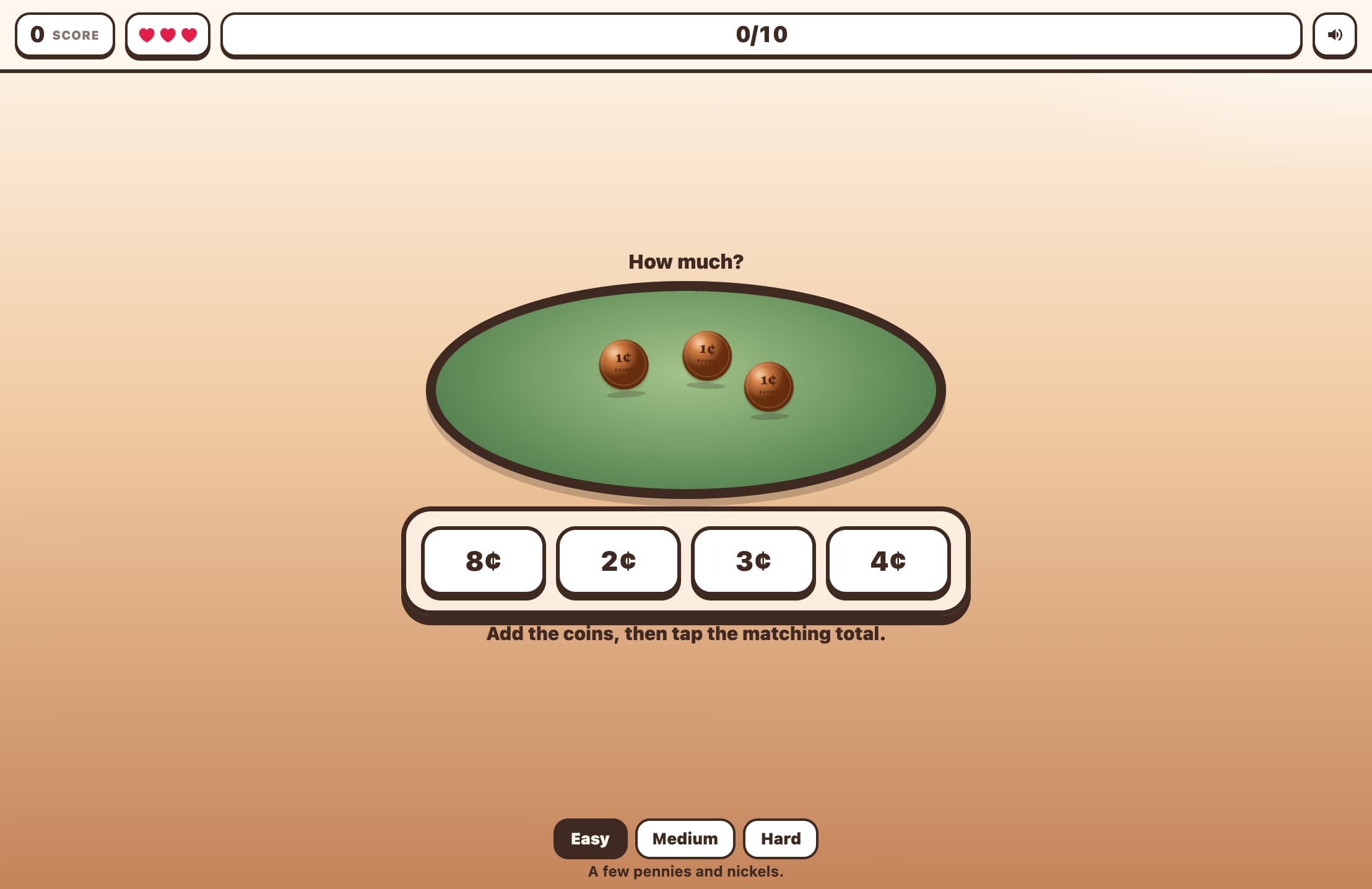
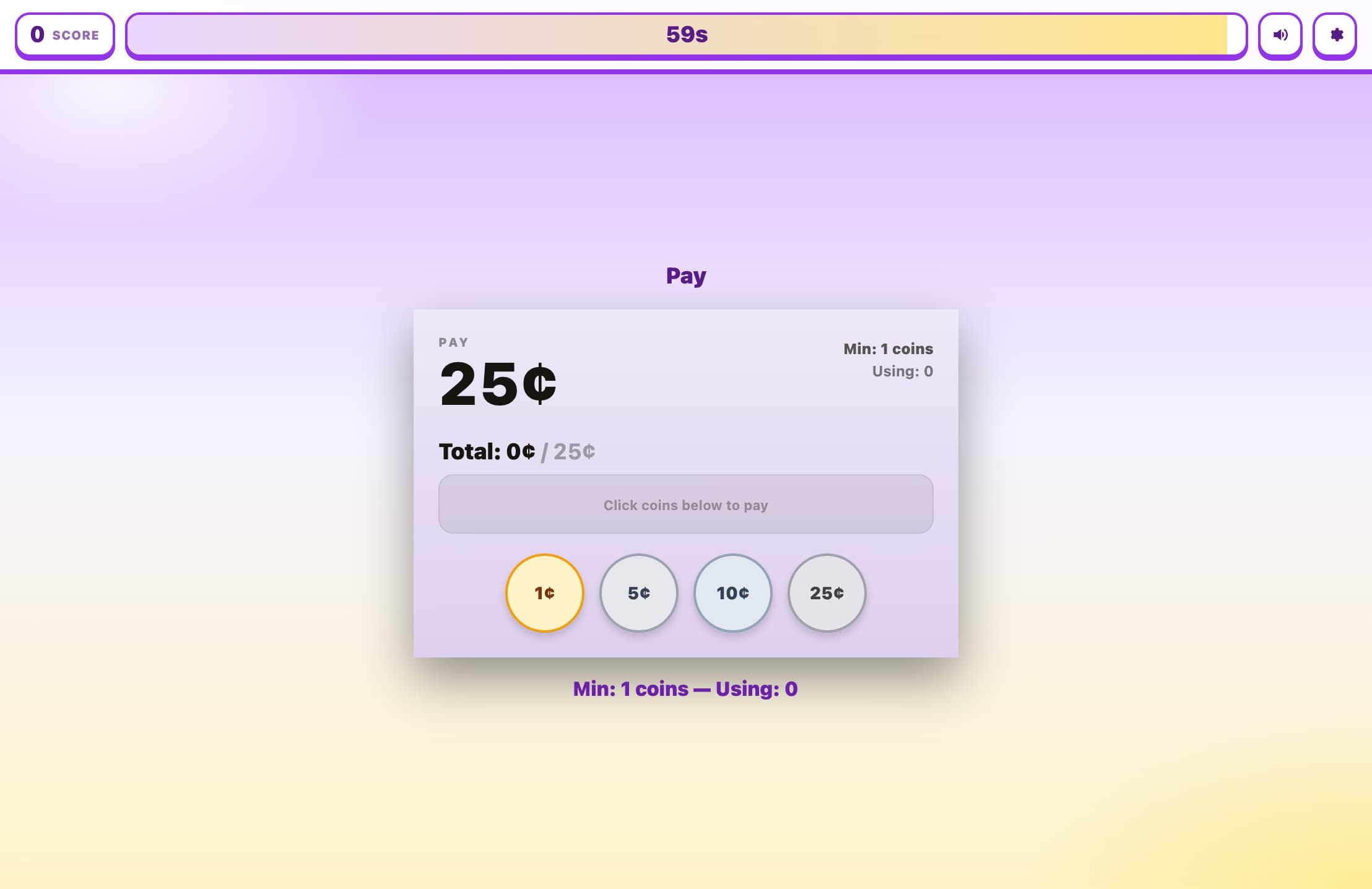
Cara guna
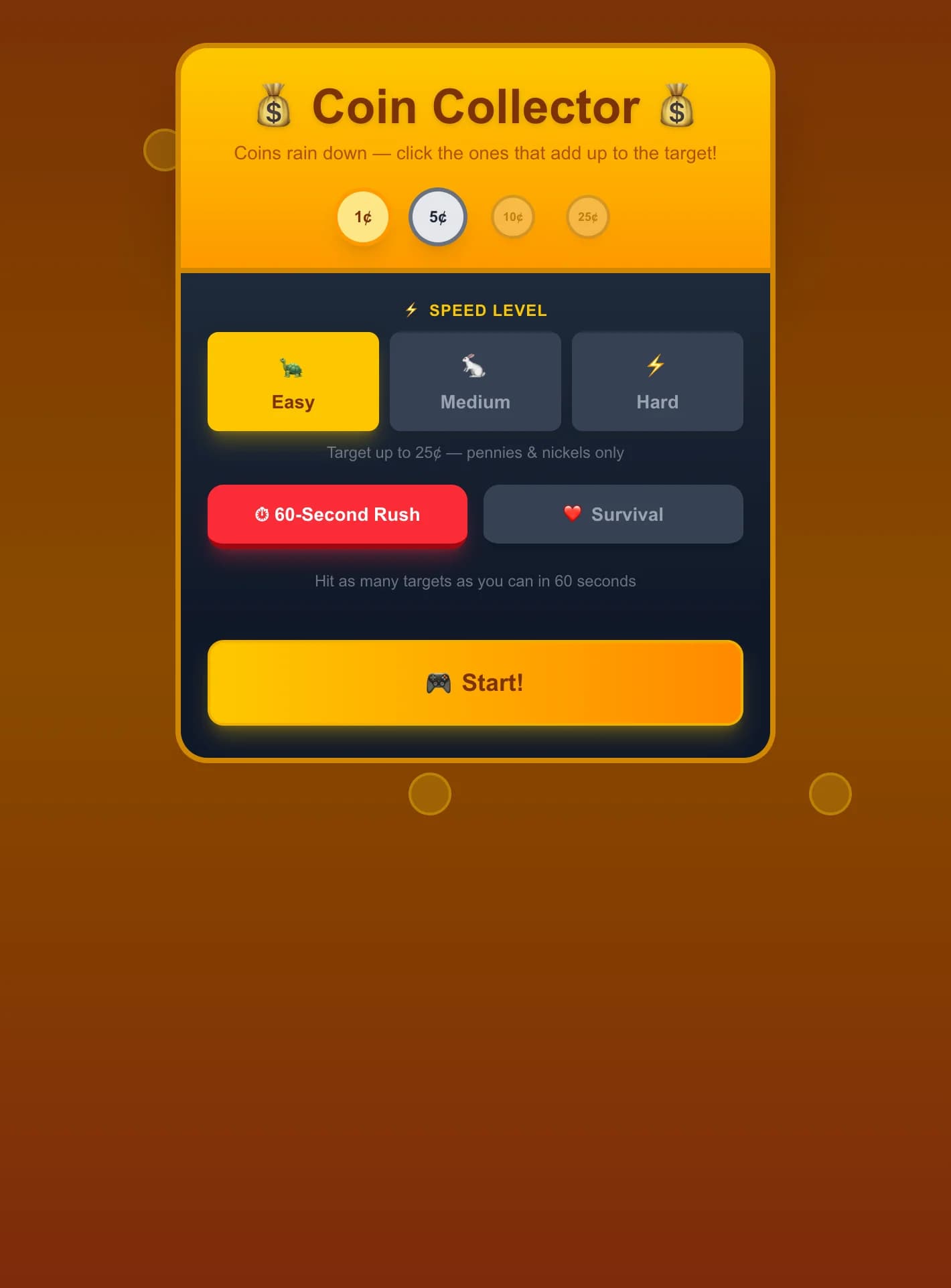
Pilih kesukaran Mudah, Sederhana, atau Sukar dan mod permainan, kemudian ketik 'Mula Mengira!'
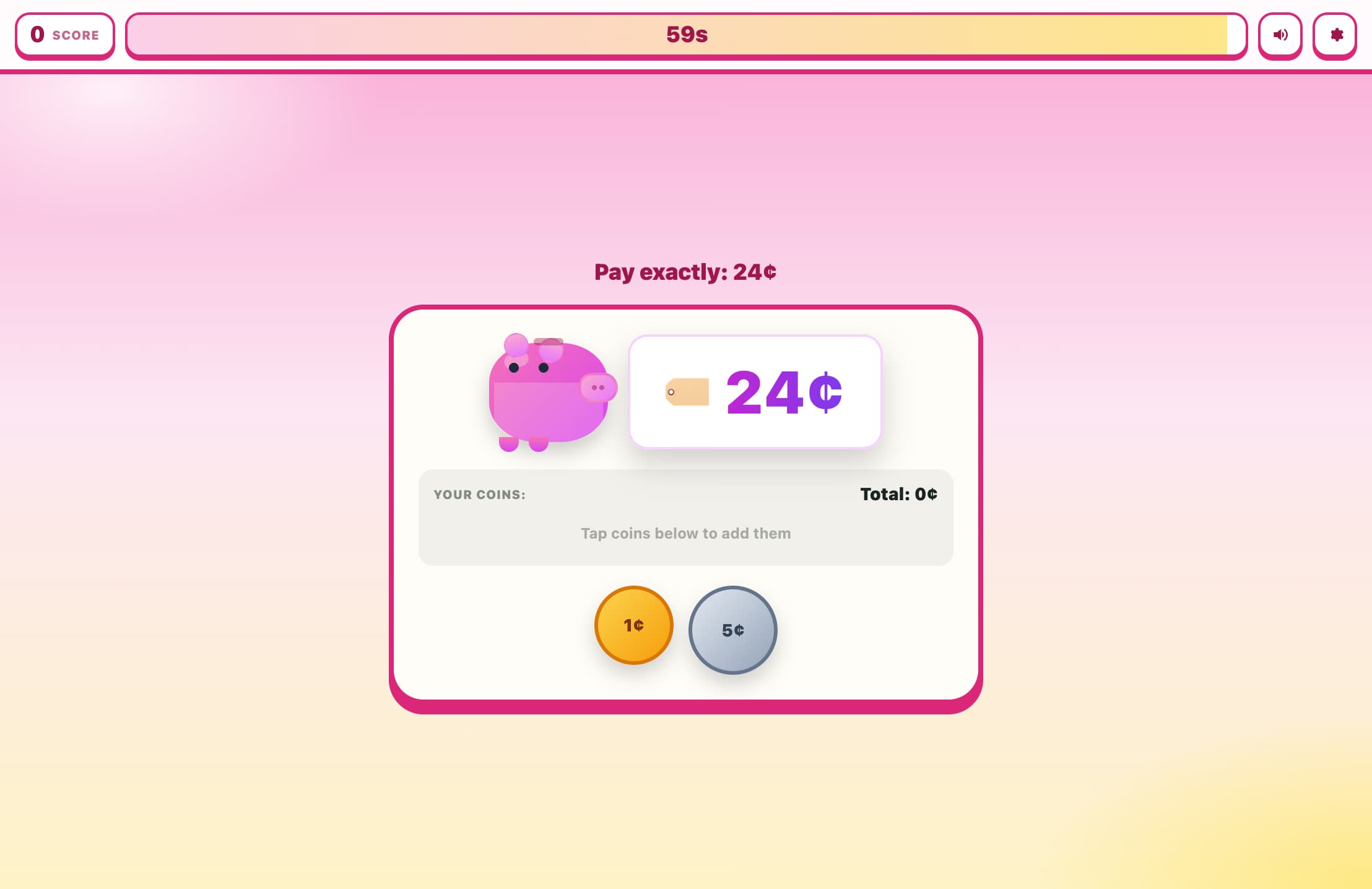
Jumlah sasaran muncul di bahagian atas tabung ayam — contohnya 'Sasaran: 17 sen'
Seret syiling dari baris bawah ke tabung ayam, atau hanya ketik untuk menambah dengan segera
Perhatikan jumlah berjalan yang dikemas kini — petunjuk di bawah menunjukkan berapa sen lagi yang anda perlukan
Jika anda melebihi, bank bertukar merah — ketik syiling dalam bank untuk mengeluarkannya
Apabila jumlah tepat mencapai sasaran, bank bertukar hijau dan secara automatik beralih kepada masalah seterusnya
Bina rentetan 3+ jawapan betul berturut-turut untuk mata bonus!
Ciri Utama
Visual syiling tersuai: cakera logam gradien jejari dengan kemasan kuprum (syiling satu sen), perak (syiling lima sen/sepuluh sen), dan emas-perak (suku dolar) yang realistik
Seret dan lepas sepenuhnya: seret syiling dari baris sumber dan lepaskannya pada tabung ayam, atau hanya ketik untuk menambah dengan segera
Syiling hantu mengikut penuding semasa menyeret, berskala 1.25× dengan bayangan jatuh untuk maklum balas visual yang memuaskan
Tabung ayam melantun apabila syiling dilepaskan dan menukar sempadan/latar belakang kepada hijau (tepat) atau merah (melebihi sasaran)
Ketik mana-mana syiling dalam bank untuk mengeluarkannya, atau gunakan butang Kosongkan Bank untuk bermula semula
Mod arked 10 masalah dan mod tergesa-gesa 60 saat dengan bonus berturut-turut
Skor terbaik disimpan mengikut mod dan kesukaran
Apa Itu Pembilang Syiling?
Pembilang Syiling ialah permainan matematik wang interaktif di mana pemain menyeret atau mengetik syiling (syiling satu sen, lima sen, sepuluh sen, suku dolar) ke dalam tabung ayam untuk mencapai jumlah sasaran yang tepat yang ditunjukkan dalam sen. Permainan ini mengesan secara automatik apabila jumlah sepadan dengan sasaran dan segera beralih kepada masalah seterusnya, menjadikan pembelajaran konsep wang cepat dan memuaskan.
Mengapa Bermain Pembilang Syiling?
Memperkenalkan Nilai Syiling AS Sebenar
Mengajar denominasi syiling AS sebenar (1 sen, 5 sen, 10 sen, 25 sen) secara praktikal, membantu kanak-kanak mengaitkan penampilan setiap syiling dengan nilainya.
Membina Kemahiran Tambah dan Dekomposisi
Pemain secara semula jadi meneroka pelbagai kombinasi syiling untuk jumlah yang sama, membangunkan pemikiran fleksibel tentang bagaimana nombor boleh disusun dan diuraikan.
Meniru Pengendalian Syiling Kehidupan Sebenar
Mekanisme seret dan lepas meniru pengalaman fizikal mengira syiling ke dalam tabung ayam, menjadikan permainan terasa nyata dan intuitif.
Progresi Kesukaran yang Diperkukuh
Mudah bermula hanya dengan syiling satu sen dan lima sen untuk jumlah sehingga 10 sen. Sukar menggunakan keempat-empat denominasi untuk jumlah sehingga 50 sen, secara semula jadi membina kerumitan apabila kemahiran berkembang.
Mengajar Pengurusan Wang yang Berhati-hati
Maklum balas melebihi sasaran (sempadan merah, 'X sen terlalu banyak!') mengajar bahawa anda tidak boleh menambah syiling secara membuta — anda mesti merancang kombinasi anda, pelajaran awal dalam bajet.
Soalan Lazim
Syiling manakah yang tersedia pada setiap kesukaran?
Mudah: hanya syiling satu sen (1 sen) dan lima sen (5 sen), sasaran 1–10 sen. Sederhana: menambah syiling sepuluh sen (10 sen), sasaran 5–30 sen. Sukar: keempat-empat syiling AS termasuk suku dolar (25 sen), sasaran 10–50 sen.
Bagaimana cara seret dan lepas berfungsi pada skrin sentuh?
Sentuh syiling dan tahan untuk mula menyeret — syiling hantu mengikut jari anda. Lepaskannya pada tabung ayam untuk menjatuhkannya ke dalamnya. Jika anda hanya mengetik dengan cepat (kurang daripada 350ms, pergerakan sedikit), syiling akan ditambah secara automatik tanpa perlu menyeret sehingga akhir.
Bolehkah saya mengalih keluar syiling selepas saya menambah terlalu banyak?
Ya! Ketik mana-mana syiling kecil di dalam bank untuk mengeluarkannya (garis putus-putus menunjukkan ia boleh dikeluarkan). Anda juga boleh mengetik 'Kosongkan Bank' untuk mengalih keluar semua syiling dan bermula semula.
Untuk umur berapakah permainan ini?
Mod mudah (1–10 sen, syiling satu sen + lima sen) sesuai untuk umur 5–6 tahun yang baru belajar nama dan nilai syiling. Sederhana dan Sukar menambah lebih banyak denominasi dan jumlah yang lebih tinggi, sesuai untuk umur 7–9 tahun yang belajar mengira syiling campuran.
Adakah syiling ini spesifik untuk AS?
Denominasi (1 sen, 5 sen, 10 sen, 25 sen) sepadan dengan syiling satu sen, lima sen, sepuluh sen, dan suku dolar AS. Gaya visual (syiling satu sen kuprum, syiling lima sen/sepuluh sen perak, syiling suku dolar berwarna emas) juga sepadan dengan syiling AS. Simbol sen (¢) digunakan di seluruhnya.