More like this

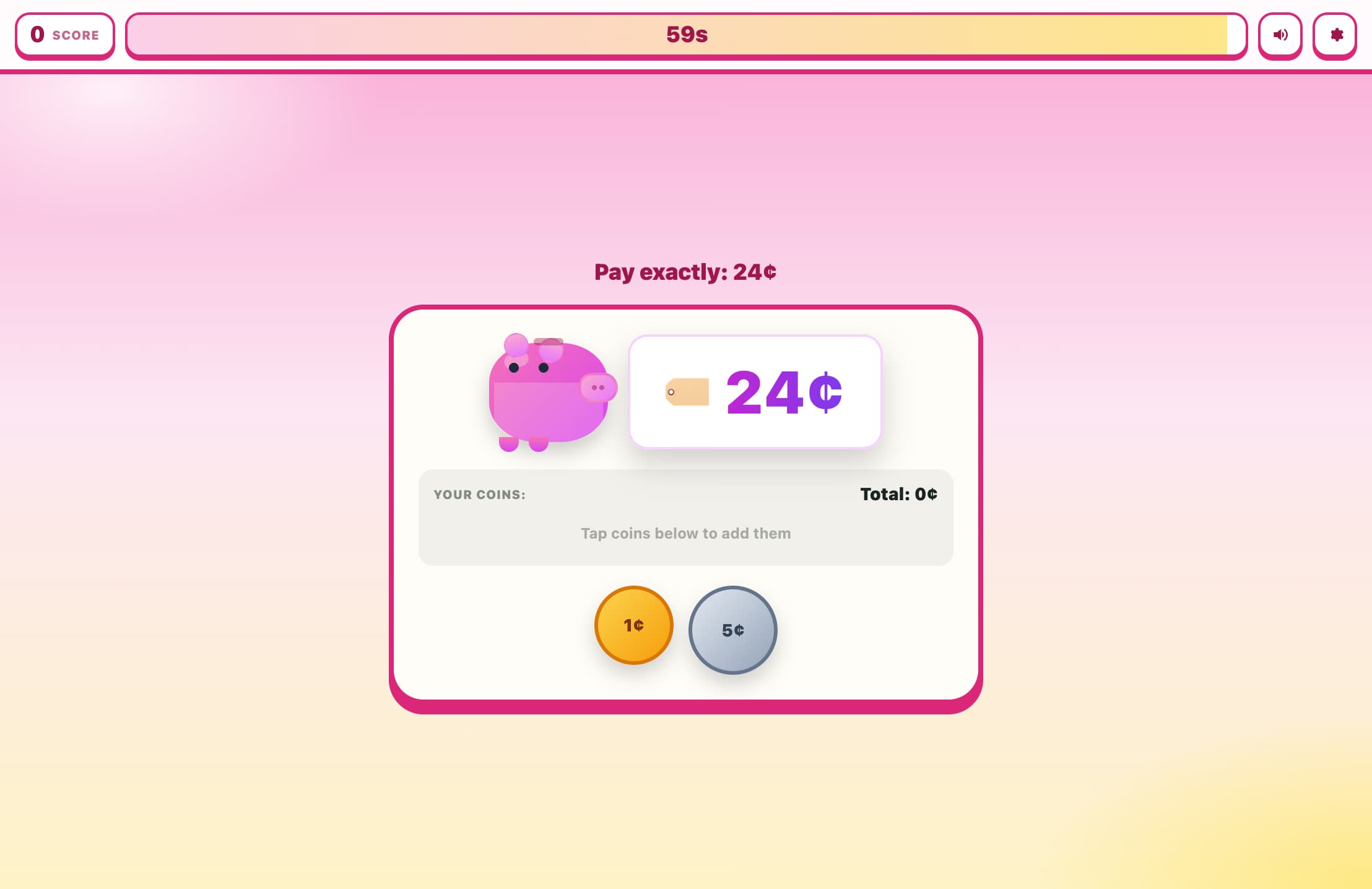
How to Play Exact Change Challenge
Choose your game mode (60-Second Rush or Practice) and difficulty level.
A price will appear — your goal is to pay that exact amount.
Click coin buttons at the bottom to add coins to your payment.
The 'Min' indicator shows the fewest coins needed; try to match or beat it.
When your total equals the price, the game checks if you used the minimum coins.
A perfect (minimum-coin) payment scores a point and advances to the next price.
If you used too many coins, choose 'Try Again' to redo the same price or 'Skip' to move on.
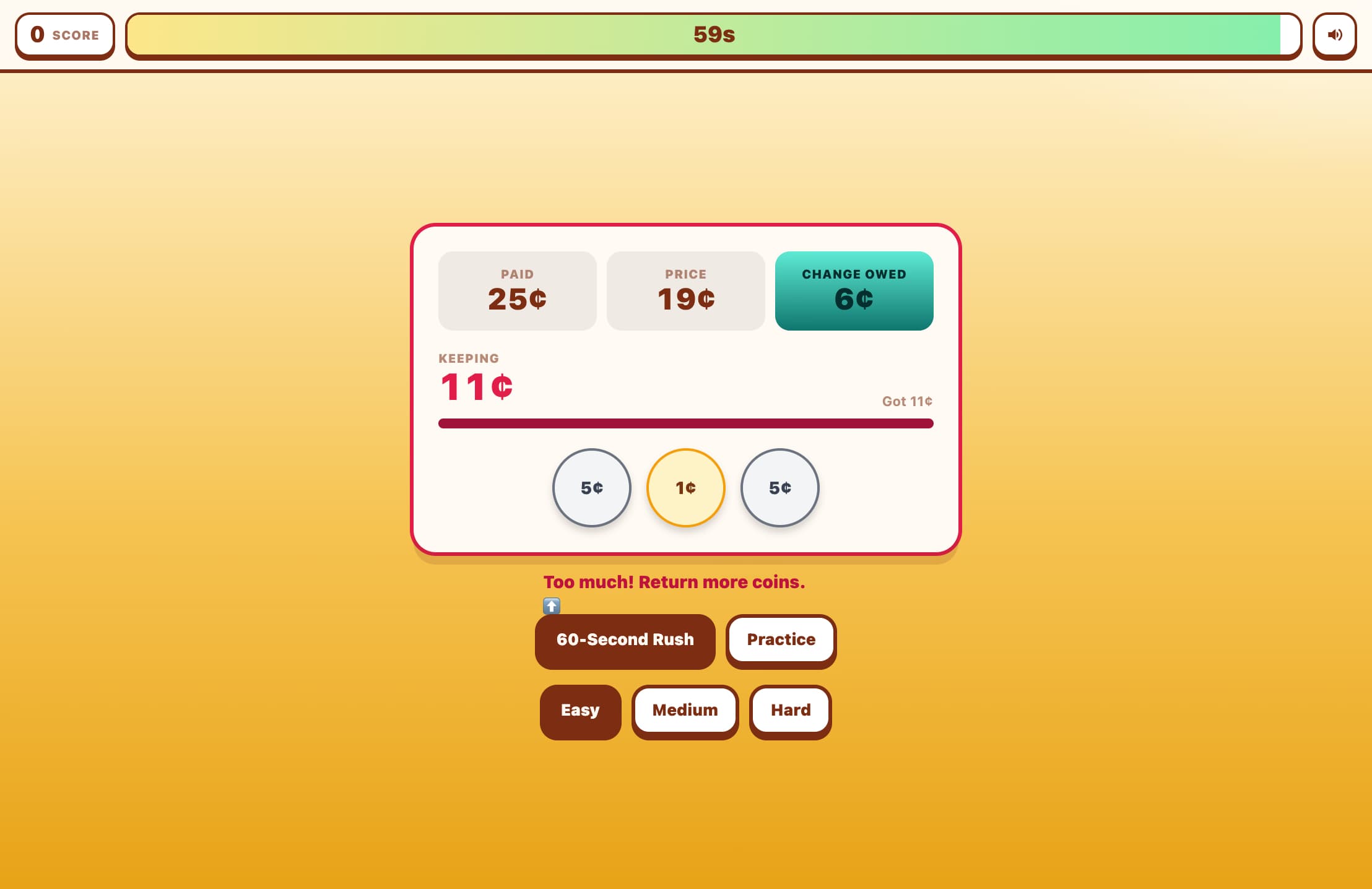
If you accidentally overpay, click individual coins in the payment area to remove them, or press 'Undo' or 'Reset'.
Key Features
Minimum-Coin Scoring
Score points only when you use the least possible number of coins to pay — perfect for building efficient money habits.
All US Coin Denominations
Practice with penny, nickel, dime, quarter, half-dollar, and dollar coins across three difficulty levels.
Instant Feedback
The game tells you if your payment was perfect (minimum coins) or if you can do better — with a 'Try Again' option to improve.
Timed and Practice Modes
Race the clock in 60-Second Rush mode, or take your time in Practice mode to master each coin combination.
Difficulty Levels
Beginner covers amounts up to 99¢ with four coin types; Advanced adds the 50¢ coin up to $1.99; Expert adds the $1 coin for amounts up to $4.99.
What is Exact Change Challenge?
Exact Change Challenge is a strategy-based coin game that teaches players to pay exact amounts using the fewest coins possible. Unlike simple coin-counting games, this one rewards efficiency — motivating players to think about coin denominations strategically rather than just piling up pennies. It covers all six US coin types across three difficulty levels, making it suitable for beginners learning basic coin recognition all the way to older students mastering complex combinations up to $4.99.
Why Play Exact Change Challenge?
Builds real-world money skills
Builds real-world money skills — knowing how to make exact change quickly is a practical life skill.
Develops strategic thinking about denominations, not just...
Develops strategic thinking about denominations, not just coin identification.
Reinforces mental math: estimating and combining values t...
Reinforces mental math: estimating and combining values toward a target.
Covers all US coins from penny to dollar in a single game
Covers all US coins from penny to dollar in a single game.
Timed mode adds excitement and replay value for older lea...
Timed mode adds excitement and replay value for older learners.
The 'Try Again' mechanic turns mistakes into learning mom...
The 'Try Again' mechanic turns mistakes into learning moments rather than penalties.
Frequently Asked Questions
What is the 'minimum coins' goal?
For any given price, there is an optimal (smallest) number of coins that can make that exact amount using the available denominations. The game calculates this minimum using the greedy algorithm and displays it as your target. For example, 36¢ can be made with 3 coins: 25¢ + 10¢ + 1¢.
What happens if I use the right amount but too many coins?
The game tells you how many coins you used versus the minimum, and offers a 'Try Again' button to retry the same price. You can also press 'Skip' to move on without scoring a point.
Can I remove coins after adding them?
Yes! Click any coin in the payment area to remove it individually. You can also press 'Undo' to remove the last coin added, or 'Reset' to clear all selected coins and start over.
Which coins are available in each difficulty?
Beginner uses penny (1¢), nickel (5¢), dime (10¢), and quarter (25¢) for amounts up to 99¢. Advanced adds the half-dollar (50¢) for amounts up to $1.99. Expert adds the dollar coin ($1) for amounts up to $4.99.
Is the greedy algorithm always optimal for US coins?
Yes! The US coin set (1, 5, 10, 25, 50, 100 cents) satisfies the greedy property, meaning always choosing the largest coin that fits always yields the minimum total number of coins.
Is this game suitable for young children?
The Beginner difficulty is ideal for children in grades 2–4 who are learning to identify and count coins. Older students and adults will enjoy the Advanced and Expert levels, especially with the 60-second timed mode.