BrowserFun
New GamesCategoriesView All
© 2026 BrowserFun. All rights reserved.
Privacy PolicyTerms & ConditionsCookie PolicyDisclaimerConsent Preferences
  1. Home
  2. Tools
  3. Grocery Store Math

Grocery Store Math

Fill a shopping cart with grocery items without going over a set budget. Encourages addition, estimation, and simple budgeting for grades 3–4. Practice real-world money skills in a fun supermarket setting.

GamemoneyMathbudgetingKids

How to Play Grocery Store Math

  1. 1

    Choose your game mode (60-Second Rush or Practice) and difficulty level.

  2. 2

    A grocery store appears with a budget and a selection of items.

  3. 3

    Tap or click items to add them to your cart. The price adds to your cart total.

  4. 4

    Watch the budget bar — keep your total under the budget!

  5. 5

    Items you can't afford (would exceed the budget) appear grayed out.

  6. 6

    When you're happy with your cart, press 'Checkout' to score points.

  7. 7

    Score = total items bought. Try to fill your cart efficiently each round!

  8. 8

    In Timed mode, a new shopping trip starts automatically after checkout.

Key Features

  • Real Grocery Items

    30 familiar grocery items with realistic prices — apples, milk, bread, cheese, frozen pizza, and more. Kids recognize everyday items while practicing math.

  • Budget Challenge

    A budget is set each round. Items that don't fit are automatically disabled, teaching players to estimate and prioritize within their spending limit.

  • Live Budget Tracker

    A color-coded progress bar shows how much of the budget has been spent in real time — green when well within budget, yellow when close, red when nearly full.

  • Timed and Practice Modes

    Race through multiple shopping trips in 60-Second Rush mode, or shop at a relaxed pace in Practice mode to focus on the math.

  • Three Difficulty Levels

    Easy uses budgets of $4–$6 with items under $2.50. Medium scales to $8–$12. Hard challenges players with $12–$18 budgets and full-price items.

What is Grocery Store Math?

Grocery Store Math is a budgeting and addition game set in a virtual supermarket. Players are given a budget and a selection of grocery items, then must decide which items to put in their cart without exceeding the limit. The game builds practical financial literacy skills — estimating totals, comparing prices, and staying within a budget — all in a familiar, engaging setting for children in grades 3 and 4.

Why Play Grocery Store Math?

  • 1

  • 2

  • 3

  • 4

  • 5

  • 6

Frequently Asked Questions

What grade level is this game for?

The game is designed for grades 3–4, but younger children can play on Easy mode with parent help, and older students may enjoy the challenge of Hard mode within a timed setting.

Why can't I add certain items to my cart?

Items that would push your cart total over the budget are automatically disabled (shown grayed out). This teaches estimation — you need to plan which items fit within your remaining budget.

How is the score calculated?

Your score equals the total number of items you successfully check out across all shopping trips. Each checkout adds the number of items in your cart to your total score.

What is the difference between the difficulty levels?

Easy: budget $4–$6, items priced up to $2.50 — great for beginning addition. Medium: budget $8–$12, items up to $5.00. Hard: budget $12–$18, all item prices available — challenges more advanced estimators.

Can I remove items from my cart?

Yes! Click or tap any item already in your cart (shown with a green border and checkmark) to remove it and free up budget for other items.

Does the game use real prices?

Item prices are inspired by typical US grocery store prices but are rounded and simplified for educational purposes. The goal is familiarity and approachable arithmetic, not exact real-world accuracy.

Related Tools

GameAll →

🃏 24 Game 🃏

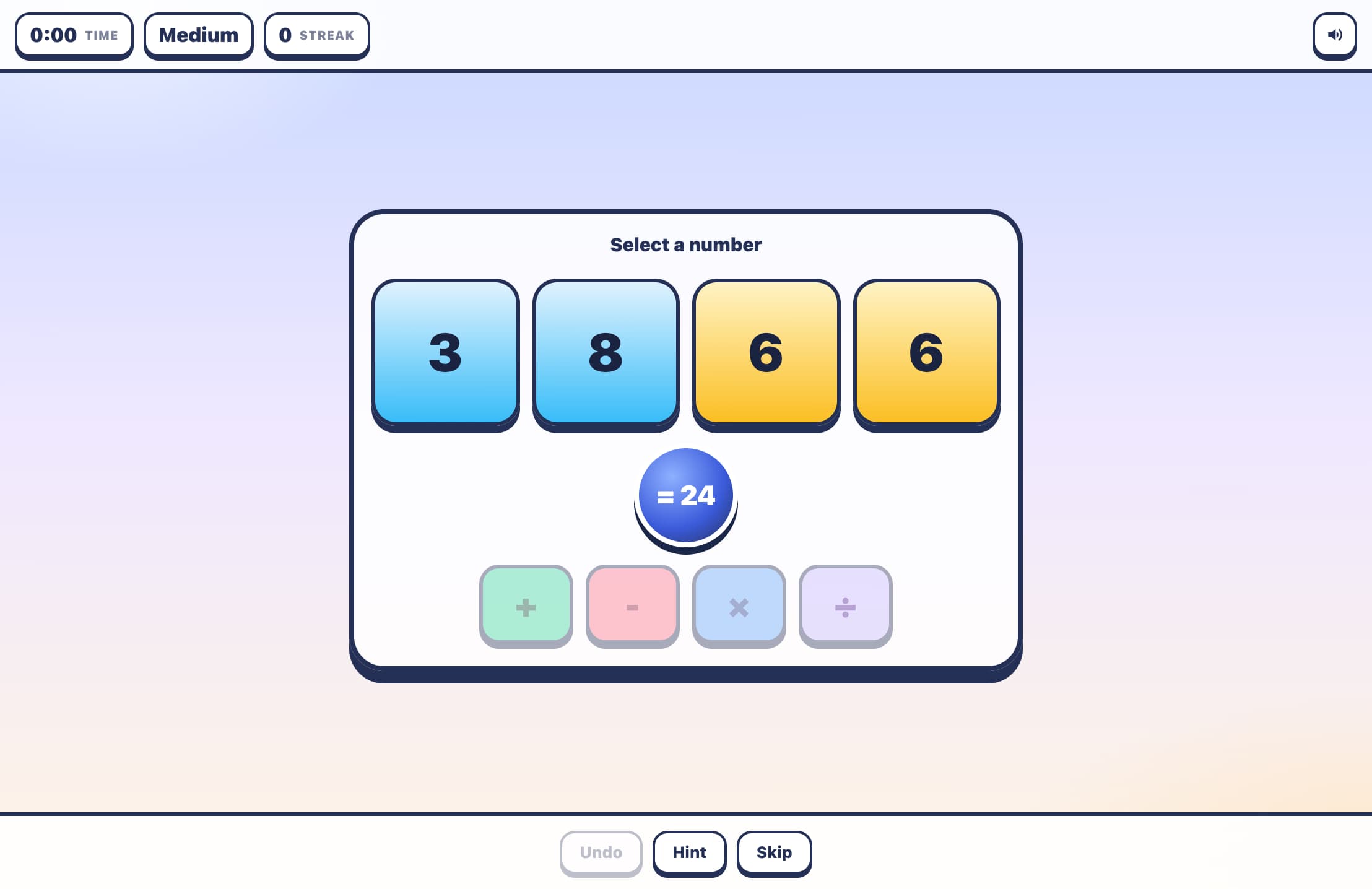
The classic 24 card game! Given 4 random numbers, combine them using +, −, ×, ÷ to reach exactly 24. Every number must be used exactly once. Choose your difficulty (1–6, 1–9, or 1–13), build a streak, and beat your best time!

🔢 Sudoku 🔢

Classic 9×9 Sudoku with four difficulty levels — Easy, Medium, Hard, and Expert. Features a live timer, mistake counter, pencil notes, and 3 hints per puzzle. Beat your best time!

🧩 MathDoku 🧩

A KenKen-style arithmetic puzzle! Fill the grid with 1–N so every row and column contains each number exactly once. Each outlined cage must equal its target value using addition, subtraction, multiplication, or division. Choose from 4×4, 5×5, or 6×6 grids.

2D Shape Explorer

Identify 2D shapes like triangles, squares, pentagons, hexagons, and more by counting their sides and corners. Features colorful SVG shapes, multiple question types (name, sides count, corners count), and three difficulty levels.

Acronym Generator

Turn any word into a creative acronym expansion! Pick a word from 42 preset options across 6 categories — or type your own — then fill in a word for each letter to build your unique acronym. Compare your creation with a built-in fun alternative.

Acrostic Puzzle – Solve Clues to Reveal a Hidden Phrase

Play acrostic puzzles where you solve word clues and the first letters of each answer spell out a hidden phrase. Features five categories, three difficulty levels, and a hint system.

moneyAll →

Coin Collector

Coins rain down from the top of the screen — click only the ones that add up to the target amount before time runs out. A fast-paced money math game that sharpens coin recognition and mental addition for all ages.

Coin Counter

Drag or tap pennies, nickels, dimes, and quarters into a piggy bank to make exact target amounts! Three difficulty levels introduce money concepts step by step — from 1–10¢ with just pennies and nickels, up to 50¢ with all four US coin types.

Exact Change Challenge

Pay for an item using the fewest coins possible. Teaches coin efficiency and combination strategies for amounts up to $5. A strategy-based money math game for all ages.

Make Change Beginner

A cashier gives too much money — tap the extra coins to return the correct change. Amounts stay under $1, perfect for 1st and 2nd graders learning to make change.

Market Vendor

Run a market stall — customers hand you bills and you give back the correct change. Escalating difficulty from simple coin change to multi-bill transactions. A fast-paced, real-world money skills game.

Piggy Bank Challenge

A price tag shows a small amount — tap the exact coins (pennies, nickels, dimes, quarters) to pay for it. Builds coin recognition, counting, and making-change skills with amounts up to $1.00.

MathAll →

🃏 24 Game 🃏

The classic 24 card game! Given 4 random numbers, combine them using +, −, ×, ÷ to reach exactly 24. Every number must be used exactly once. Choose your difficulty (1–6, 1–9, or 1–13), build a streak, and beat your best time!

🔢 Sudoku 🔢

Classic 9×9 Sudoku with four difficulty levels — Easy, Medium, Hard, and Expert. Features a live timer, mistake counter, pencil notes, and 3 hints per puzzle. Beat your best time!

🧩 MathDoku 🧩

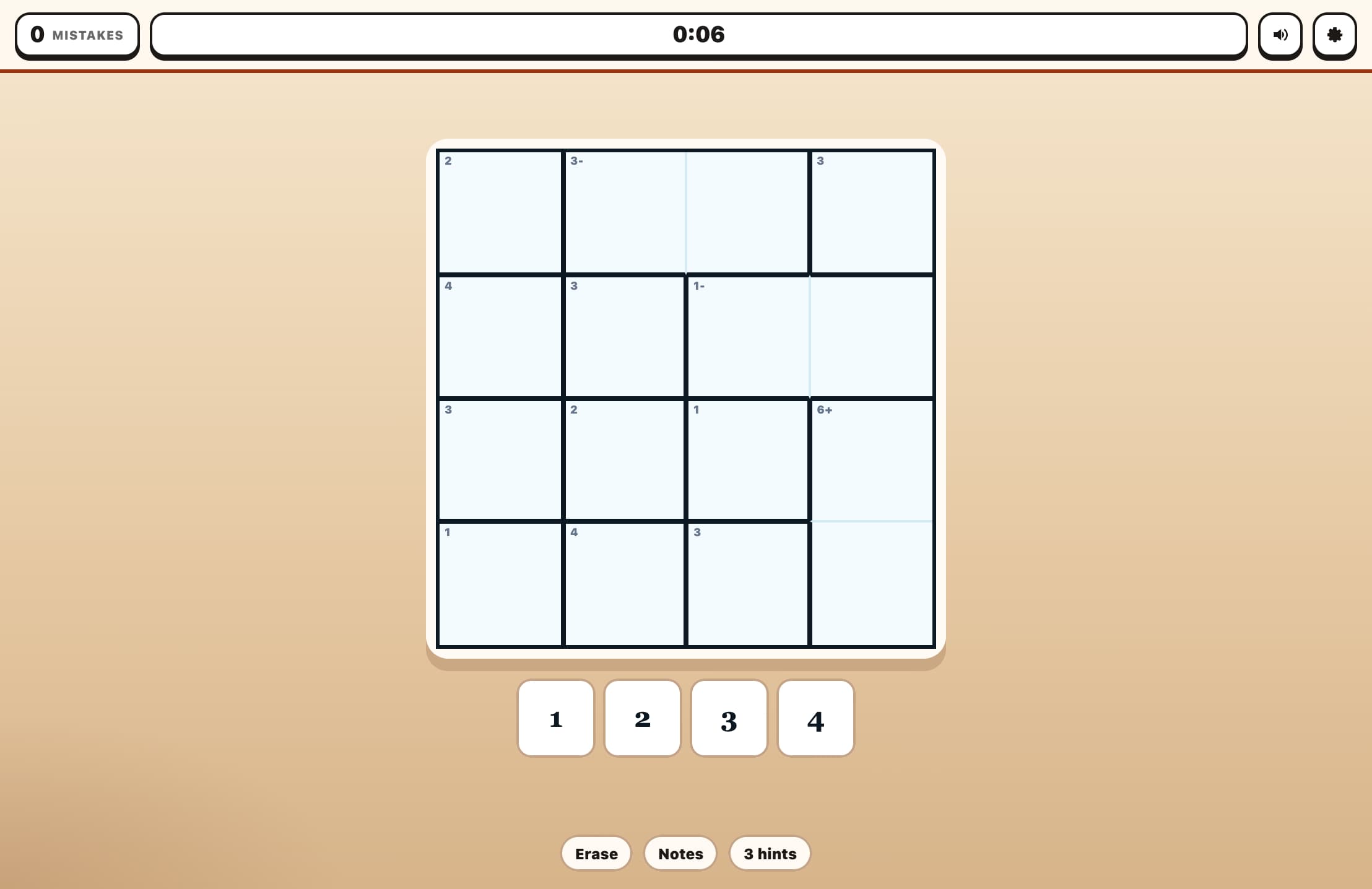
A KenKen-style arithmetic puzzle! Fill the grid with 1–N so every row and column contains each number exactly once. Each outlined cage must equal its target value using addition, subtraction, multiplication, or division. Choose from 4×4, 5×5, or 6×6 grids.

2D Shape Explorer

Identify 2D shapes like triangles, squares, pentagons, hexagons, and more by counting their sides and corners. Features colorful SVG shapes, multiple question types (name, sides count, corners count), and three difficulty levels.

Add the Animals

2 cats + 3 cats = ? Count adorable animal emoji to solve addition problems up to 10. A visual and engaging way for young learners to practice adding numbers through counting.

Angle Estimator Game

Train your eye for geometry! An angle is drawn on screen using two rays from a common vertex. Estimate the angle in degrees, then lock in your answer. The closer your guess, the higher your score — within 2° earns a perfect bullseye!