More like this
How to Play Piggy Bank Challenge
Choose Difficulty and Mode
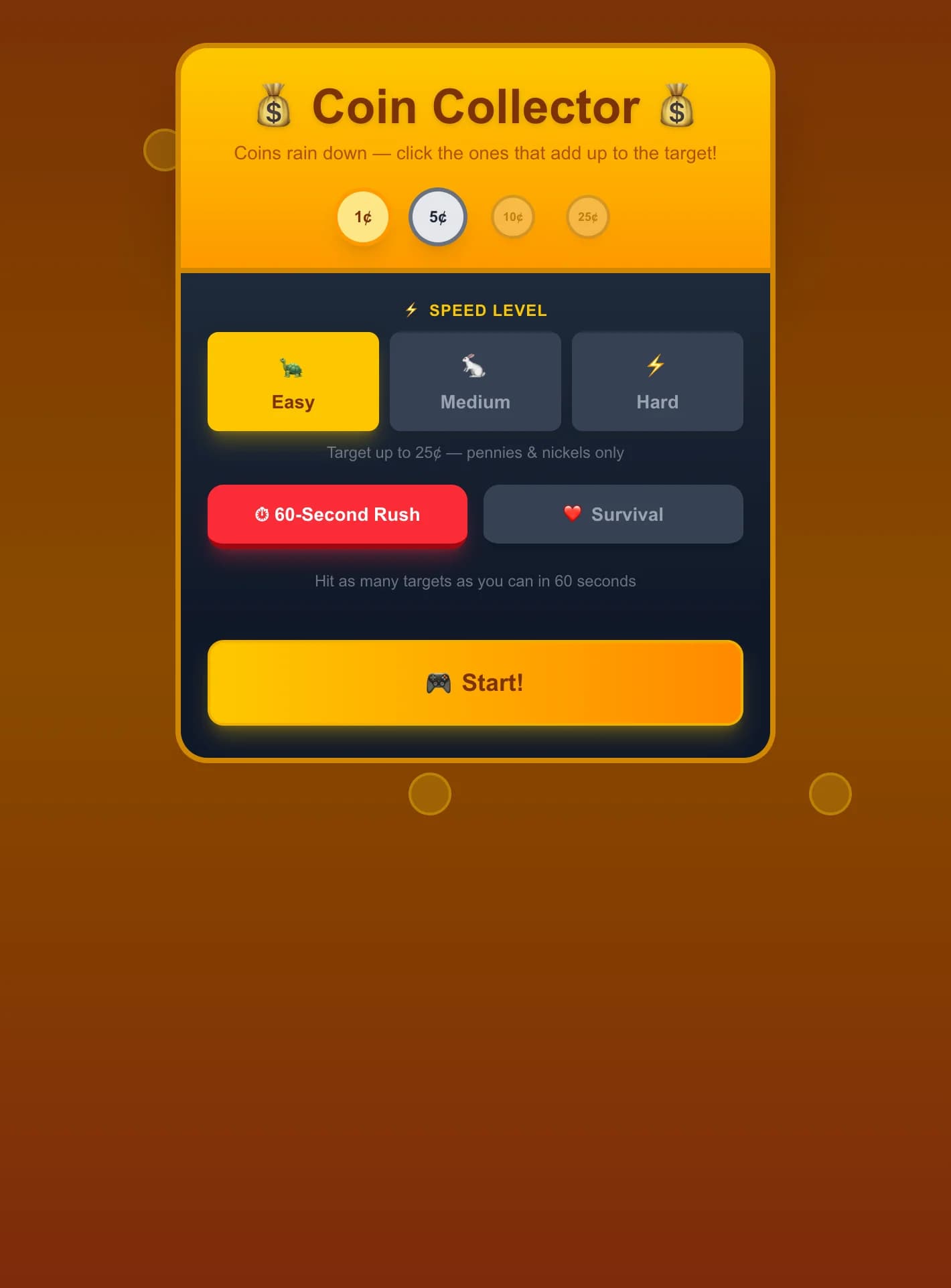
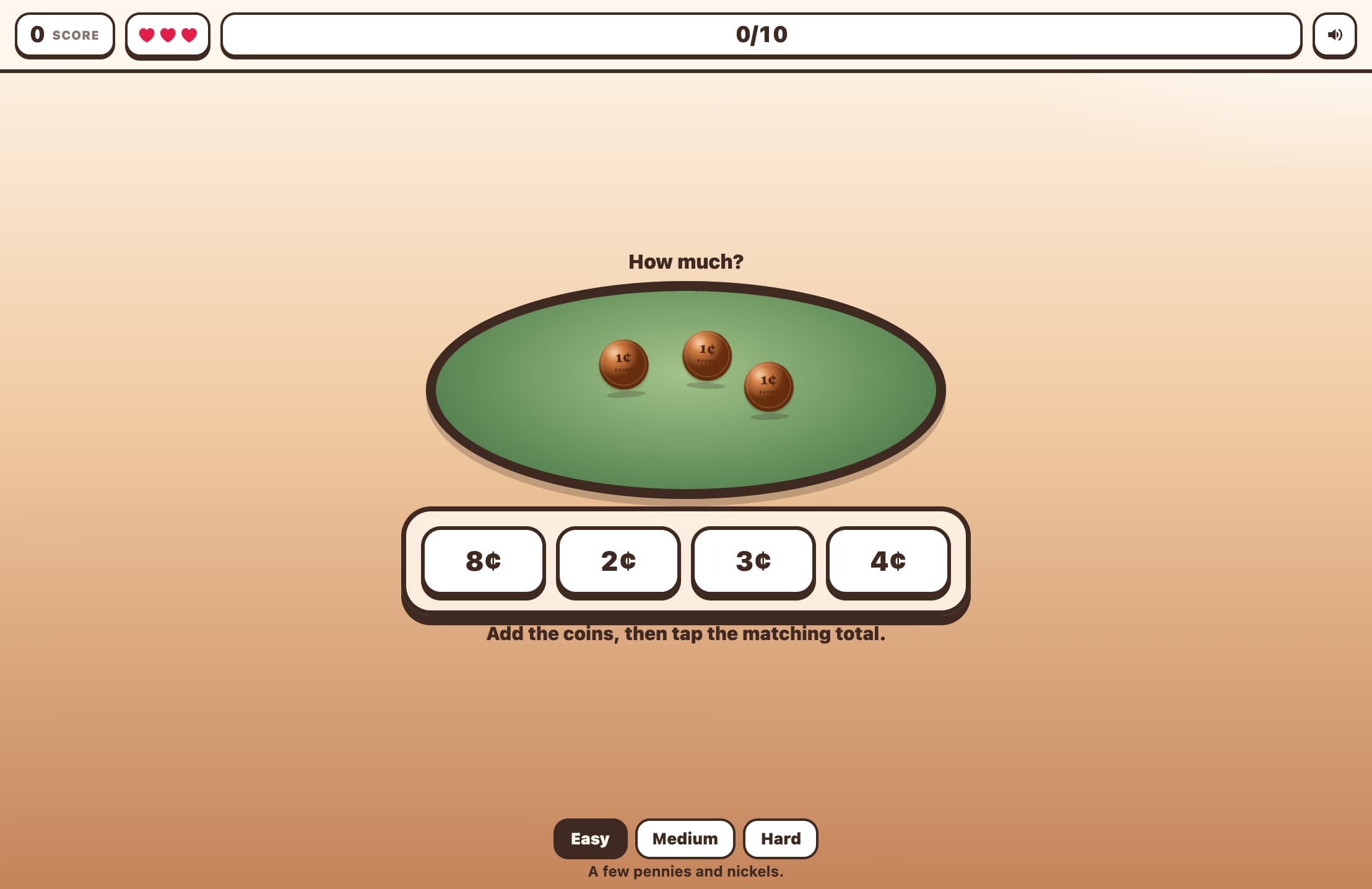
Pick Easy (up to 25¢, pennies & nickels), Medium (up to 50¢, + dimes), or Hard (up to $1.00, all coins). Then select 60-Second Rush or Survival (3 lives).
Read the Price Tag
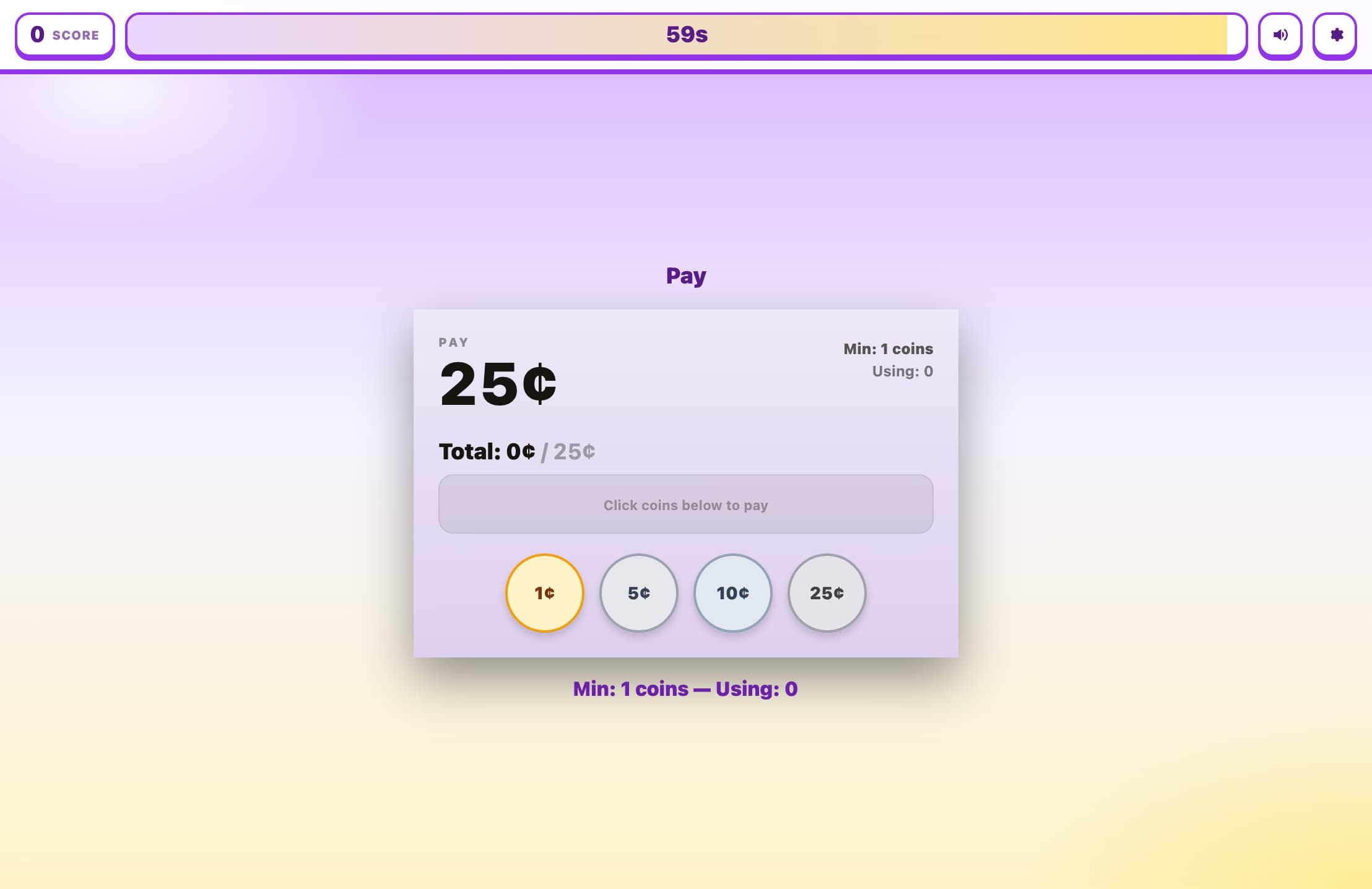
A price tag displays the exact amount you need to pay — for example, 37¢.
Tap Coins to Pay
Tap coin buttons to add them to your payment area. The running total updates with each coin. Use keyboard shortcuts 1–4 for quick coin selection, or R to reset.
Hit Exact Change
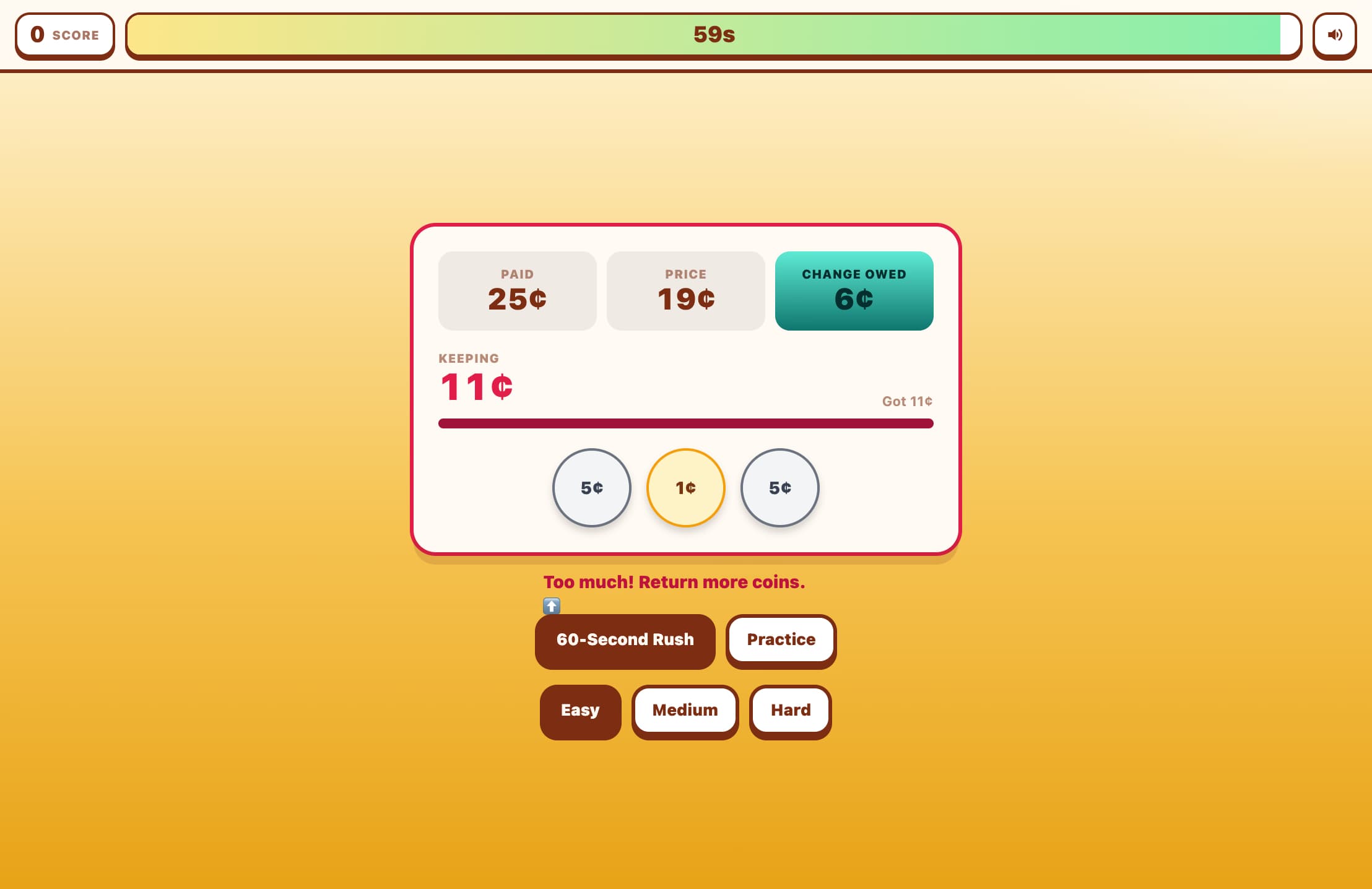
When your coins total exactly matches the price, you score a point and a new price appears. If you overpay, it counts as wrong. Tap coins in the payment area to remove them, or hit Reset to start over.
Key Features
Tap-to-Pay Coin Interface
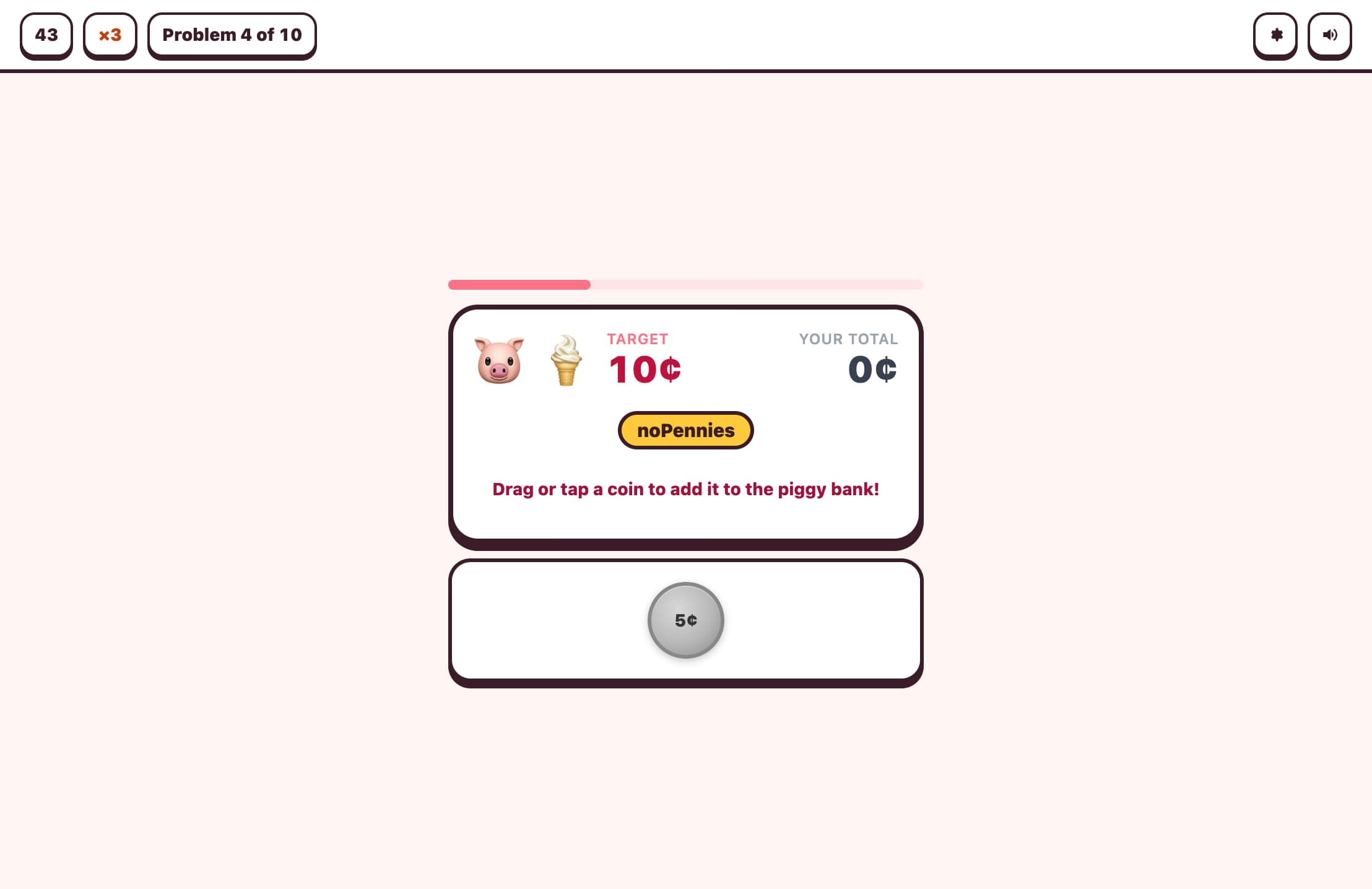
Realistic coin buttons for pennies (1¢), nickels (5¢), dimes (10¢), and quarters (25¢). Tap to add coins to your payment, tap again to remove. A running total shows how close you are to the target price.
Visual Price Tag Display
Each round shows a clear price tag with the target amount. The payment area displays your selected coins and running total, turning green when you hit the exact amount.
Three Difficulty Levels
Easy uses amounts up to 25¢ with only pennies and nickels. Medium goes to 50¢ adding dimes. Hard reaches $1.00 with all four coin types including quarters.
Timed and Survival Modes
In 60-Second Rush, make exact change for as many prices as possible. In Survival mode, you have 3 lives — overpaying or submitting the wrong amount costs a life.
What is Piggy Bank Challenge?
Piggy Bank Challenge is an interactive coin-counting game where players make exact change for displayed prices. Each round shows a price tag, and players tap realistic coin buttons (penny, nickel, dime, quarter) to build up the exact amount. Coins appear in a payment area with a running total. When the total matches the price, the round is complete. Overpaying counts as a mistake. Three difficulty levels progressively introduce more coin types and larger amounts, building from simple penny-and-nickel combinations to complex multi-coin calculations up to $1.00.
Why Play Piggy Bank Challenge?
Builds Real-World Money Skills
Counting coins and making change are essential life skills. This game provides hands-on practice combining different coin values to reach a target amount — the same skill used at stores every day.
Develops Mental Addition
Adding coin values (1, 5, 10, 25) in different combinations strengthens mental arithmetic. Players naturally develop strategies like 'start with the largest coins' to reach amounts efficiently.
Coin Recognition and Value
Visually distinct coin buttons with labeled values help young learners connect coin appearance with monetary value. Repeated play builds automatic recognition.
Strategic Thinking
Players must plan which coins to use — not just add randomly. This develops strategic thinking about number composition: there are many ways to make 37¢, but some are faster than others.
Frequently Asked Questions
What coins are available?
The game uses U.S. coins: penny (1¢), nickel (5¢), dime (10¢), and quarter (25¢). Easy mode only offers pennies and nickels, Medium adds dimes, and Hard includes all four.
What happens if I overpay?
If your coin total exceeds the price, it counts as a wrong answer. In Survival mode you lose a life. You can remove coins by tapping them in the payment area, or use the Reset button to start the round's payment over.
Can I remove coins I've already added?
Yes! Tap any coin in your payment area to remove it. You can also press R on your keyboard or use the Reset button to clear all coins and start fresh for the current price.
Can I use keyboard shortcuts?
Yes! Press 1 for penny, 2 for nickel, 3 for dime, 4 for quarter (when available). Press R to reset your coins. This makes desktop play fast and fluid.
What age is this game for?
Designed for grades 1–3 (ages 6–9). Easy mode suits first graders learning coin values. Hard mode challenges older students with multi-coin strategies up to $1.00.