Arrossega i deixa anar formes en espais coincidents
Arrossega cercles, quadrats, triangles i rectangles als seus espais corresponents en aquest divertit joc de classificar formes. Competeix contra el rellotge o classifica formes en 8 rondes clàssiques: ideal per a la geometria primerenca i el reconeixement de formes!
Més com aquest
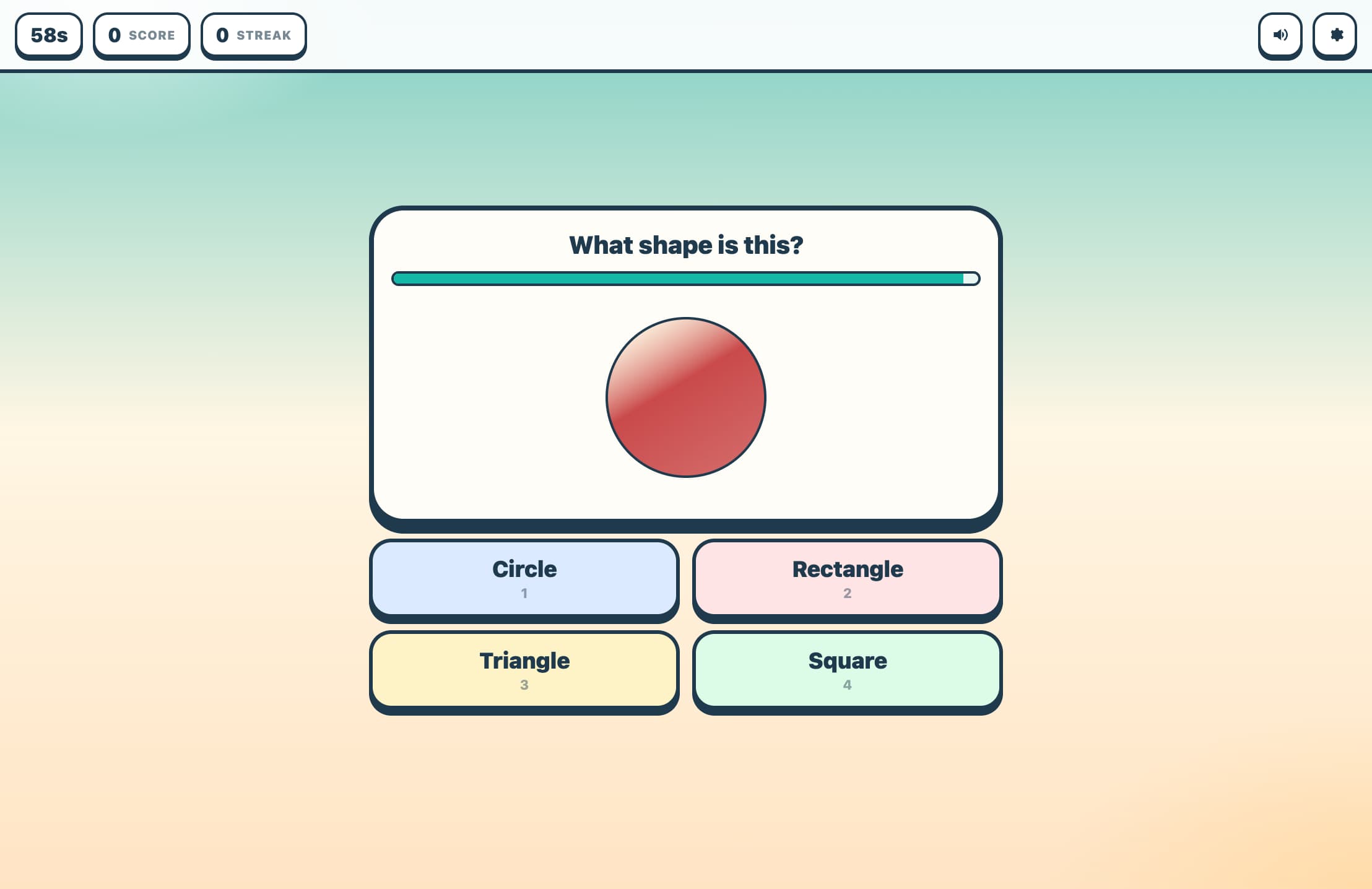
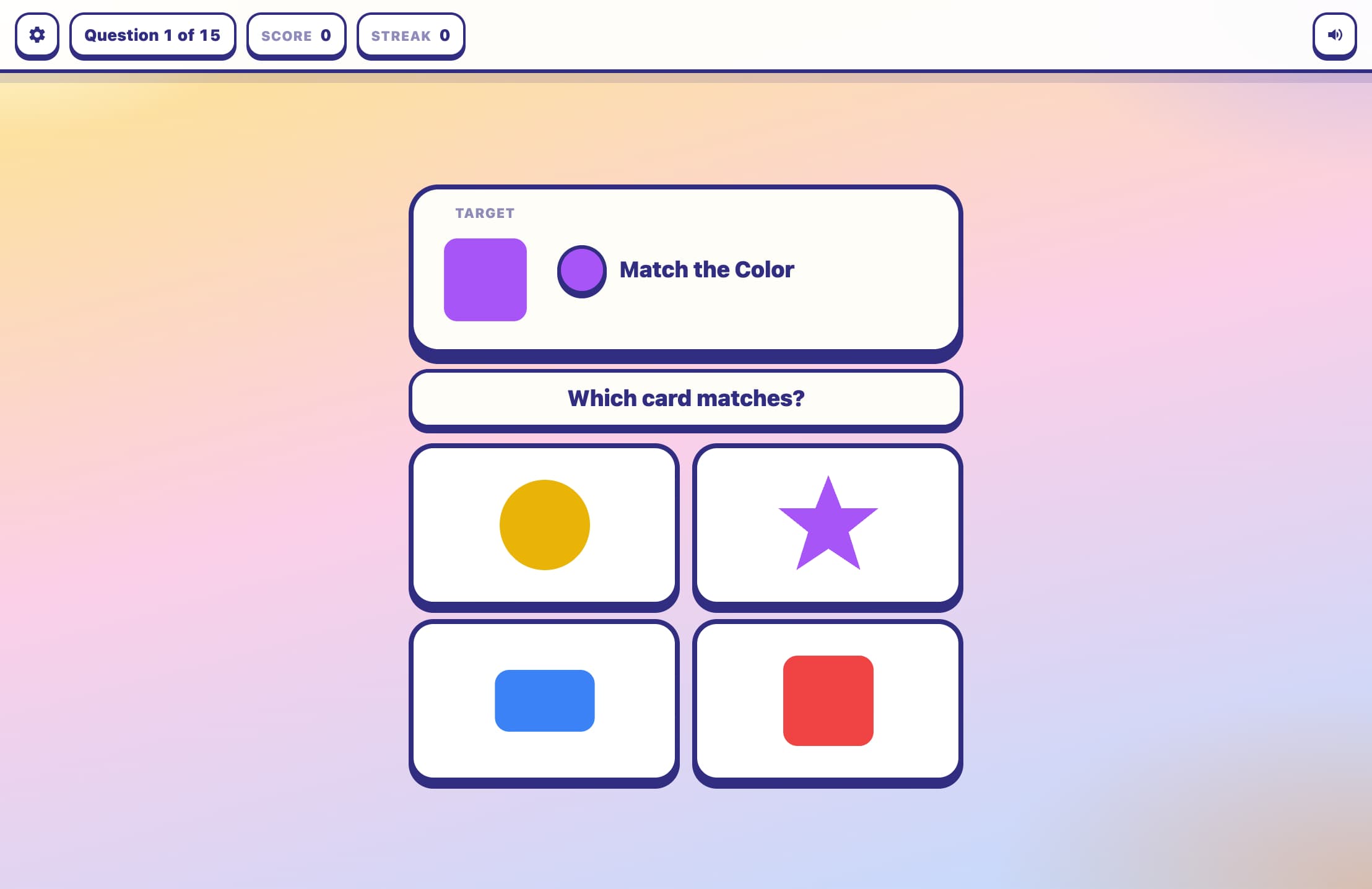
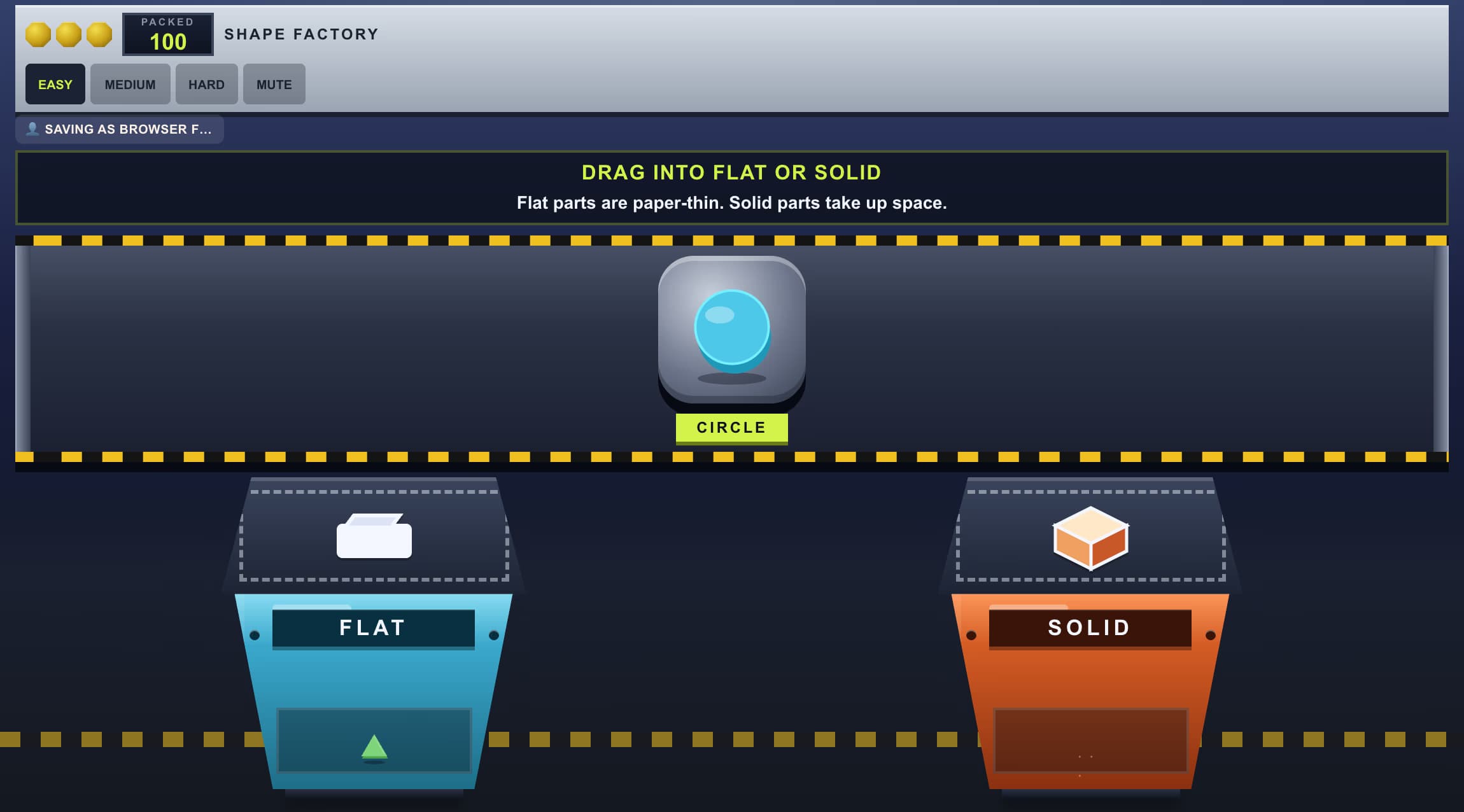
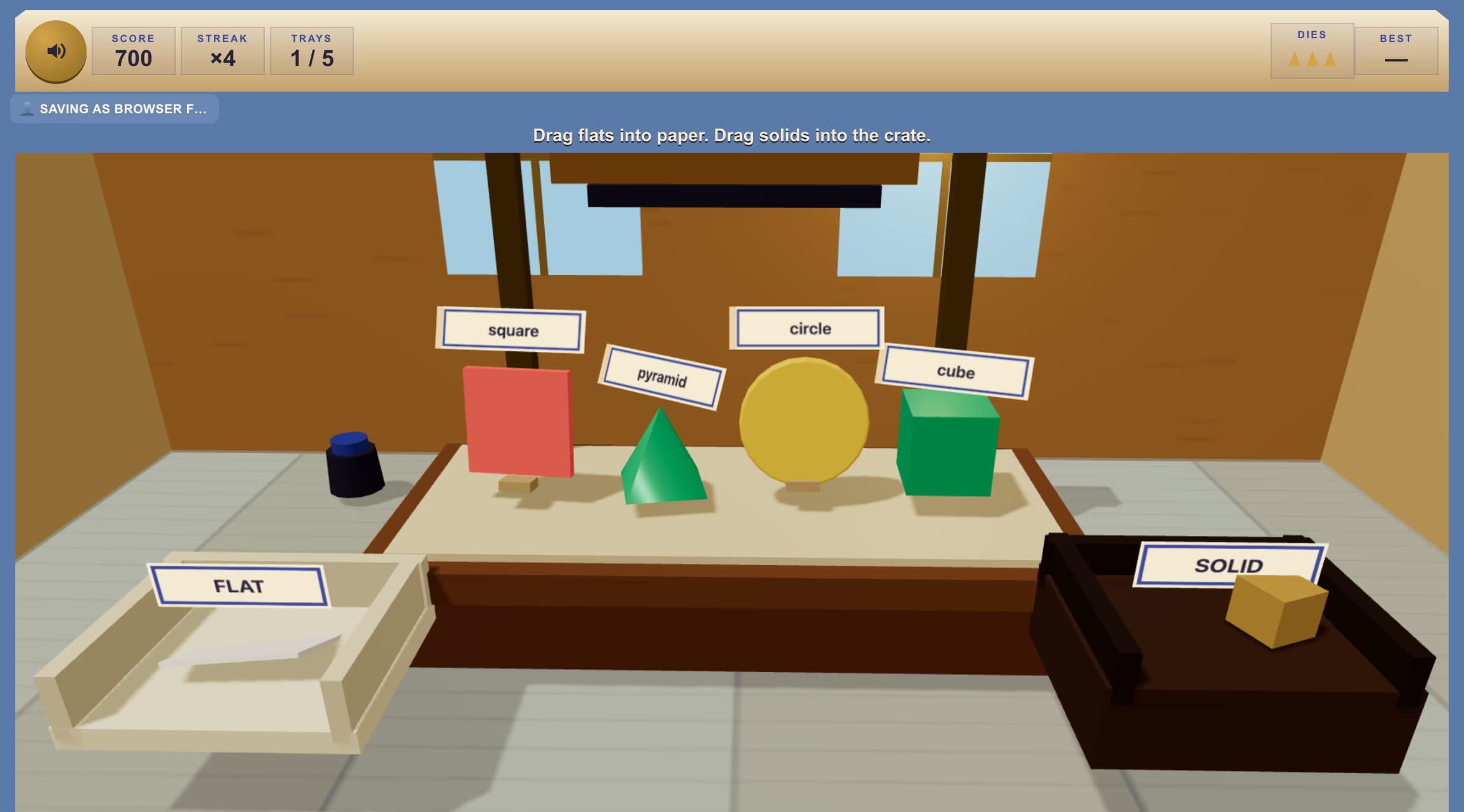
Com Jugar al Classificador de Formes
Tria la Dificultat i el Mode
Fàcil utilitza cercles i quadrats (2 formes). Mitjà afegeix un triangle (3 formes). Difícil utilitza les quatre formes. Després tria Rendes Clàssiques (8 rondes) o Cursa de 60 Segons.
Identifica els Espais de Contorn
Formes de contorn discontinu apareixen a la part superior: aquests són els teus objectius. Cada contorn mostra el tipus de forma que necessita: un cercle discontinu espera el cercle taronja, un quadrat discontinu el quadrat blau, i així successivament.
Arrossega Cada Forma al seu Espai
Prem i mantén premuda una forma de color a la part inferior, arrossega-la fins al contorn coincident i deixa anar. Si és correcte, la forma s'enganxa i l'espai brilla en verd. Un espai incorrecte parpelleja en vermell i la forma torna.
Omple Tots els Espais per Avançar
Un cop cada contorn estigui ple, la ronda es neteja i apareix un nou conjunt de contorns i formes barrejades. Al mode Rendes Clàssiques, avança per les 8 rondes; al mode Cursa, continua fins que el temporitzador arribi a zero.
Característiques clau
Quatre Formes Clàssiques
Classifica cercles, quadrats, triangles i rectangles — cadascun amb el seu color — a l'espai de contorn discontinu corresponent. La dificultat controla si classifiques 2, 3 o els 4 tipus de formes per ronda.
Arrossega i Deixa Anar en Qualsevol Dispositiu
Arrossega formes amb el ratolí a l'escriptori o amb el dit en una pantalla tàctil. La captura del punter garanteix un arrossegament suau fins i tot quan el punter es mou ràpidament fora de la forma.
Mode de Rendes Clàssiques
Completa 8 rondes, classificant totes les formes de cada ronda per avançar. La teva puntuació final i precisió es mostren al final: intenta superar el teu millor resultat personal!
Mode de Cursa de 60 Segons
Un compte enrere de 60 segons s'executa mentre classifiques tantes formes com puguis. Les noves rondes comencen automàticament quan tots els espais estan plens, mantenint la pressió fins que s'acabi el temps.
Què és el Classificador de Formes?
El Classificador de Formes és un joc de geometria d'arrossegar i deixar anar on els jugadors fan coincidir formes sòlides de colors amb els seus contorns discontinuos corresponents. Reconèixer i anomenar formes bidimensionals — cercles, quadrats, triangles i rectangles — és una habilitat fonamental de matemàtiques primerenques introduïda a parvulari i reforçada fins a segon de primària. En aparellar cada forma amb un color distint i proporcionar retroalimentació visual immediata (brillantor verda per a correcta, rebot vermell per a incorrecta), el joc construeix un reconeixement de formes segur a través del joc. La mecànica d'arrossegar i deixar anar funciona perfectament tant en pantalles tàctils com amb ratolins d'escriptori, fent-lo accessible en qualsevol dispositiu.
Per què Jugar al Classificador de Formes?
Construeix Fonaments de Geometria Primerenca
Fer coincidir formes amb contorns reforça les propietats identificatives de cada forma — la rodonesa d'un cercle, els costats iguals d'un quadrat, els tres vèrtexs d'un triangle i el rectangle allargat — sense necessitat de vocabulari encara.
Pràctica de Motricitat Fina amb Arrossegar i Deixar Anar
Arrossegar formes per la pantalla desenvolupa el control de la motricitat fina i la coordinació ull-mà, habilitats igualment importants per a l'escriptura i l'ús primerenc de l'ordinador.
La Retroalimentació Instantània Reforça l'Aprenentatge
Els brillants verds i els rebot vermells proporcionen retroalimentació immediata, permetent als jugadors autocorregir-se en temps real. Cap penalització de puntuació per intents incorrectes manté l'experiència de baixa pressió i encoratjadora.
Dificultat Escalable per a Diferents Edats
El mode fàcil amb 2 formes s'adapta a nens petits i en edat preescolar; el mode difícil amb les 4 formes i disposicions barrejades desafia els estudiants de primària primerenca a classificar ràpidament i amb precisió.
Preguntes freqüents
Quines formes hi ha al joc?
El joc utilitza quatre formes: cercle (taronja), quadrat (blau), triangle (verd) i rectangle (morat). La dificultat fàcil només utilitza cercles i quadrats. Mitjà afegeix el triangle. Difícil utilitza les quatre.
Com funciona l'arrossegament en una pantalla tàctil?
Prem i mantén premuda una forma amb el dit, arrossega-la al contorn coincident i aixeca el dit. El joc utilitza la captura del punter perquè la forma segueixi el dit suaument fins i tot per tota la pantalla.
Què passa si deixo caure una forma a l'espai equivocat?
L'espai incorrecte parpelleja en vermell durant un moment, i la forma torna a la seva posició inicial. No hi ha penalització de puntuació: només torna a provar! Això manté el joc encoratjador per als joves aprenents.
Com es calcula la puntuació?
Cada col·locació correcta obté 10 punts. Al mode Rendes Clàssiques, el màxim és 10 × el total de formes col·locades a través de 8 rondes. A Cursa de 60 Segons, aconsegueix tants punts com sigui possible abans que s'acabi el temps.
Quina és la diferència entre Rendes Clàssiques i Cursa de 60 Segons?
Rendes Clàssiques et dóna 8 rondes per classificar formes al teu ritme, amb la teva puntuació final mostrada al final. Cursa de 60 Segons executa un temporitzador continu: les rondes avancen automàticament fins que els 60 segons expiren, recompensant la velocitat i la precisió conjuntament.