Pasangan Nombor
Ketik jubin nombor untuk membentuk pasangan yang jumlahnya 10. Kosongkan papan secepat mungkin! Membina ingatan segera fakta penambahan. Tiga peringkat kesukaran: ikatan hingga 10, 20, atau 50.
Lagi seperti ini
Cara Bermain Tambah Jadi 10
Pilih Kesukaran dan Mod
Pilih Mudah (pasangan hingga 10, 6 jubin), Sederhana (hingga 20, 8 jubin), atau Sukar (hingga 50, 10 jubin). Kemudian pilih Larian 60 Saat atau Survival (3 nyawa).
Lihat Sasaran
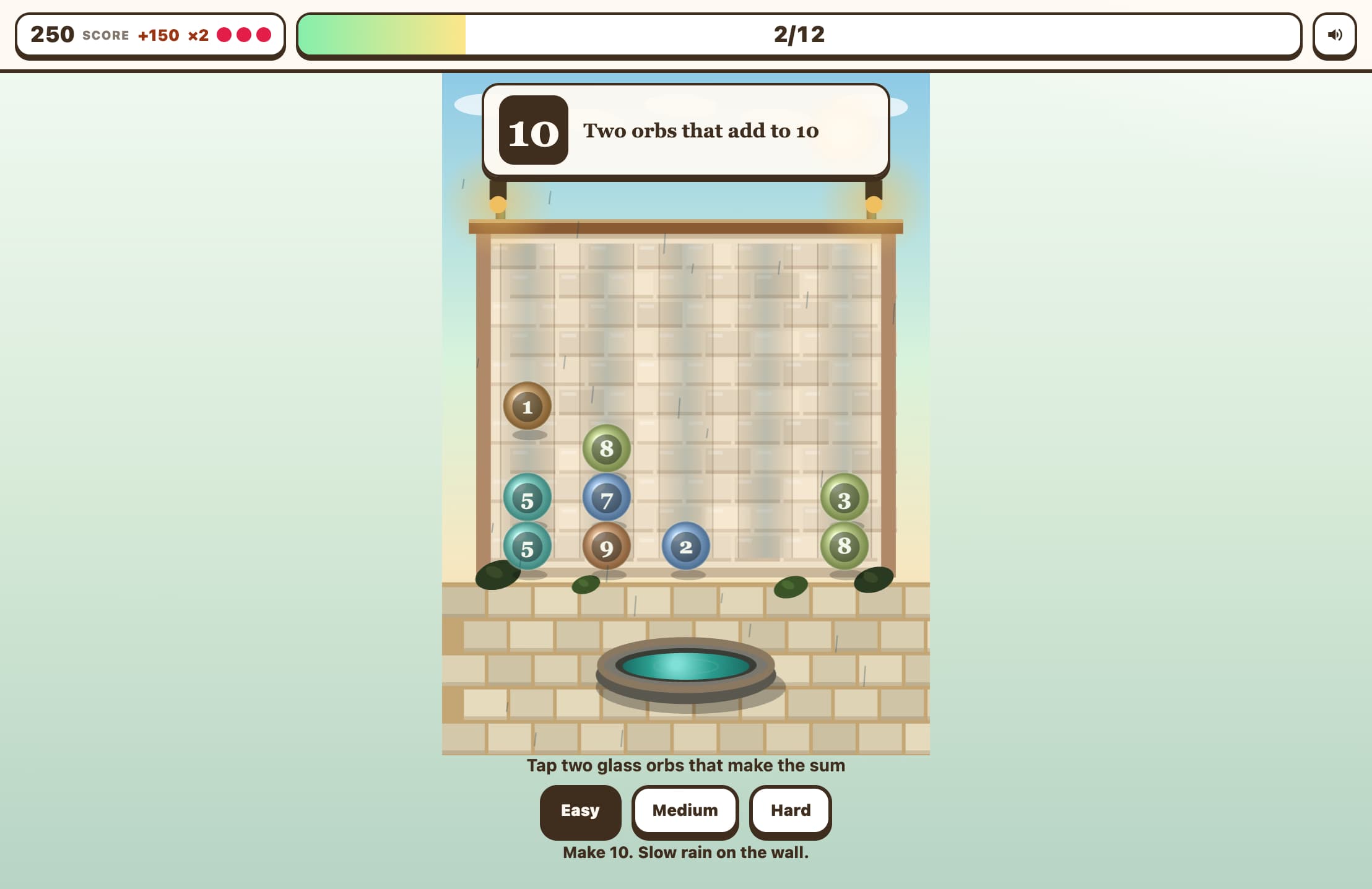
Nombor sasaran (10, 20, atau 50) dipaparkan dengan jelas. Matlamat anda adalah untuk mencari dua jubin pada papan yang nilainya ditambah kepada sasaran tersebut.
Ketik Dua Jubin
Ketik satu jubin — ia diserlahkan dengan cincin emas. Kemudian ketik jubin kedua. Jika kedua-dua nilai berjumlah sasaran, kedua-duanya hilang. Jika tidak, anda kehilangan satu nyawa dalam mod Survival.
Kosongkan Papan
Keluarkan semua pasangan untuk mengosongkan papan. Satu set jubin baru muncul serta-merta supaya anda boleh terus menjaringkan gol. Bina siri anda dan kalahkan skor tertinggi anda!
Ciri Utama
Jubin Padanan Berwarna-warni
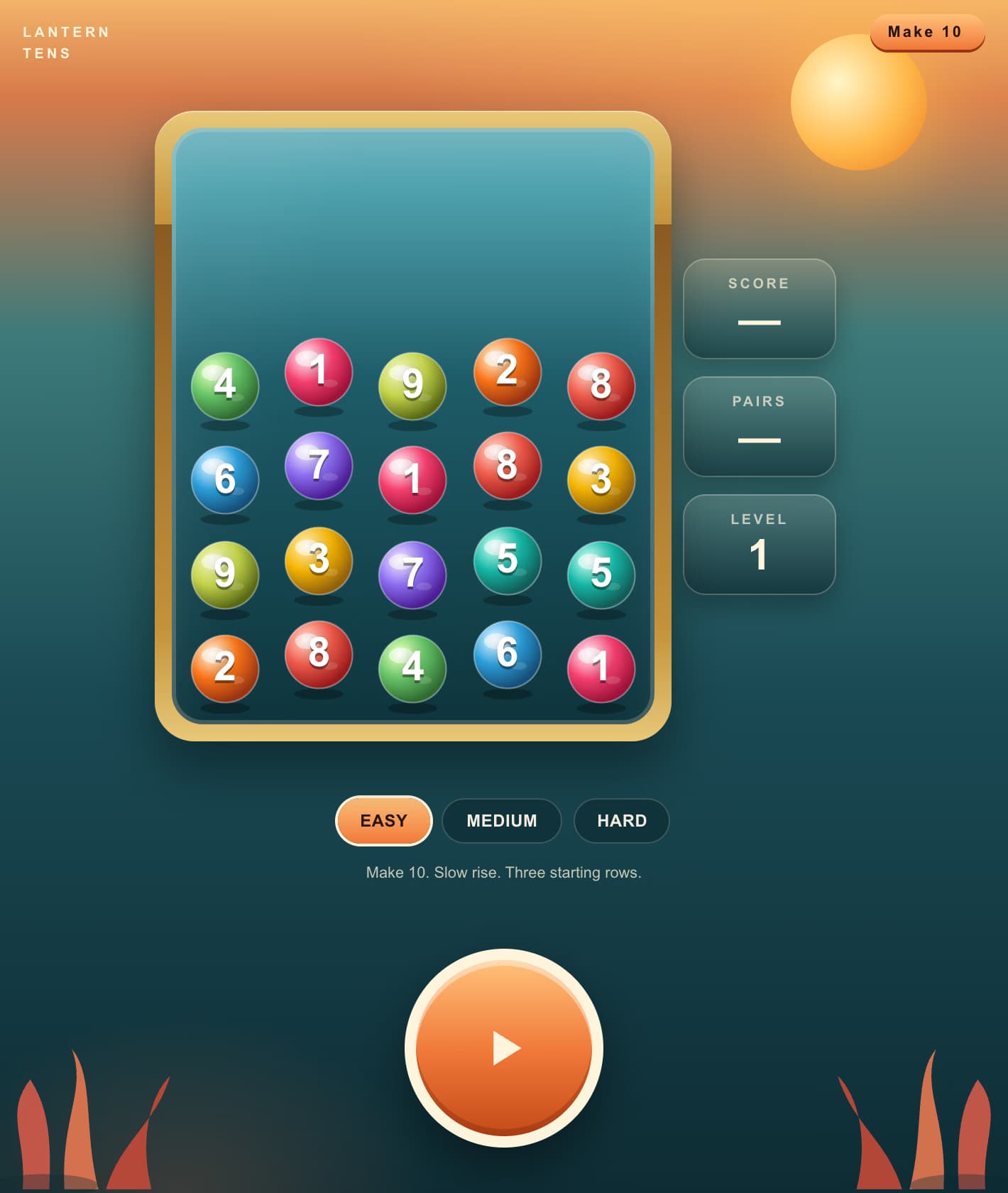
Jubin kecerunan terang dalam warna merah jambu, ambar, zamrud, langit, dan ungu memenuhi papan. Ketik satu jubin kemudian yang lain — jika jumlahnya mencapai sasaran, kedua-duanya hilang dengan animasi yang memuaskan. Kosongkan papan dan satu set baru muncul.
Tiga Tahap Kesukaran
Mudah menggunakan 6 jubin dengan pasangan yang berjumlah 10. Sederhana membentangkan 8 jubin dengan sasaran 10 atau 20. Sukar mencabar anda dengan 10 jubin dan sasaran 10, 20, atau 50 — memerlukan penolakan mental yang pantas.
Mod Larian 60 Saat dan Survival
Dalam mod Larian, kosongkan seberapa banyak papan yang boleh dalam masa 60 saat. Dalam mod Survival, anda mempunyai 3 nyawa — mengetik pasangan yang salah akan mengorbankan satu nyawa. Tiada pemasa bermakna anda boleh berfikir, tetapi satu pasangan pada satu masa.
Jejak Siri dan Skor Tinggi
Pasangan betul berturut-turut membina siri api. Skor terbaik disimpan mengikut kesukaran dan mod dalam penyemak imbas anda supaya anda sentiasa mempunyai rekod untuk dikalahkan.
Apa itu Tambah Jadi 10?
Tambah Jadi 10 ialah permainan matematik padanan jubin yang melatih fakta penambahan paling penting — pasangan yang berjumlah 10. Papan jubin nombor berwarna-warni muncul, dan tugas anda adalah untuk mencari dan mengetik dua jubin yang nilainya ditambah kepada sasaran (10 pada Mudah, 10 atau 20 pada Sederhana, 10/20/50 pada Sukar). Pasangan yang sepadan hilang, dan sebaik sahaja papan kosong, satu set baru muncul. Permainan ini memberi ganjaran kepada kelajuan dan ketepatan: dalam mod Larian anda berlumba dengan jam 60 saat untuk mengosongkan seberapa banyak papan yang boleh, manakala mod Survival memberi anda hanya 3 nyawa. Ingatan segera pasangan hingga 10 (seperti 3+7, 4+6, 2+8) dianggap sebagai kemahiran matematik mental tunggal yang paling berharga untuk pelajar muda, dan permainan ini menjadikannya sangat menyeronokkan.
Mengapa Bermain Tambah Jadi 10?
Mengautomasikan Fakta Nombor Penting
Pasangan yang berjumlah 10 kerap digunakan dalam penambahan berbilang digit, membuat wang kembalian, dan membaca jam. Latihan sehingga fakta ini menjadi segera membebaskan memori kerja untuk masalah yang lebih sukar.
Format Padanan Jubin yang Menarik
Mekanisme ketik-untuk-padan terasa seperti permainan padanan berbanding helaian kerja. Kanak-kanak kekal terlibat lebih lama kerana mengosongkan jubin secara intrinsik memuaskan.
Skala Mengikut Kemahiran
Mod Mudah (pasangan hingga 10) sesuai untuk kanak-kanak berumur 5–7 tahun. Sederhana dan Sukar meningkatkan sasaran kepada 20 dan 50, memerlukan penolakan mental (cth., 50 − 33 = 17) yang mencabar pelajar yang lebih tua dan orang dewasa.
Membangunkan Pengimbasan dan Strategi
Dengan pelbagai jubin pada papan, pemain mesti mengimbas, membandingkan, dan memilih dengan cekap. Ini melatih deria nombor dan pemprosesan visual bersama-sama aritmetik tulen.
Soalan Lazim
Apa itu 'Tambah Jadi 10'?
Tambah Jadi 10 merujuk kepada mencari dua nombor yang ditambah kepada 10 — kadang-kadang dipanggil 'rakan 10' atau 'ikatan nombor hingga 10'. Contoh: 1+9, 2+8, 3+7, 4+6, 5+5.
Adakah jubin sentiasa dijamin mempunyai pasangan yang sah?
Ya! Setiap papan dijana dengan bilangan pasangan pelengkap yang tepat. Anda sentiasa boleh mengosongkan keseluruhan papan jika anda mencari padanan yang betul.
Apa yang berlaku apabila saya mengosongkan papan?
Satu set jubin baru muncul serta-merta dengan sasaran rawak baru (bergantung pada kesukaran). Skor anda terus terkumpul sehingga masa tamat atau anda kehilangan semua nyawa.
Bolehkah saya membatalkan pemilihan jubin?
Ya — ketik jubin yang sama sekali lagi untuk membatalkan pilihannya. Ini membolehkan anda menukar fikiran anda tanpa penalti.
Adakah skor disimpan?
Ya. Skor terbaik anda disimpan secara tempatan dalam penyemak imbas anda untuk setiap kombinasi kesukaran dan mod permainan. Ia dipaparkan pada skrin tetapan supaya anda sentiasa tahu apa yang perlu dikalahkan.