More like this
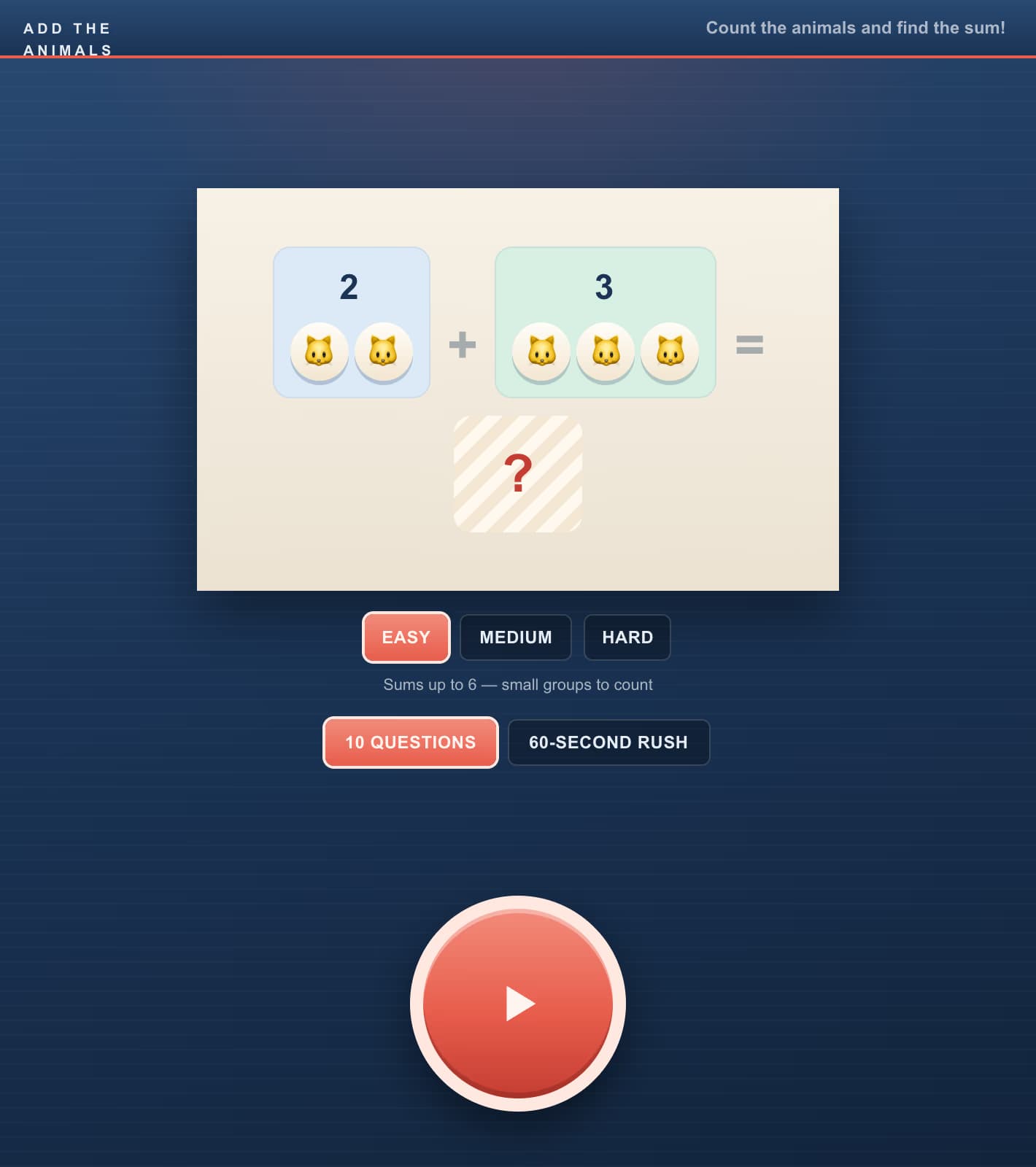
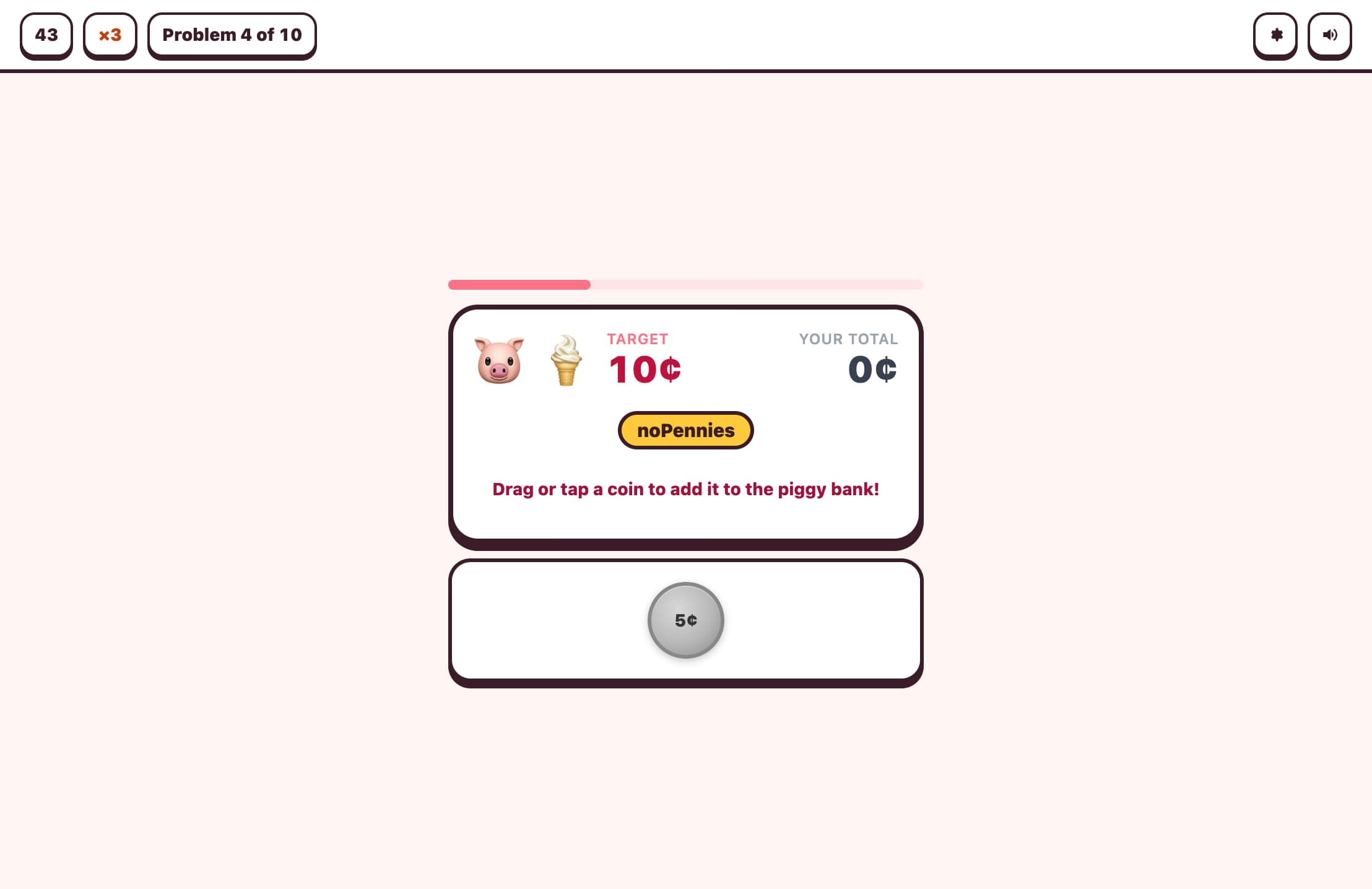
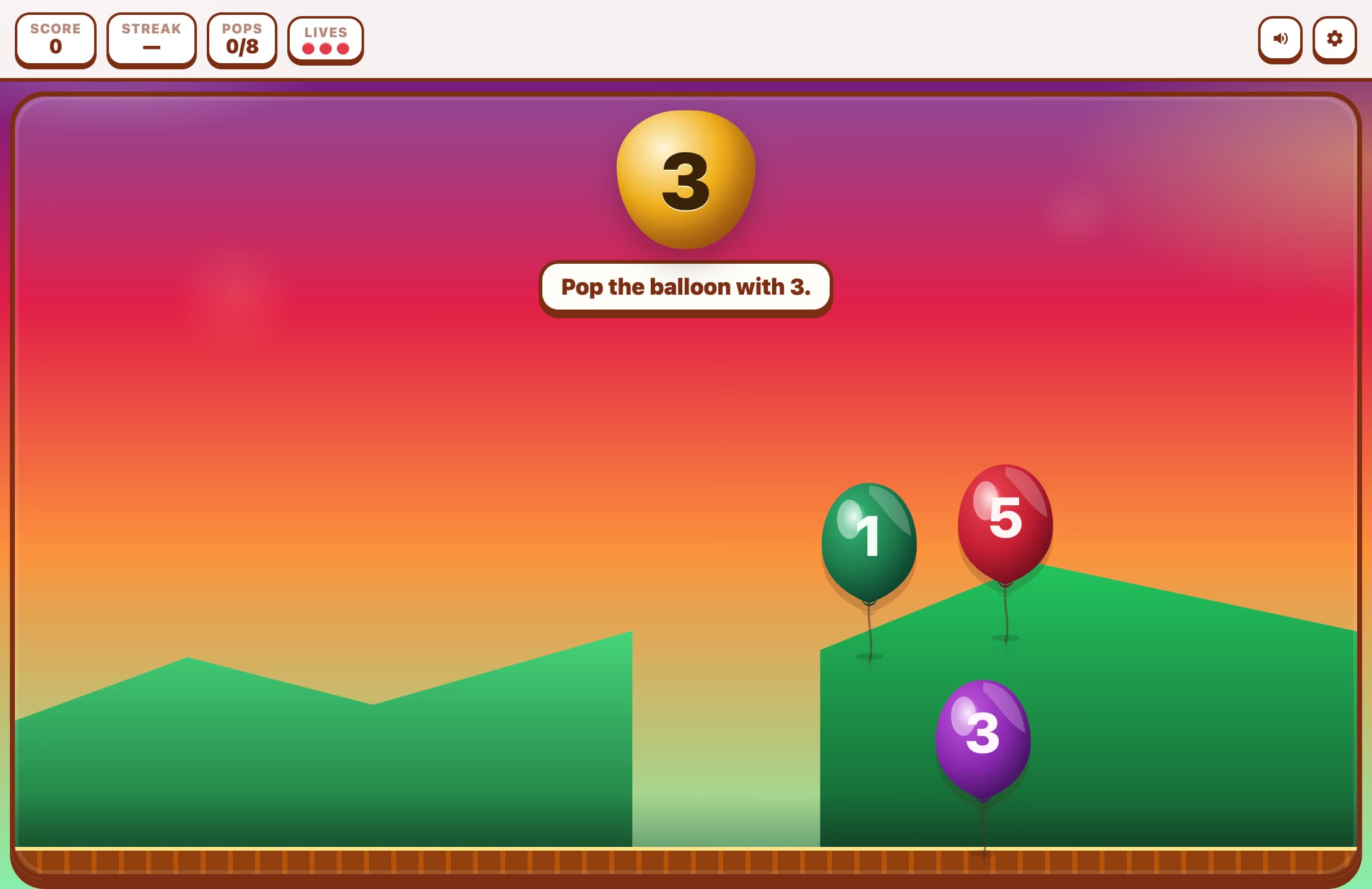
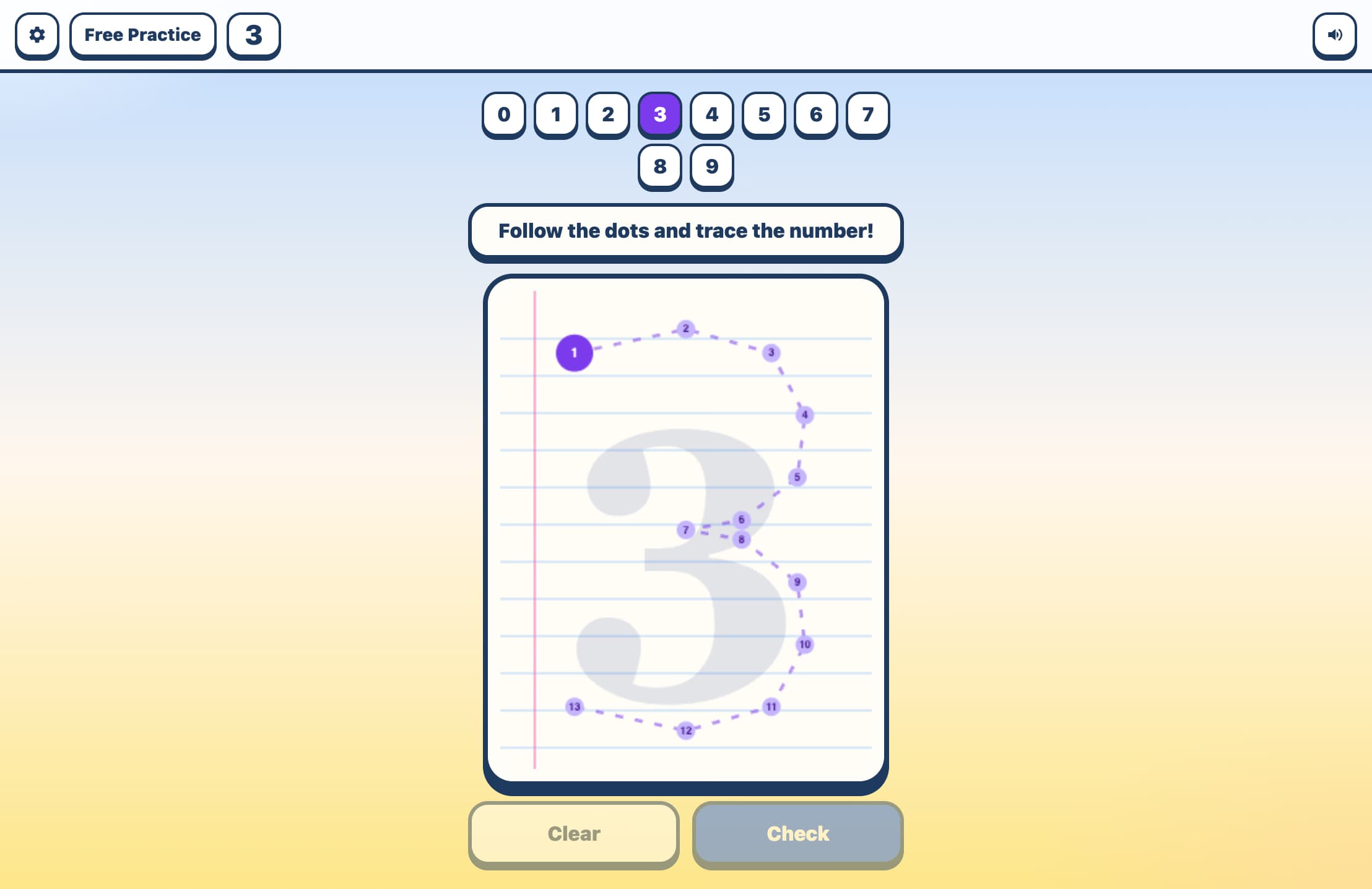
How to Play Count the Objects
Choose Settings
Pick Easy (count 1–10), Medium (1–15), or Hard (1–20). Choose Arcade for 10 rounds or Survival for endless play with 3 lives.
Count the Emoji
A group of colorful emoji objects appears on screen. Count them carefully — they're arranged in a grid to make counting easier.
Tap the Right Number
Four numbered buttons appear below. Tap the one that matches your count. If you're wrong, the correct answer turns green so you can learn.
Build Your Score
Each correct answer earns 10 points. In Arcade mode, play 10 rounds and see your final score and accuracy. Try to beat your best!
Key Features
40+ Emoji Object Types
Stars, apples, cats, balloons, flowers, butterflies, cars, pizza slices, and many more. A different emoji appears each round, keeping the visual experience fresh and exciting.
Kahoot-Style 4-Color Buttons
Answers are shown on four large colorful buttons (blue, red, amber, green) — the distinct colors help young children select confidently without reading numbers precisely.
Kid-Friendly Counting Grid
Objects are arranged in a clean grid with playful slight rotations — organized enough to count easily, charming enough to delight young players. Grid sizing adjusts automatically for larger counts.
Arcade and Survival Modes
10-Round Arcade gives a complete game in under 3 minutes — perfect for short attention spans. Survival with 3 lives is great for older kids who want a bigger challenge.
What is Count the Objects?
Count the Objects is a bright, cheerful counting game designed for young learners aged 3–8 who are building number recognition and counting skills. Groups of emoji characters (animals, food, objects) are displayed on screen, and the child must count them and tap the correct number from four choices. The game is deliberately simple in format but rich in visual variety — over 40 different emoji types ensure every round looks different. With three difficulty levels and Kahoot-style colorful buttons, it adapts naturally from preschool counting (1–10) up to early elementary (1–20).
Why Play Count the Objects?
Perfect First Math Game
The colorful emoji, large buttons, and instant visual feedback make this the ideal first digital math experience for children just learning to count.
No Reading Required
Children can play independently — the interface uses large numbers on colorful buttons and emoji pictures, so no reading ability is needed to participate.
Grows with the Child
Easy mode covers 1–10 for early learners, Medium reaches 15, and Hard goes to 20 — matching the typical progression in preschool through first grade curricula.
Safe and Ad-Free
No accounts, no ads, no distracting content — just clean, focused counting practice. Parents and teachers can trust children to play independently.
Frequently Asked Questions
What age group is this game designed for?
Primarily ages 3–7. Easy mode (1–10) suits preschool and kindergarten. Medium (1–15) is great for kindergarten through first grade. Hard (1–20) challenges early first graders building more confident counting skills.
What happens when my child gets an answer wrong?
The correct answer button turns green, showing clearly which answer was right. This teaches through immediate, visual correction without any negative messaging — the game moves on after a brief moment.
Can my child play this on a tablet or phone?
Yes! The game is designed with large touch targets and a mobile-first layout. The big colorful buttons are easy to tap accurately even for small fingers on phones and tablets.
How long does one game session take?
A 10-round Arcade game takes about 2–3 minutes depending on how quickly the child counts. It's designed to be completable in a single short attention span, with easy replay.
Are the objects always displayed in the same arrangement?
No — the grid layout adapts to the count (smaller grids for 1–4 objects, larger for up to 20), and each object gets a slight random rotation for visual variety. The arrangement changes every round.