Shape Sorter
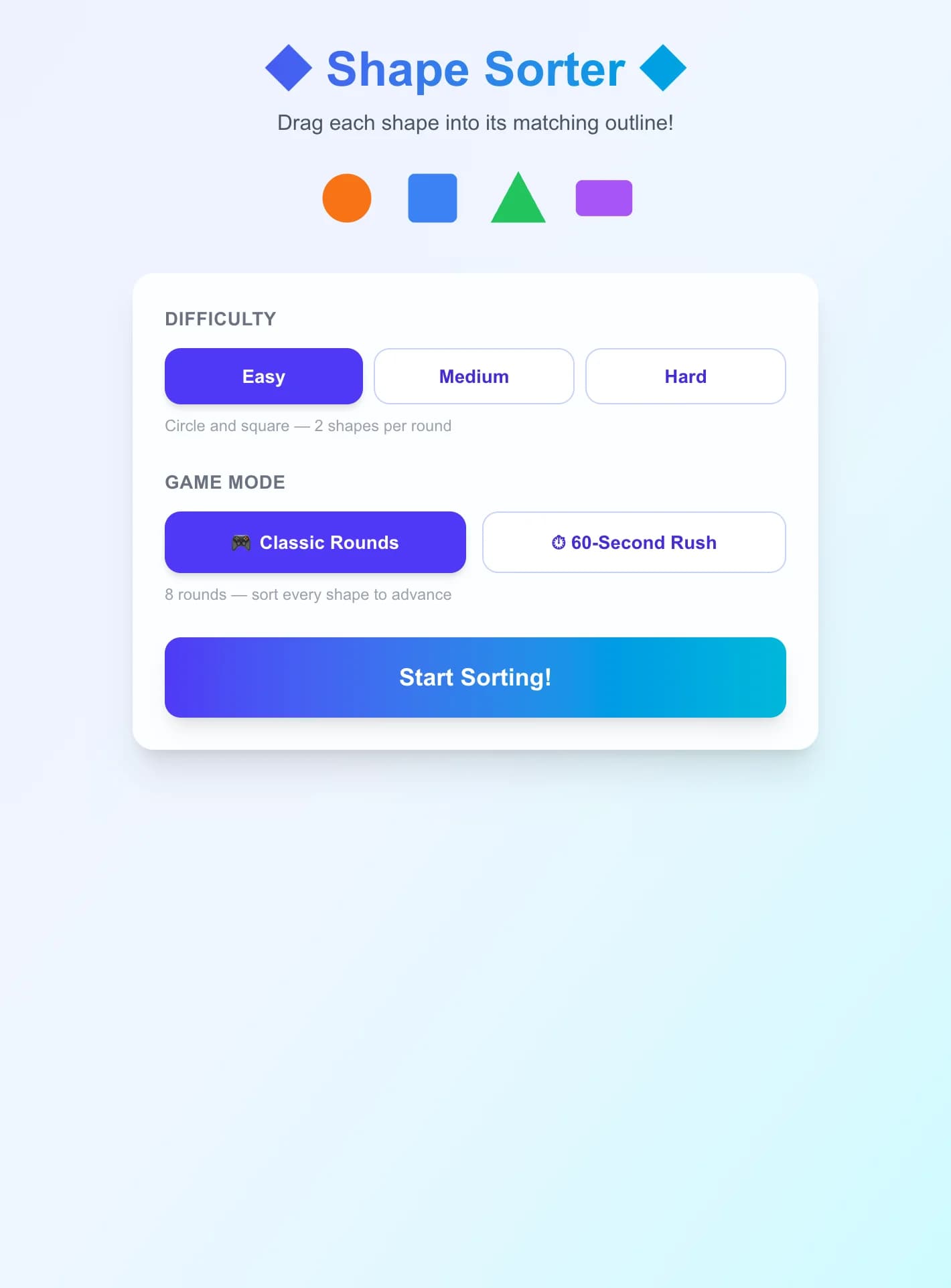
Drag circles, squares, triangles, and rectangles into their matching outline slots in this fun shape-sorting game. Race the clock or sort shapes across 8 classic rounds — great for early geometry and shape recognition!
How to Play Shape Sorter
- 1
Choose Difficulty and Mode
Easy uses circles and squares (2 shapes). Medium adds a triangle (3 shapes). Hard uses all four shapes. Then pick Classic Rounds (8 rounds) or 60-Second Rush.
- 2
Identify the Outline Slots
Dashed outline shapes appear in the top area — these are your targets. Each outline shows the shape type it needs: a dashed circle waits for the orange circle, a dashed square for the blue square, and so on.
- 3
Drag Each Shape to Its Slot
Press and hold a colored shape at the bottom, drag it up to the matching outline, and release. If correct, the shape snaps in and the slot glows green. A wrong slot flashes red and the shape returns.
- 4
Fill All Slots to Advance
Once every outline is filled, the round clears and a fresh set of shuffled slots and shapes appears. In Classic Rounds mode, advance through all 8 rounds; in Rush mode, keep going until the timer hits zero.
Key Features
Four Classic Shapes
Sort circles, squares, triangles, and rectangles — each with its own color — into the correct dashed outline slot. Difficulty controls whether you sort 2, 3, or all 4 shape types per round.
Drag-and-Drop on Any Device
Drag shapes with your mouse on desktop or with your finger on a touchscreen. Pointer capture ensures smooth dragging even when the pointer moves quickly outside the shape.
Classic Rounds Mode
Work through 8 rounds, sorting all shapes in each round to advance. Your final score and accuracy are shown at the end — try to top your personal best!
60-Second Rush Mode
A 60-second countdown runs while you sort as many shapes as you can. New rounds start automatically when all slots are filled, keeping the pressure on until time runs out.
What is Shape Sorter?
Shape Sorter is a drag-and-drop geometry game where players match solid colored shapes to their corresponding dashed outlines. Recognizing and naming two-dimensional shapes — circles, squares, triangles, and rectangles — is a foundational early math skill introduced in kindergarten and reinforced through second grade. By pairing each shape with a distinct color and providing immediate visual feedback (green glow for correct, red bounce for wrong), the game builds confident shape recognition through play. The drag-and-drop mechanic works seamlessly on both touchscreens and desktop mice, making it accessible on any device.
Why Play Shape Sorter?
- 1
Builds Early Geometry Foundations
Matching shapes to outlines reinforces the identifying properties of each shape — the roundness of a circle, the equal sides of a square, the three points of a triangle, and the elongated rectangle — without requiring vocabulary yet.
- 2
Fine Motor Practice with Drag-and-Drop
Dragging shapes across the screen develops fine motor control and hand-eye coordination, skills equally important for handwriting and early computer use.
- 3
Instant Feedback Reinforces Learning
Green glows and red bounces give immediate feedback, allowing players to self-correct in real time. No score penalty for wrong attempts keeps the experience low-pressure and encouraging.
- 4
Scalable Difficulty for Different Ages
Easy mode with 2 shapes suits toddlers and preschoolers; Hard mode with all 4 shapes and shuffled layouts challenges early elementary students to sort quickly and accurately.
Frequently Asked Questions
What shapes are in the game?
The game uses four shapes: circle (orange), square (blue), triangle (green), and rectangle (purple). Easy difficulty uses circles and squares only. Medium adds the triangle. Hard uses all four.
How does dragging work on a touchscreen?
Press and hold a shape with your finger, drag it to the matching outline, and lift your finger. The game uses pointer capture so the shape follows your finger smoothly even across the screen.
What happens if I drop a shape in the wrong slot?
The wrong slot flashes red for a moment, and the shape returns to its starting position. There is no score penalty — just try again! This keeps the game encouraging for young learners.
How is the score calculated?
Each correct placement scores 10 points. In Classic Rounds mode the maximum is 10 × total shapes placed across 8 rounds. In 60-Second Rush, score as many points as possible before time runs out.
What is the difference between Classic Rounds and 60-Second Rush?
Classic Rounds gives you 8 rounds to sort shapes at your own pace, with your final score shown at the end. 60-Second Rush runs a continuous timer — rounds auto-advance until the 60 seconds expire, rewarding speed and accuracy together.