13 games

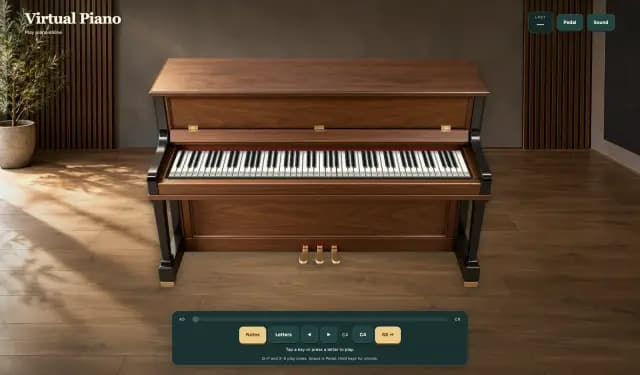
Play a virtual piano in your browser. Tap a key or press a letter to play. Hold keys for chords. Space is Pedal. Notes and Letters label the white keys and black keys. Last shows the note you just played. Sound and Mute sit on the HUD. After Loading the piano, the sampled grand is ready from C3 to B6.

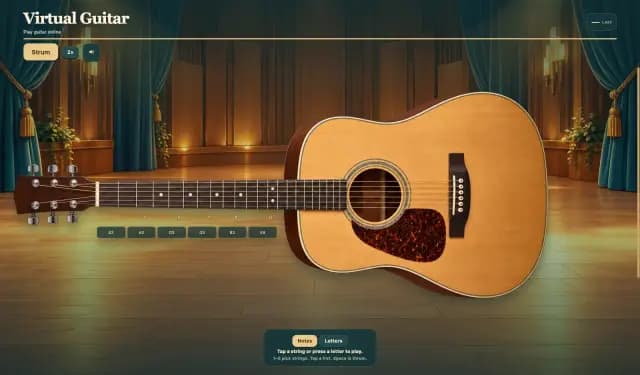
Play a virtual guitar in your browser. Tap a string or press a letter to play. Tap a fret to set the pitch. Space is Strum. Notes and Letters label the nut. Last shows the note you just played. Sound and Mute sit on the HUD. After Loading the guitar, six steel strings are ready from open E to the 12th fret.

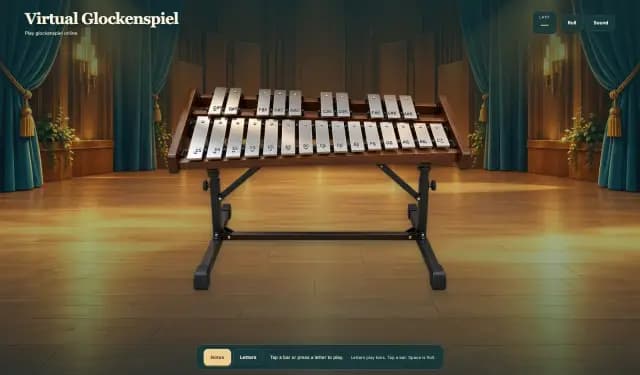
Play a virtual glockenspiel in your browser. Tap a bar or press a letter to play. Notes and Letters label the bars. Last shows the note you just played. Space is Roll. Sound and Mute sit on the HUD. After Loading the glockenspiel, the metal bars are ready from low C to a high C.

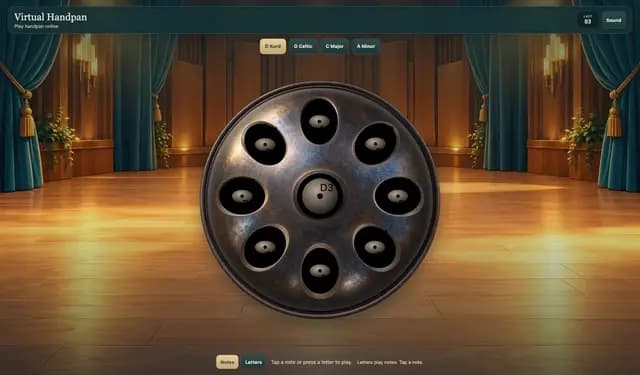
Play handpan online. Tap a note or press a letter to play. Notes and Letters label the tone fields. Letters play notes. Last shows the note you just played. D Kurd, D Celtic, C Major, and A Minor retune the pan. Sound and Mute sit on the HUD. After Loading the handpan, the ding and eight tone fields are ready.

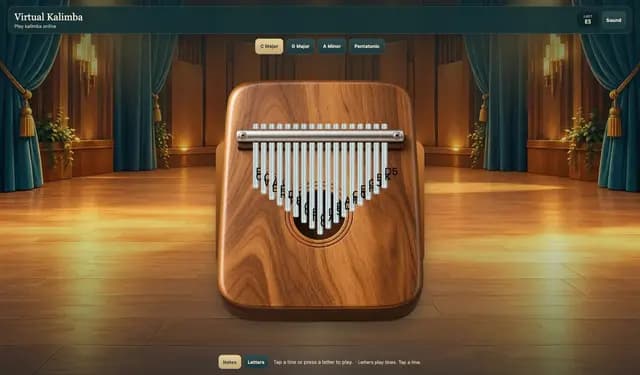
Play kalimba online. Tap a tine or press a letter to play. Notes and Letters label the tines. Letters play tines. Tap a tine. Last shows the note you just played. C Major, G Major, A Minor, and Pentatonic retune the box. Sound and Mute sit on the HUD. After Loading the kalimba, the tines are ready.

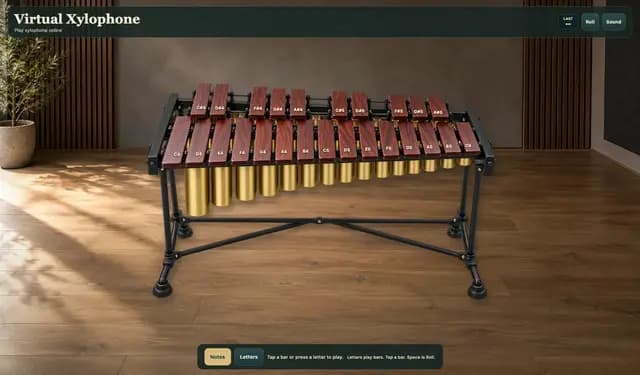
Play a virtual xylophone in your browser. Tap a bar or press a letter to play. Notes and Letters label the bars. Last shows the note you just played. Space is Roll. Sound and Mute sit on the HUD. After Loading the xylophone, the wooden bars are ready from low C to a high C.

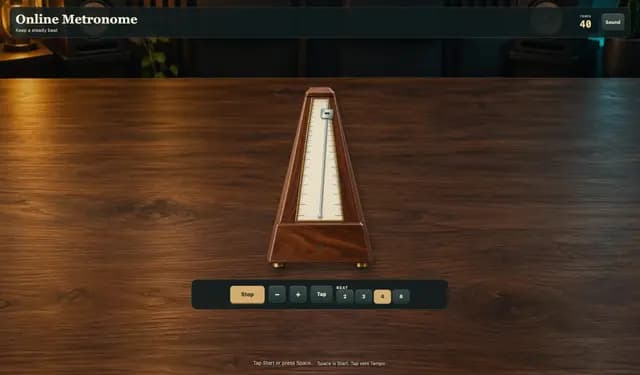
Keep a steady beat in your browser. Tap Start or press Space. Tempo sets how fast the clicks go. Beat chooses 2, 3, 4, or 6. Tap sets Tempo from your taps. Sound and Mute sit on the HUD. After Loading the metronome, the pendulum is ready.

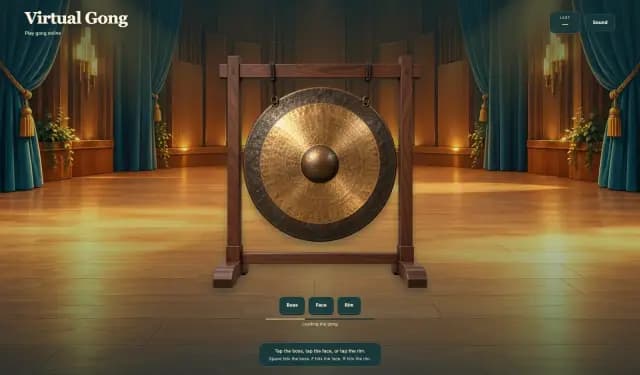
Play gong online. Tap the boss, tap the face, or tap the rim. Last shows Boss, Face, or Rim. Space hits the boss. F hits the face. R hits the rim. Sound and Mute sit on the HUD. After Loading the gong, the disc is ready.

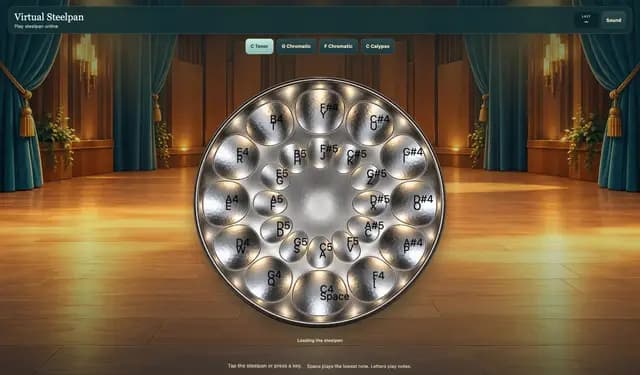
Play steelpan online. Tap the steelpan or press a key. Space plays the lowest note. Letters play notes. Last shows the note you just played. C Tenor, G Major, F Major, and C Calypso retune the pan. Sound and Mute sit on the HUD. After Loading the steelpan, the notes are ready.

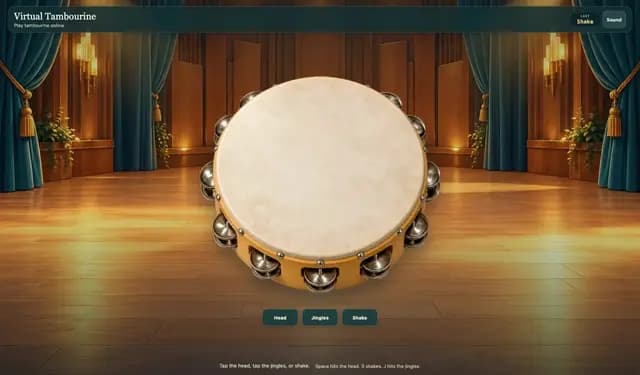
Play tambourine online. Tap the head, tap the jingles, or shake. Last shows Head, Jingles, or Shake. Space hits the head. S shakes. J hits the jingles. Sound and Mute sit on the HUD. After Loading the tambourine, the hoop is ready.

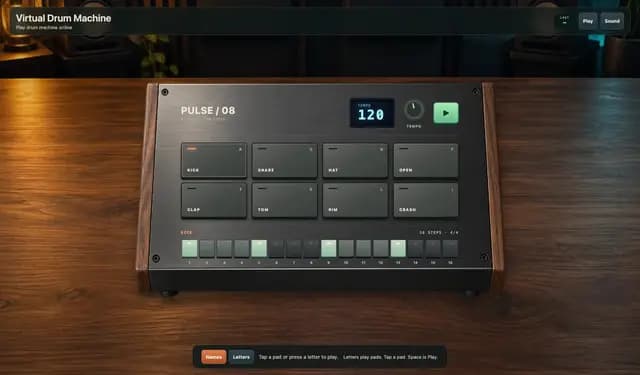
Play a virtual drum machine in your browser. Tap a pad or press a letter to play. Names and Letters label the pads. Last shows the pad you just played. Space is Play. Sound and Mute sit on the HUD. After Loading the drum machine, eight pads are ready: Kick, Snare, Hat, Open, Clap, Tom, Rim, and Crash.

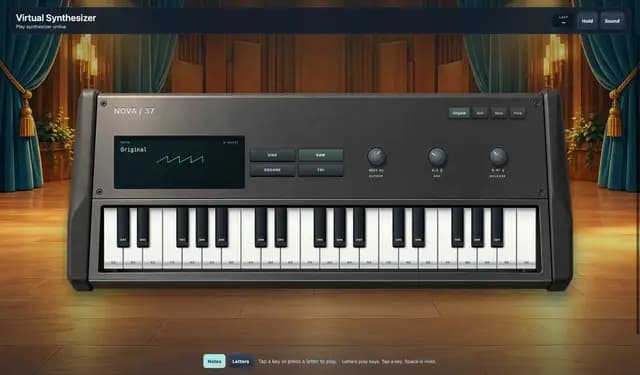
Play a virtual synthesizer in your browser. Tap a key or press a letter to play. Notes and Letters label the keys. Last shows the note you just played. Space is Hold. Sound and Mute sit on the HUD. After Loading the synthesizer, the keyboard is ready from low C to a high C.

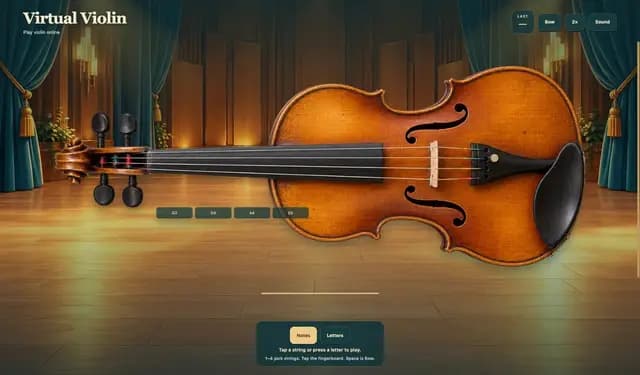
Play a virtual violin in your browser. Tap a string or press a letter to play. Tap the fingerboard to set the pitch. Space is Bow. Notes and Letters label the nut. Last shows the note you just played. Sound and Mute sit on the HUD. After Loading the violin, four strings are ready from open G to a high stop on E.