Kalimba maya
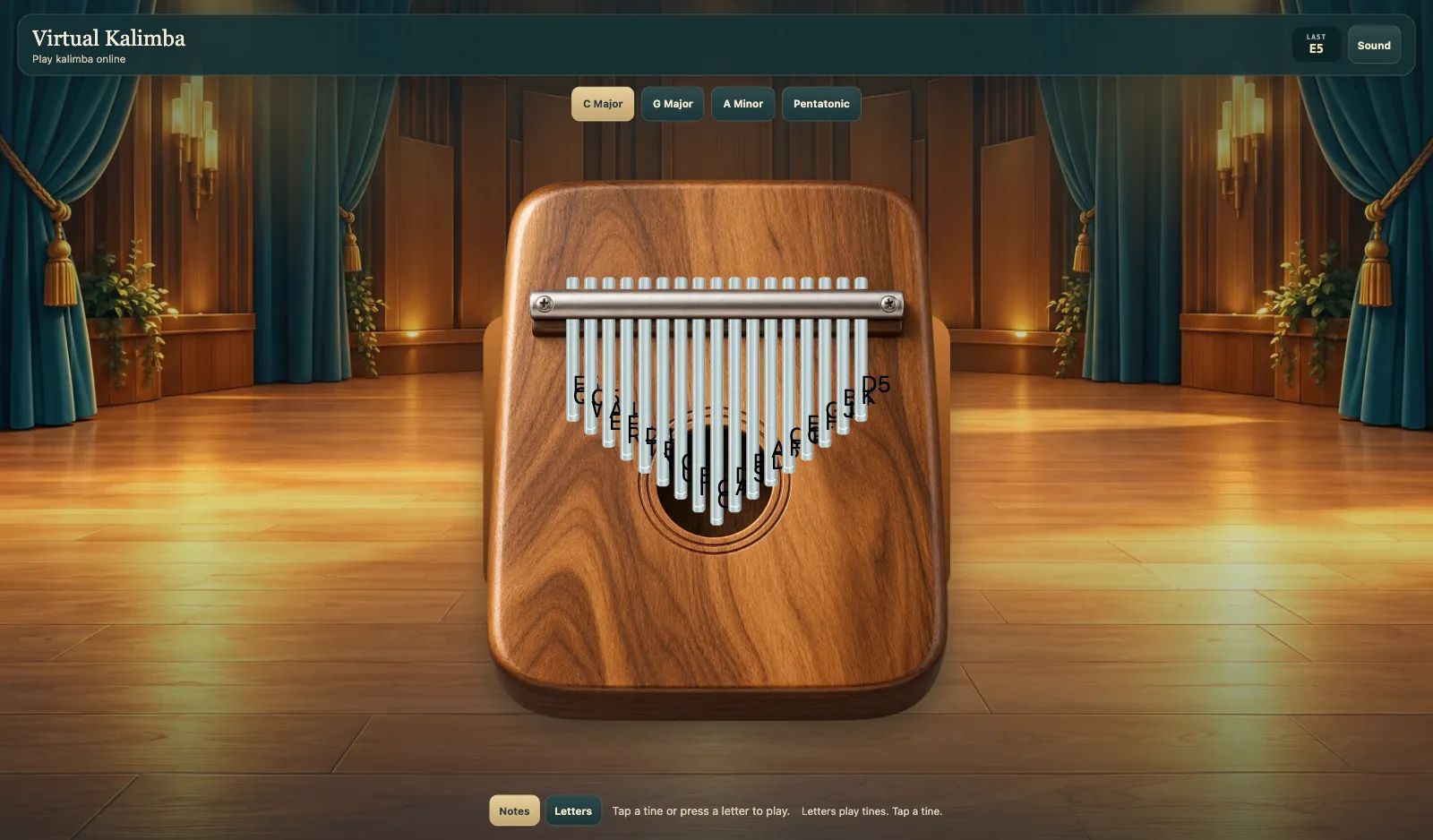
Main kalimba dalam talian. Ketuk lidah atau tekan huruf untuk main. Not dan Huruf menandai lidah. Huruf memainkan lidah. Ketuk lidah. Terakhir menunjukkan not yang baru dimainkan. C Major, G Major, A Minor, dan Pentatonic menyelaraskan semula kotak. Bunyi dan Redam ada di HUD. Selepas Memuatkan kalimba, lidah sedia.
Lagi seperti ini
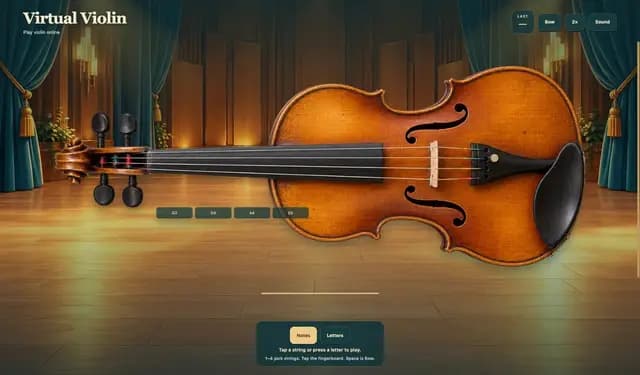
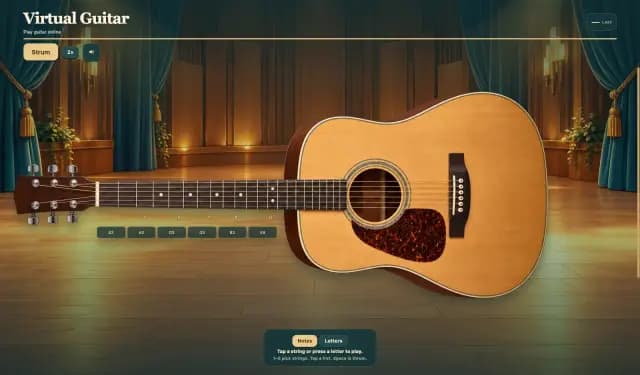
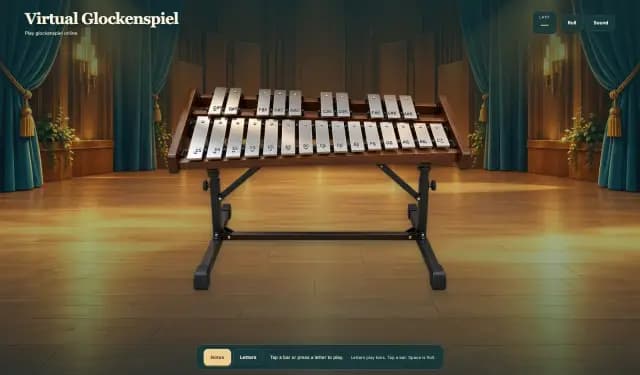

Cara main Kalimba maya
- 1
Tunggu Memuatkan kalimba
Buka Kalimba maya dan tunggu sehingga Memuatkan kalimba selesai.
- 2
Ketuk lidah atau tekan huruf untuk main.
Ketuk lidah atau tekan huruf untuk main. Huruf memainkan lidah. Ketuk lidah. Terakhir menunjukkan not yang baru dimainkan.
- 3
Pilih C Major, G Major, A Minor, atau Pentatonic
C Major, G Major, A Minor, atau Pentatonic menyelaraskan semula kotak. Tukar Not atau Huruf.
- 4
Guna Bunyi atau Redam
Bunyi dan Redam ada di HUD. Matikan bunyi jika anda perlukan kotak yang senyap.
Ciri Utama
Main kalimba dalam talian
Kalimba maya ialah piano ibu jari kayu. Ketuk lidah atau tekan huruf untuk main. Huruf memainkan lidah.
Not dan Huruf
Not menamakan lidah. Huruf memainkan lidah dan menunjukkan huruf. Terakhir menunjukkan not yang baru dimainkan.
C Major, G Major, A Minor, Pentatonic
C Major, G Major, A Minor, dan Pentatonic menyelaraskan semula lidah. Bunyi dan Redam ada di HUD.
Memuatkan kalimba
Tunggu sehingga Memuatkan kalimba selesai. Kemudian setiap lidah berbunyi.
Soalan Lazim
Bagaimana saya main Kalimba maya?
Ketuk lidah atau tekan huruf untuk main. Huruf memainkan lidah. Ketuk lidah.
Apa yang Not dan Huruf buat?
Not meletakkan nama not pada lidah. Huruf memainkan lidah dan menunjukkan huruf.
Apakah C Major, G Major, A Minor, dan Pentatonic?
C Major, G Major, A Minor, dan Pentatonic ialah penalaan. Setiap satu menyelaraskan semula lidah.
Apa yang Terakhir tunjuk?
Terakhir menunjukkan not yang baru dimainkan.
Mengapa ia berkata Memuatkan kalimba?
Kalimba maya membangunkan lidah dahulu. Kemudian anda boleh ketuk lidah.