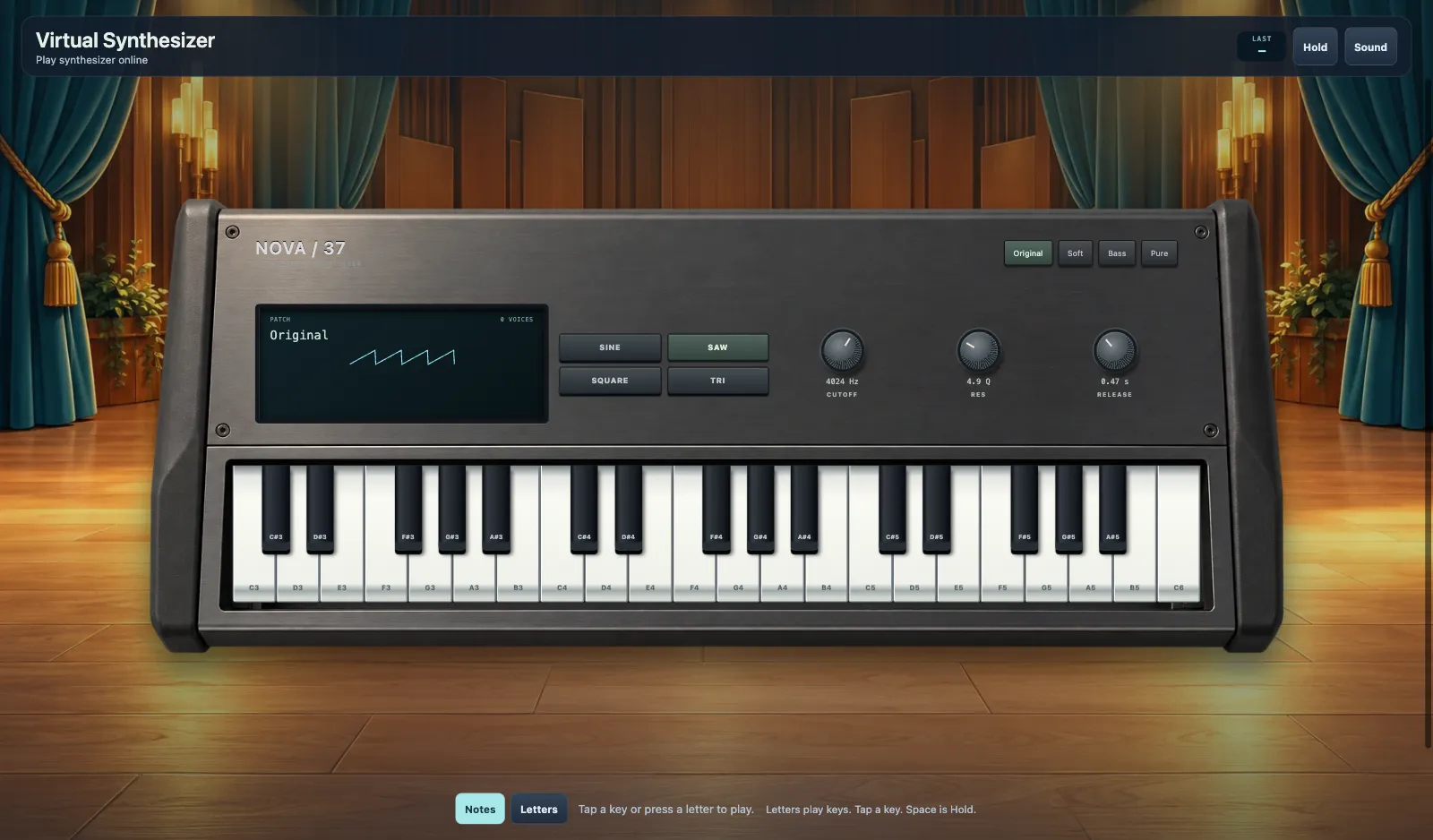
Synthétiseur virtuel
Touche une touche ou appuie sur une lettre. Maintien. Notes / Lettres. Dernière. Son / Muet. Chargement du synthétiseur.
Plus comme ça



Synthétiseur virtuel
- 1
Chargement du synthétiseur
Chargement du synthétiseur
- 2
Touche une touche ou appuie sur une lettre.
Touche une touche ou appuie sur une lettre.
- 3
Maintien
Espace est Maintien.
- 4
Son / Muet
Son. Muet.
Fonctionnalités clés
Joue du synthétiseur en ligne
Touche une touche ou appuie sur une lettre.
Maintien, Notes, Lettres
Maintien. Notes. Lettres. Dernière.
Chargement du synthétiseur
Chargement du synthétiseur
Son / Muet
Son. Muet.
Foire aux questions
Synthétiseur virtuel
Touche une touche ou appuie sur une lettre.
Notes
Lettres
Maintien
Espace est Maintien.
Dernière
Dernière
Chargement du synthétiseur
Chargement du synthétiseur