BrowserFun
New GamesAll Games
  • Home
  • New Games
  • Games
BrowserFun

Free educational games for every classroom.

Categories

  • Math
  • English Language Arts
  • Social Studies
  • Technology
  • Science & Nature

Explore

  • All Games
  • New Games
  • All categories

Legal

  • Privacy Policy
  • Terms & Conditions
  • Cookie Policy
  • Disclaimer

© 2026 BrowserFun. All rights reserved.

  1. Home
  2. Tools
  3. Star Trail

Star Trail

Line up Forward, Turn Left, and Turn Right blocks, then run the program so a fox walks a floating 3D path and gathers every star. Turns happen in place. Kids practice sequencing and facing without typing code.

GamePuzzleTechnologyK–5th

How to Play Star Trail

  1. 1

    Look at the Path

    The fox starts on one tile and faces a direction. Gold stars are the goals. Purple shades are tiles to avoid.

  2. 2

    Build a Sequence

    Tap Forward to walk one tile the way the fox is facing. Tap Left or Right to spin in place. The tray shows the program in order.

  3. 3

    Run It

    Press Run. The fox follows the blocks from left to right. Press Clear to wipe the tray and try again. Tap a tray block to remove just that step.

  4. 4

    Gather Every Star

    Land on each star. If the fox walks off the path, onto a shade, or the program ends too soon, you lose a life and edit the sequence.

Key Features

  • Program, Then Run

    Tap Forward, Left, or Right to grow a program. Tap a block in the tray to take it out. Nothing moves until you press Run.

  • Turns Stay in Place

    Left and right spin the fox on the same tile. Forward always means the way the fox is facing — the same idea used later in Logo and Scratch.

  • Stars and Shades

    Easy paths hold one star. Medium adds a purple shade to walk around. Hard uses two stars, so the program has to visit both.

  • Score, Streak, and Lives

    A clean run pays 100 per star times your streak, plus a first-try bonus. Three misses close the trail. Best score is saved in the browser.

What is Star Trail?

Star Trail is a first coding game on a 3D path. Players do not type. They tap visual blocks to write a sequence of moves, then run that sequence so a fox walks floating tiles. The core idea is an algorithm: an ordered list of steps that either reaches every star or does not. Turns happen in place, and Forward always means the way the fox is currently facing.

Why Play Star Trail?

  • 1

    Teaches Sequencing

    Kids see that order matters. Two Forwards and then a turn is not the same as a turn and then two Forwards.

  • 2

    Makes Facing Concrete

    Left and right are relative to the fox, not the screen. That is the same idea used later in Logo, Scratch, and robot kits.

  • 3

    Debug by Watching

    A failed run shows exactly where the path went wrong. Students change one block and try again.

  • 4

    Works on Touch

    No drag required. Tap to add, tap to remove, tap Run. The tray is large enough for small hands.

Frequently Asked Questions

Do I have to drag the blocks?

No. Tap a command to add it to the tray. Tap a block in the tray to remove it.

Does a turn also move the fox?

No. Left and Right spin the fox on the same tile. Only Forward walks to the next tile.

What does a shade do?

A shade is a hazard. If the fox lands on that tile, the run stops, you lose a life, and you can edit the program.

What do the levels change?

Easy paths are short with one star. Medium adds a shade to walk around. Hard uses two stars and extra shades.

What grade is this for?

Kindergarten through fifth grade. Easy is a first sequencing lesson. Hard is useful once students are comfortable with left and right from the character's view.

Related Tools

GameAll →

🃏 24 Game 🃏

The classic 24 card game! Given 4 random numbers, combine them using +, −, ×, ÷ to reach exactly 24. Every number must be used exactly once. Choose your difficulty (1–6, 1–9, or 1–13), build a streak, and beat your best time!

🔢 Sudoku 🔢

Classic 9×9 Sudoku with four difficulty levels — Easy, Medium, Hard, and Expert. Features a live timer, mistake counter, pencil notes, and 3 hints per puzzle. Beat your best time!

🧩 MathDoku 🧩

A KenKen-style arithmetic puzzle! Fill the grid with 1–N so every row and column contains each number exactly once. Each outlined cage must equal its target value using addition, subtraction, multiplication, or division. Choose from 4×4, 5×5, or 6×6 grids.

2D Shape Explorer

Identify 2D shapes like triangles, squares, pentagons, hexagons, and more by counting their sides and corners. Features colorful SVG shapes, multiple question types (name, sides count, corners count), and three difficulty levels.

Acronym Slam – Build a Funny Backronym

Play Acronym Slam in the browser. A word lands on the board, then you slam a silly English slip onto each letter to invent a backronym. Party mode is untimed. Lightning races a 28-second clock. Compare your phrase with a built-in funny expansion and keep a best score.

Acrostic Puzzle – Tap Words to Reveal a Secret Word

Play a kid-friendly acrostic game: tap the word that matches each clue. The first letters stack up and spell a secret word. Three difficulty levels, lives, and a high score.

PuzzleAll →

🔢 Sudoku 🔢

Classic 9×9 Sudoku with four difficulty levels — Easy, Medium, Hard, and Expert. Features a live timer, mistake counter, pencil notes, and 3 hints per puzzle. Beat your best time!

🧩 MathDoku 🧩

A KenKen-style arithmetic puzzle! Fill the grid with 1–N so every row and column contains each number exactly once. Each outlined cage must equal its target value using addition, subtraction, multiplication, or division. Choose from 4×4, 5×5, or 6×6 grids.

Acrostic Puzzle – Tap Words to Reveal a Secret Word

Play a kid-friendly acrostic game: tap the word that matches each clue. The first letters stack up and spell a secret word. Three difficulty levels, lives, and a high score.

Algebra Challenge — High School Math Quiz

Solve equations, factor polynomials, simplify expressions — pick the correct answer from four choices. 45 problems across three tiers: Algebra I (linear equations, slope, basic factoring), Algebra II (quadratics, systems, logs, sequences), and Advanced (pre-calculus, complex numbers, inverse functions, infinite series).

Anagram Solver Game

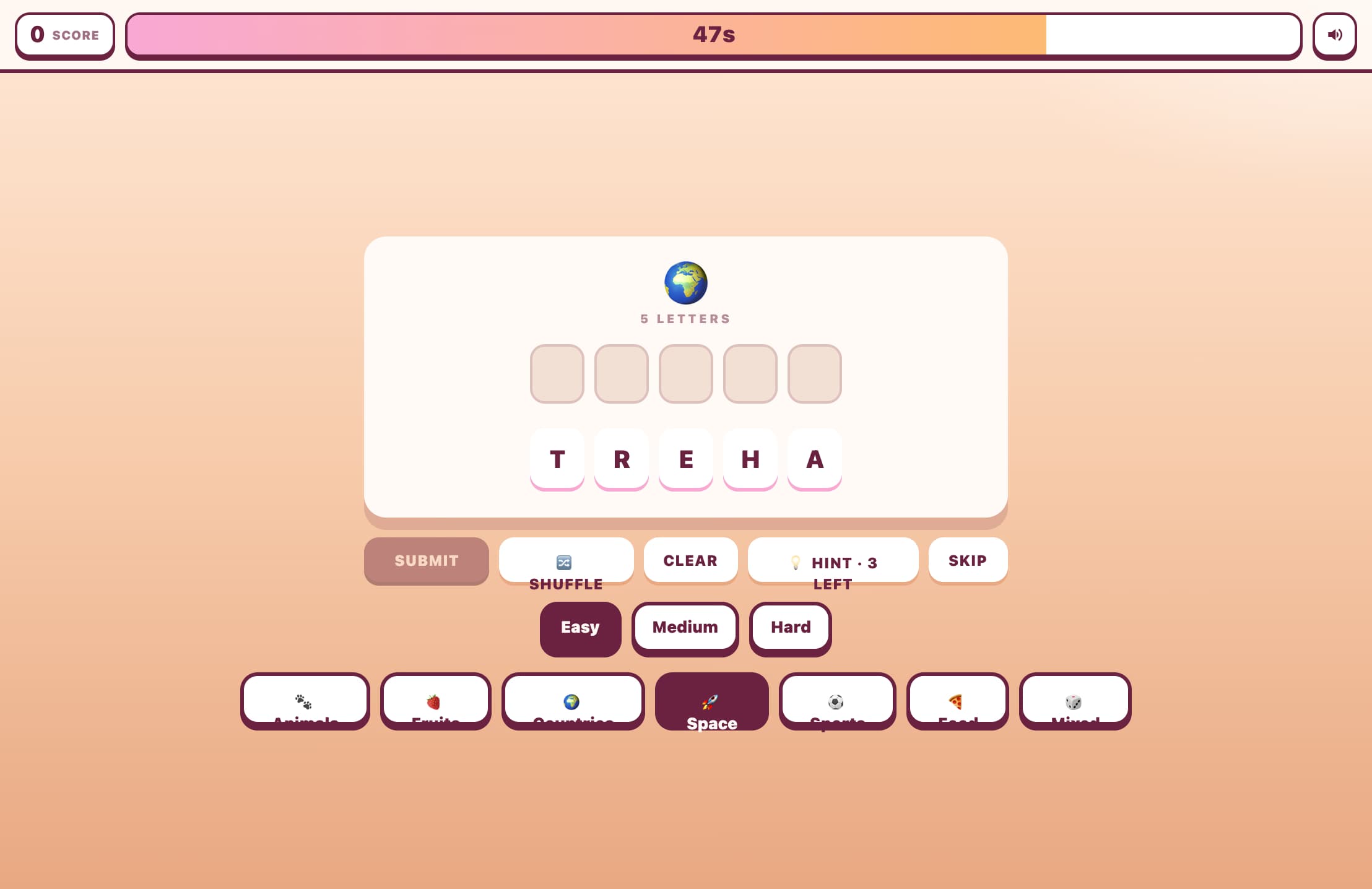
Unscramble jumbled letters to form the hidden word! Choose from 7 categories and 3 difficulty levels. Race against the timer, use hints, and build your streak in this fun anagram word game.

Argument Types — Logic & Fallacy Quiz

Identify whether an argument is deductive, inductive, or abductive — and name the logical fallacy when one is present. 45 problems across three tiers: Foundation covers the most common fallacies (ad hominem, straw man, false dilemma, slippery slope, appeal to authority, bandwagon, hasty generalization, appeal to ignorance) and basic argument types. Intermediate adds subtle informal fallacies (post hoc, tu quoque, anecdotal evidence, appeal to nature, poisoning the well, circular reasoning, relative privation). Advanced covers formal fallacies (affirming the consequent, denying the antecedent, modus tollens), validity vs. soundness, equivocation, and abductive reasoning.

TechnologyAll →

Grove Nibble

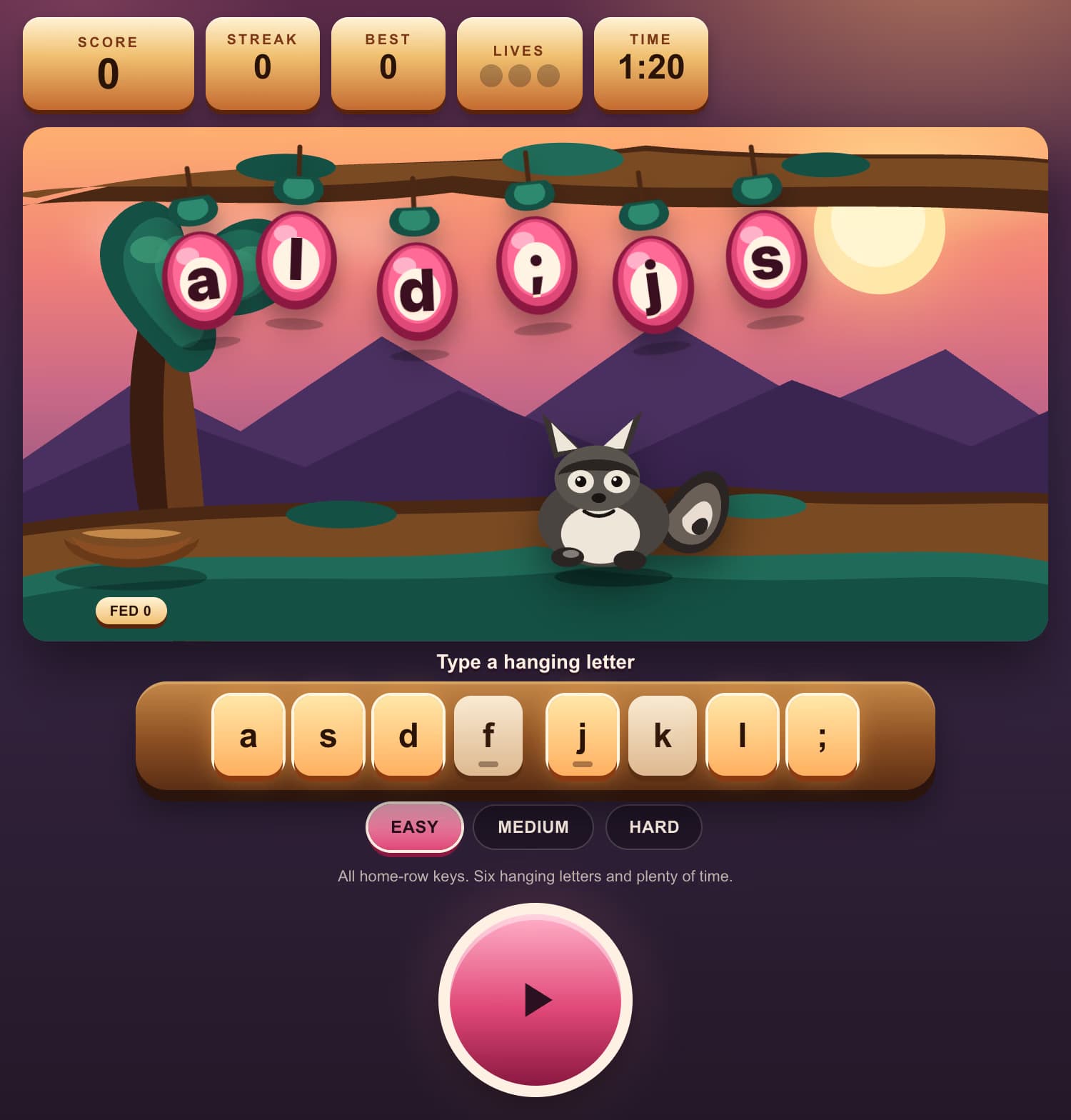
A sunset orchard, rose plums with home-row letters, and a raccoon on a mossy branch. Type any hanging key — A, S, D, F, J, K, L, or semicolon. A clean hit drops the plum and feeds the raccoon. A miss shakes the grove and breaks the streak. Built for first-through-fifth graders learning touch typing on the full home row.

Path Blocks

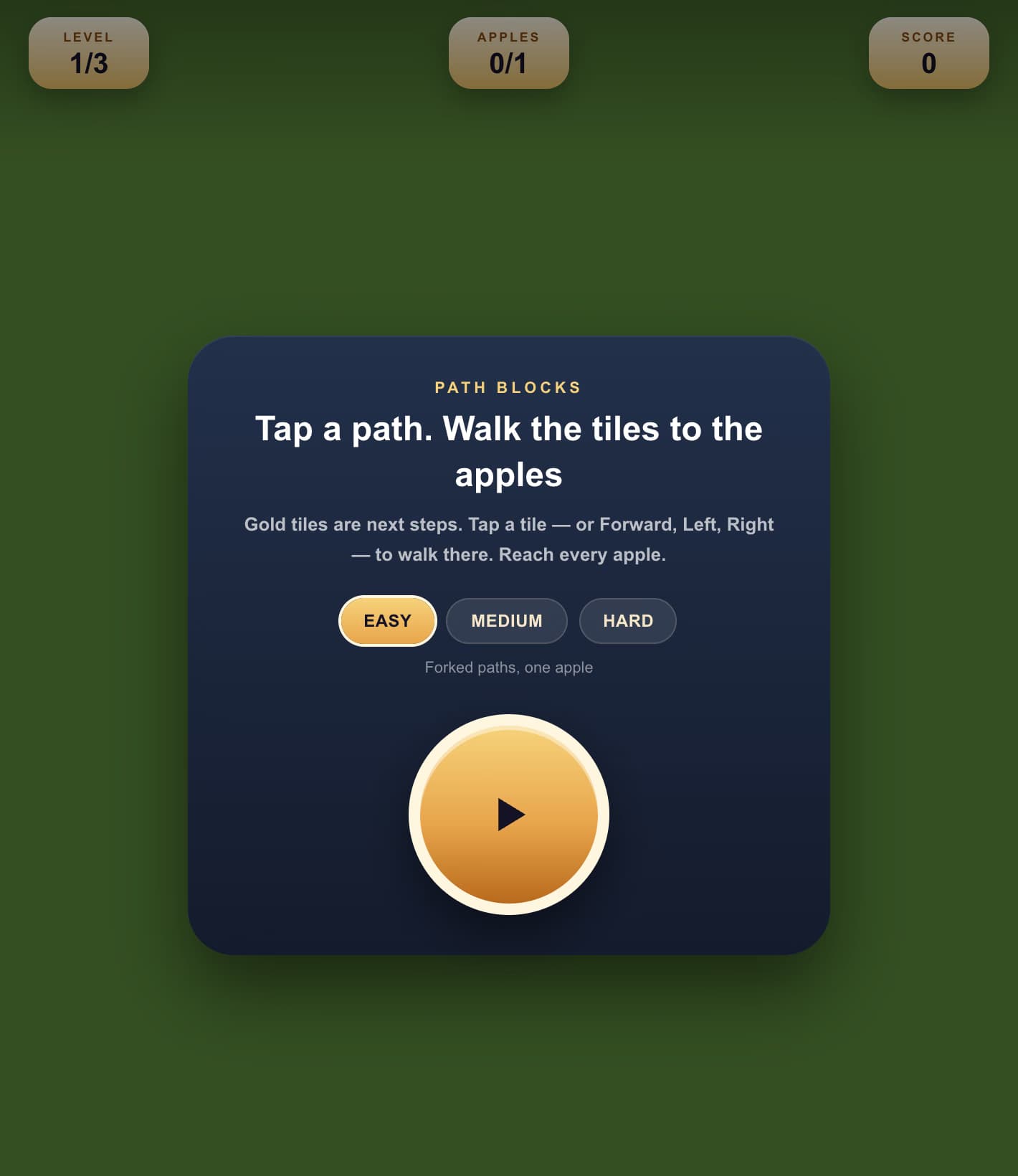
Build a short program with Forward, Turn Left, and Turn Right blocks, then run it so a beetle walks an isometric path and picks up every apple. Kids practice sequencing without typing code.

Star Trail - Line up Forward, Turn Left, and Turn Right blocks, then run the program so a fox