Positive and Negative Numbers
Zero Harbor
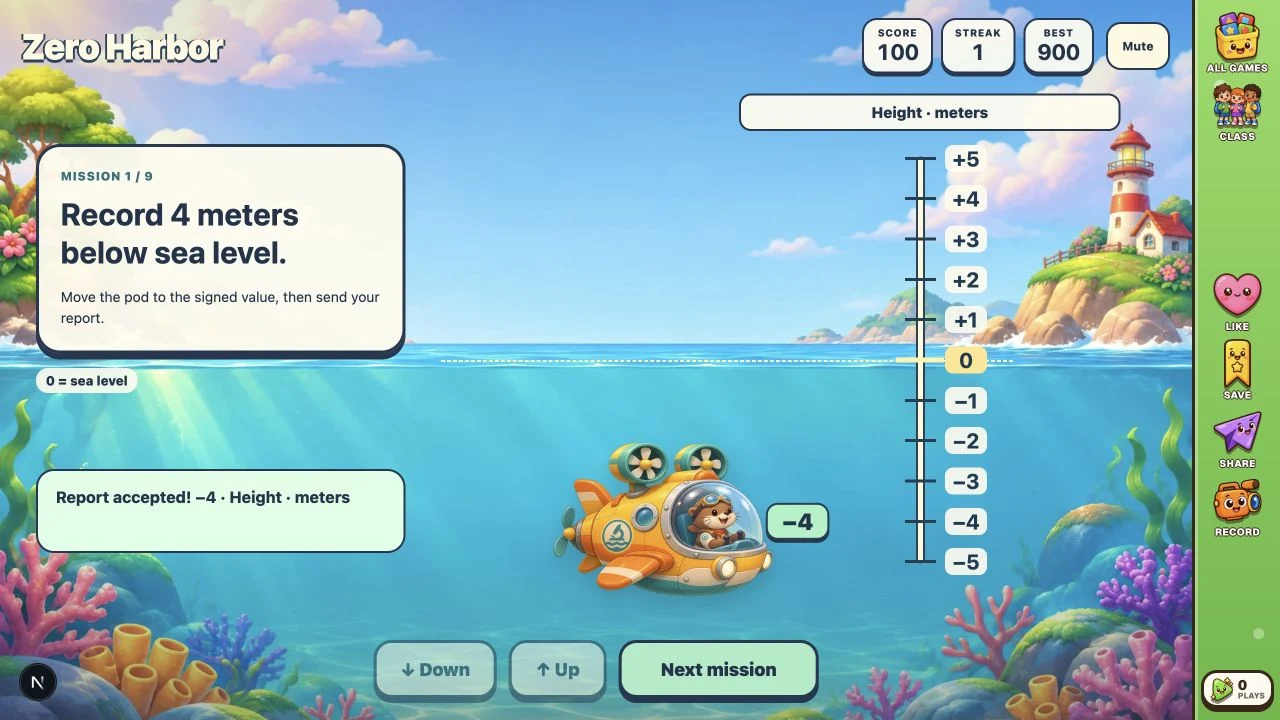
Pilot a research pod along a signed scale and send reports about height, temperature, and money changes. Interpret each real situation, move above or below zero, and complete nine missions with helpful retry feedback.
More like this
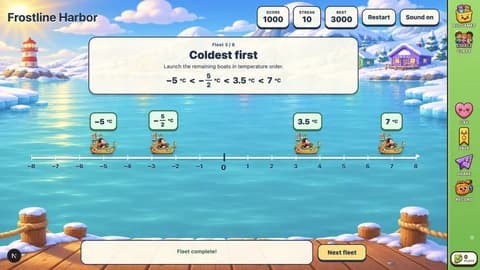
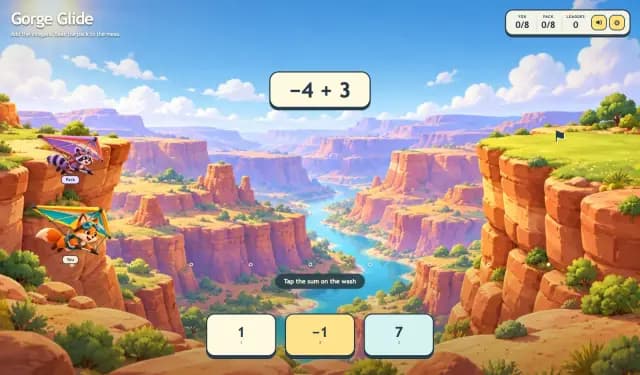
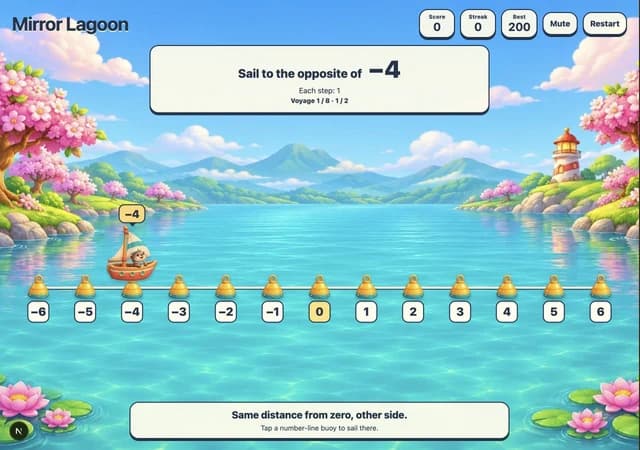
How to Play Zero Harbor
- 1
Read the mission
The first mission is ready immediately. Read whether the situation is above or below sea level, above or below zero degrees, or money earned or spent.
- 2
Check the scale
Look at the unit label and the meaning of 0. Height is measured in meters, temperature in °C, and money change in dollars.
- 3
Move the pod
Select Up or Down to move one unit. Positive values are above 0 and negative values are below it. The arrow keys also move the pod.
- 4
Send report
Select Send report or press Enter to submit the pod’s current value. Read any correction and move again; a correct report adds 100 points.
- 5
Continue the expedition
Select Next mission after each accepted report. Finish nine reports, then select Play again for new practice. Use Mute or Sound to control music.
Key Features
A moving signed scale
Up and Down steer the illustrated pod between −5 and +5. Its marker and signed value move together, making direction and distance from zero visible.
Three real situations
Height, temperature, and money-change missions use distinct unit labels and explanations of zero. Positive, negative, and zero values all appear.
Helpful retries
A wrong report explains whether to change the sign, return to zero, or check the distance. Stay on the mission and retry without a timer or lost lives.
Nine-report expeditions
A correct report awards 100 points and increases Streak. A wrong report resets Streak but leaves Score unchanged. After nine correct reports, Play again starts a fresh expedition.
Local preferences
Best and the Sound or Mute preference are saved in this browser when storage is available. Quiet background music accompanies play.
What is Zero Harbor?
Zero Harbor is a research-pod game about giving real situations a signed number. A vertical scale runs from −5 to +5. Use Up and Down to move the pod one unit at a time, then select Send report. The scale changes between height in meters, temperature in degrees Celsius, and money change in dollars. For example, 4 meters below sea level is −4: move down four steps from 0 and select Send report. Four meters above sea level is +4, so the same distance needs the opposite direction. Spending 3 dollars is a change of −3; it does not mean the account balance is −3.
Why Play Zero Harbor?
- 1
Interpret signs in context
Connect positive and negative numbers to concrete situations rather than practicing arithmetic with signs.
- 2
Give zero a meaning
Recognize sea level, zero degrees, and no money change as different reference points represented by the same number.
- 3
Separate sign from magnitude
Opposite situations can use the same number of units. The pod shows why −4 and +4 are equally far from zero but represent different directions.
- 4
Practice with feedback
Untimed retries explain the mismatch. Missions draw from 33 context-and-value combinations, with no repeated combination within an expedition.
Frequently Asked Questions
Which lesson does this game support?
The sixth-grade Positive and Negative Numbers lesson: describe temperatures below zero, height above or below sea level, and money earned or spent.
Does the game teach adding negative numbers?
The task is to represent a situation with a signed number between −5 and +5. Moving the pod is a visual aid; missions do not ask for sums or differences of signed numbers.
What does a negative money report mean?
It represents money spent, a negative change. For example, spending 3 dollars is −3 dollars of change. The game does not provide or ask for an account balance.
What happens after a mistake?
The mission stays open. Feedback distinguishes a wrong sign, a zero target, and a wrong distance from zero. Score stays unchanged and Streak resets. You can keep trying.
How do Score, Streak, and Best work?
Each accepted report adds 100 points. Streak counts consecutive accepted reports without a mistake; Best saves the highest expedition score locally. Nine reports give a score of 900. Play again resets Score and Streak.
Are missions different on replay?
The first visit begins with −4 meters, +4 meters, and sea level to establish the reference point. Later missions vary across all three contexts. Play again draws a fresh set of nine from the 33 combinations, without repeats within that expedition.
Can I play with a keyboard or touch?
Yes. Tap or click Up, Down, and Send report, or use the arrow keys and Enter. All buttons also support normal keyboard focus. There is no typing, timer, or required setup screen.