BrowserFun
New GamesAll Games
BrowserFun

Free educational games for every classroom.

Categories

  • Math
  • English Language Arts
  • Social Studies
  • Technology
  • Science & Nature

Explore

  • All Games
  • New Games
  • All categories

Legal

  • Privacy Policy
  • Terms & Conditions
  • Cookie Policy
  • Disclaimer

© 2026 BrowserFun. All rights reserved.

  1. Home
  2. Tools
  3. Island Coordinates

Island Coordinates

Find each landmark on a first-quadrant treasure map and enter its X and Y. Kids plot pirates, chests, and palms on a dashed grid from the origin, building coordinate-plane fluency for fourth and fifth grade.

GameMathGeometry4th–5th

How to Play Island Coordinates

  1. 1

    Pick a Mode and Grid

    Choose Timed or Survival, then Easy, Medium, or Hard. The island redraws with a new set of landmarks.

  2. 2

    Read the Locate Clue

    The prompt shows one icon. Find that same icon on the map and count across X, then up Y, starting at (0, 0) in the lower left.

  3. 3

    Enter the Ordered Pair

    Tap the map, or type X and Y on the pad. Press OK to plot your point.

  4. 4

    Plot the Next Landmark

    A correct pair sparks the cell and adds a point. A miss flashes the true coordinates. Keep hunting until time or lives run out.

Key Features

  • Island Map With a Dashed Grid

    A painted first-quadrant island sits under X and Y axes. Landmarks sit on integer points so students can count units from the origin instead of guessing.

  • Type It or Tap the Map

    Use the number pad to fill X then Y, or tap a grid intersection to drop both values. OK confirms the ordered pair.

  • Three Grid Sizes

    Easy uses a 0–4 by 0–3 map. Medium matches a classic 0–8 by 0–4 hunt. Hard stretches to 0–10 by 0–6 with a crowded shoreline.

  • Timed Raid or Survival

    Race the 75-second clock, or play with three lives. High scores stay on this device so students can beat their last haul.

What is Island Coordinates?

Island Coordinates is a first-quadrant graphing game. Students locate pirates, chests, palms, and other landmarks on a treasure map, then enter each ordered pair (x, y). The grid always starts at the origin in the lower left, matching how fifth-grade coordinate-plane lessons introduce the x-axis (across) and y-axis (up). Easy, medium, and hard maps grow the grid so the same mechanic scales from small boards to denser hunts.

Why Play Island Coordinates?

  • 1

    Makes Ordered Pairs Concrete

    Kids see a real object sitting on a grid point, then write the pair. That visual-to-symbol loop is the core of early coordinate-plane work.

  • 2

    Practices Origin and Direction

    Every round starts from (0, 0). Students have to move right for X and up for Y, which prevents the common mix-up of swapping the two values.

  • 3

    Works on Touch and Keyboard

    Tapping a cell is fast on a tablet. The number pad matches classroom graphing worksheets where students write the pair themselves.

  • 4

    Grows With the Lesson

    A 5-by-4 board is enough for first lessons. The larger maps add more counting and more landmarks without changing the rules.

Frequently Asked Questions

Which quadrant is this?

Only the first quadrant. X and Y are never negative, which matches typical fourth- and fifth-grade introductions to the coordinate plane.

Do I have to type the numbers?

No. Tap the map to fill X and Y, then press OK. You can also type with the pad if you want worksheet-style practice.

What do Easy, Medium, and Hard change?

The size of the grid and how many landmarks appear. Easy is 0–4 by 0–3. Medium is 0–8 by 0–4. Hard is 0–10 by 0–6.

What happens if I mix up X and Y?

The game marks it wrong and briefly highlights the true point so you can see both the pair you entered and the pair that was asked.

What grade is this for?

Fourth and fifth grade (about ages 9–11), when students first plot ordered pairs in the first quadrant. Younger students can use Easy; older students can race Hard.

Related Tools

GameAll →

🃏 24 Game 🃏

The classic 24 card game! Given 4 random numbers, combine them using +, −, ×, ÷ to reach exactly 24. Every number must be used exactly once. Choose your difficulty (1–6, 1–9, or 1–13), build a streak, and beat your best time!

🔢 Sudoku 🔢

Classic 9×9 Sudoku with four difficulty levels — Easy, Medium, Hard, and Expert. Features a live timer, mistake counter, pencil notes, and 3 hints per puzzle. Beat your best time!

🧩 MathDoku 🧩

A KenKen-style arithmetic puzzle! Fill the grid with 1–N so every row and column contains each number exactly once. Each outlined cage must equal its target value using addition, subtraction, multiplication, or division. Choose from 4×4, 5×5, or 6×6 grids.

2D Shape Explorer

Identify 2D shapes like triangles, squares, pentagons, hexagons, and more by counting their sides and corners. Features colorful SVG shapes, multiple question types (name, sides count, corners count), and three difficulty levels.

Acronym Generator

Turn any word into a creative acronym expansion! Pick a word from 42 preset options across 6 categories — or type your own — then fill in a word for each letter to build your unique acronym. Compare your creation with a built-in fun alternative.

Acrostic Puzzle – Solve Clues to Reveal a Hidden Phrase

Play acrostic puzzles where you solve word clues and the first letters of each answer spell out a hidden phrase. Features five categories, three difficulty levels, and a hint system.

MathAll →

🃏 24 Game 🃏

The classic 24 card game! Given 4 random numbers, combine them using +, −, ×, ÷ to reach exactly 24. Every number must be used exactly once. Choose your difficulty (1–6, 1–9, or 1–13), build a streak, and beat your best time!

🔢 Sudoku 🔢

Classic 9×9 Sudoku with four difficulty levels — Easy, Medium, Hard, and Expert. Features a live timer, mistake counter, pencil notes, and 3 hints per puzzle. Beat your best time!

🧩 MathDoku 🧩

A KenKen-style arithmetic puzzle! Fill the grid with 1–N so every row and column contains each number exactly once. Each outlined cage must equal its target value using addition, subtraction, multiplication, or division. Choose from 4×4, 5×5, or 6×6 grids.

2D Shape Explorer

Identify 2D shapes like triangles, squares, pentagons, hexagons, and more by counting their sides and corners. Features colorful SVG shapes, multiple question types (name, sides count, corners count), and three difficulty levels.

Add the Animals

2 cats + 3 cats = ? Count adorable animal emoji to solve addition problems up to 10. A visual and engaging way for young learners to practice adding numbers through counting.

Algebra Challenge — High School Math Quiz

Solve equations, factor polynomials, simplify expressions — pick the correct answer from four choices. 45 problems across three tiers: Algebra I (linear equations, slope, basic factoring), Algebra II (quadratics, systems, logs, sequences), and Advanced (pre-calculus, complex numbers, inverse functions, infinite series).

GeometryAll →

2D Shape Explorer

Identify 2D shapes like triangles, squares, pentagons, hexagons, and more by counting their sides and corners. Features colorful SVG shapes, multiple question types (name, sides count, corners count), and three difficulty levels.

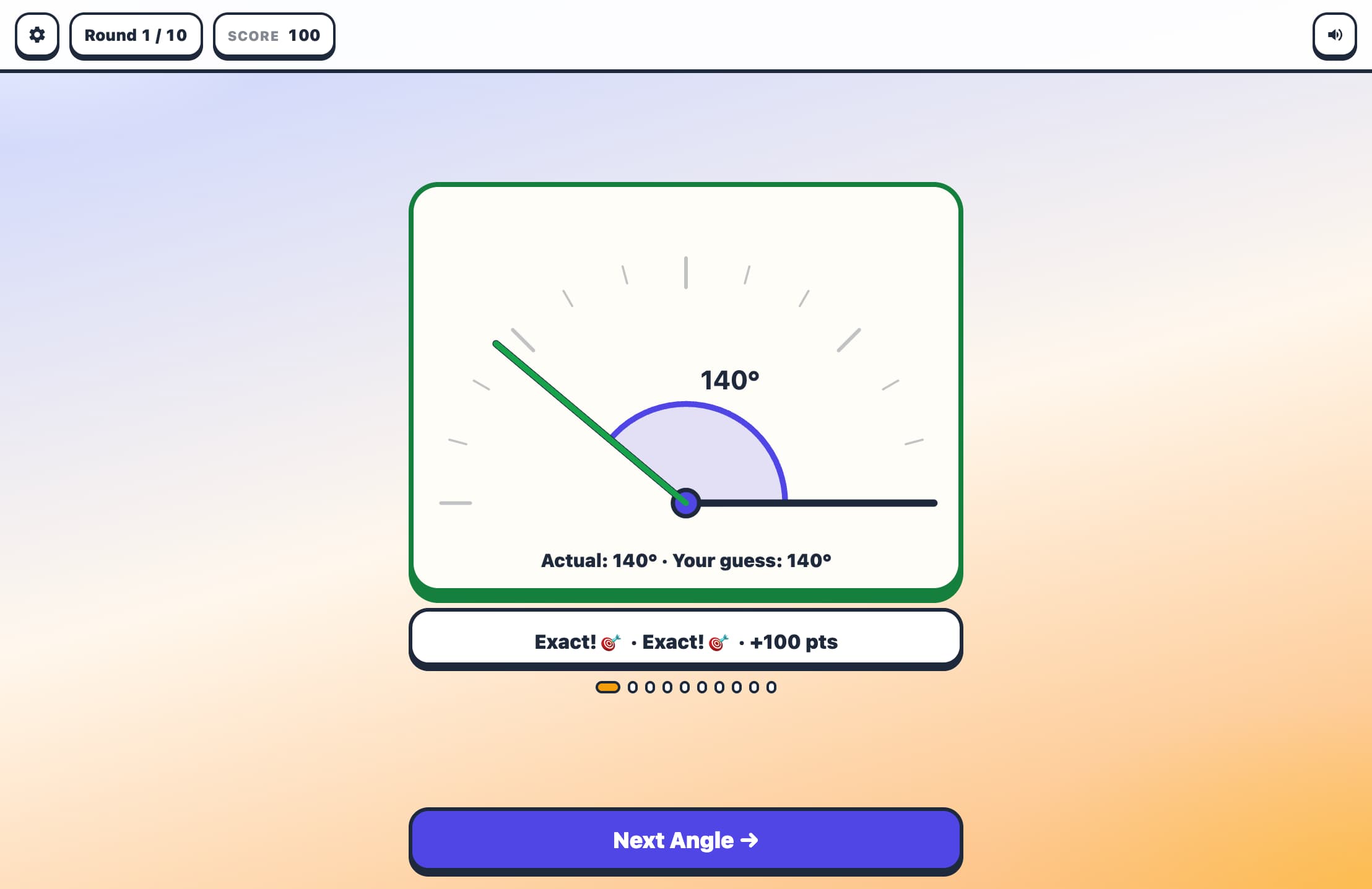
Angle Estimator Game

Train your eye for geometry! An angle is drawn on screen using two rays from a common vertex. Estimate the angle in degrees, then lock in your answer. The closer your guess, the higher your score — within 2° earns a perfect bullseye!

Color & Shape Match

A gentle introduction to classification and sorting! Match objects by color, shape, or both. Find the card that follows the rule — from easy single-attribute sorting to tricky two-attribute matching with near-miss distractors.

Free Online Triangle Calculator

Calculate triangle sides, angles, area, and perimeter using our advanced triangle calculator. Supports SSS, SAS, ASA, AAS, and SSA methods with step-by-step solutions and interactive visualization.

Geometry: Angles — High School Math Quiz

Find missing angles and apply key theorems — pick the correct answer from four choices. 45 problems across three tiers: Geometry I (complementary, supplementary, vertical, linear pair, triangle sum), Geometry II (parallel line angle pairs, polygon interior sums, inscribed angle theorem), and Advanced (multi-step proofs, circle chord angles, exterior angle formulas, cyclic quadrilaterals).

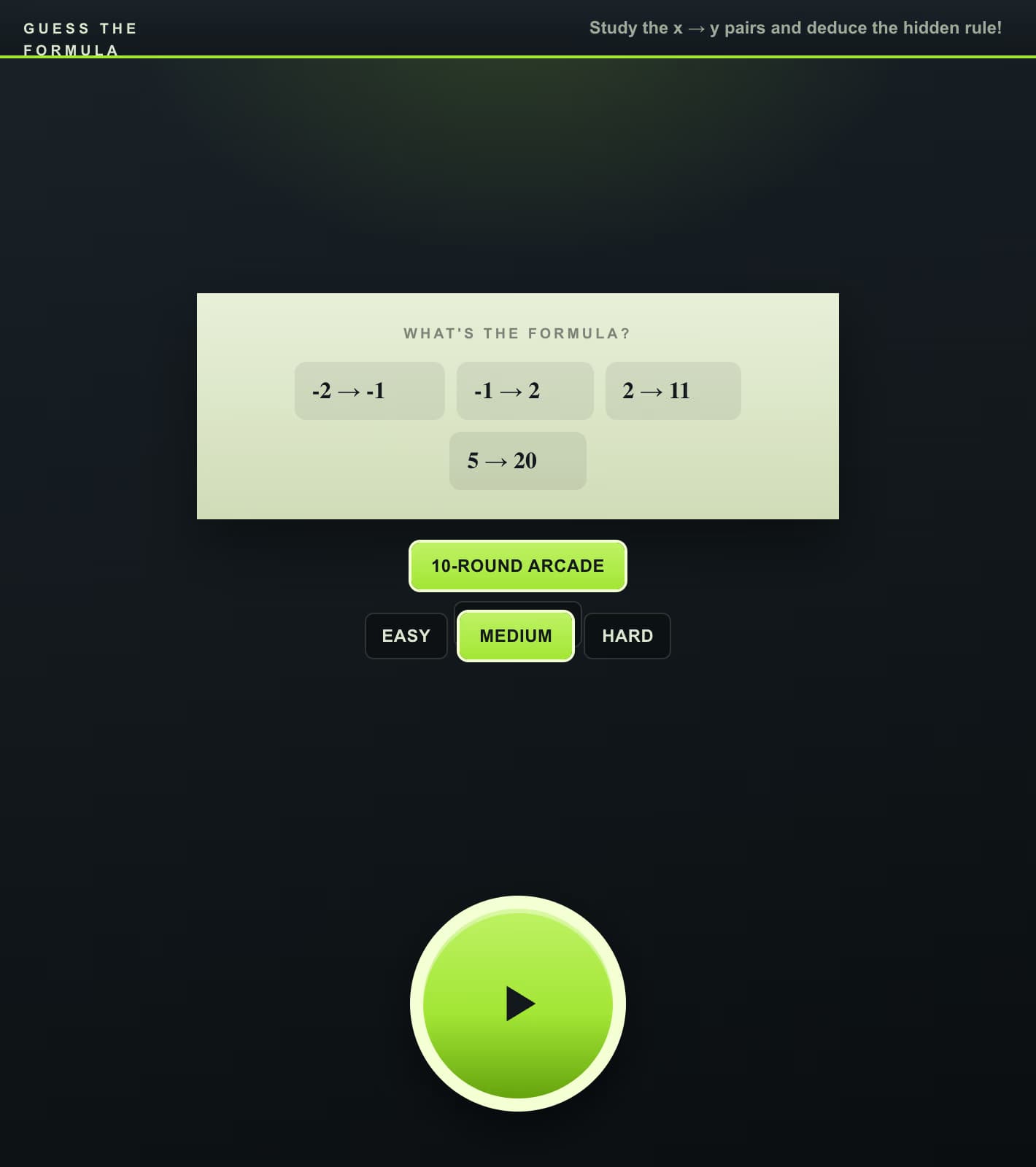
Guess the Formula

You're shown a table of x → y pairs — your job is to identify which of four formulas generated the data. Study the numbers, spot the pattern (linear, quadratic, exponential, modulo?), and select the correct formula before time runs out. On Medium and Hard difficulties you can also 'probe' additional x values to gather more evidence.

Island Coordinates - Find each landmark on a first-quadrant treasure map and enter its X and Y. Kids
Island CoordinatesPlot each landmark on the first-quadrant map
012340123XY🏴‍☠️💰🌴🦜⚓🗺️
Locate🏴‍☠️
(,)

Tap the map or type X then Y. Origin is the lower left.

Grid 0–4 by 0–3 — count a few steps from the origin