Variables, Terms, and Coefficients
Expression Workshop
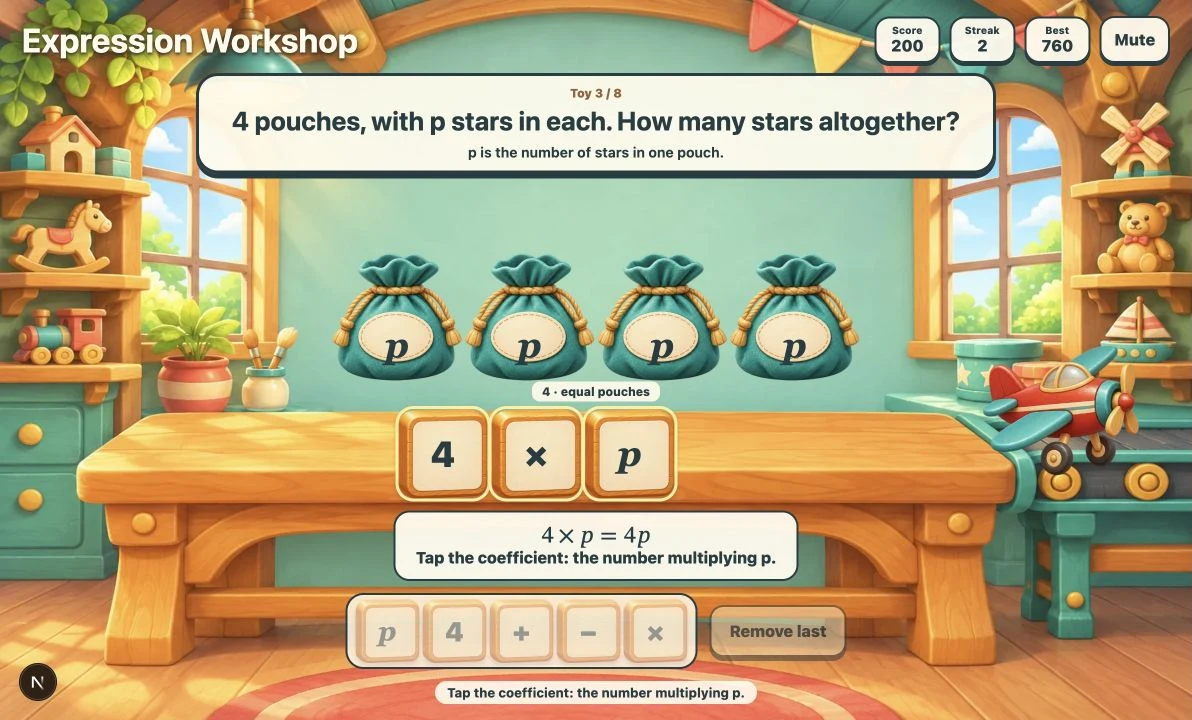
Build expressions from words in a colorful toy workshop. Tap wooden pieces to describe unknown stars in pouches, extra stars, equal groups, and amounts taken away. Identify coefficients, factors, and constant terms to send eight toys down the conveyor.
More like this
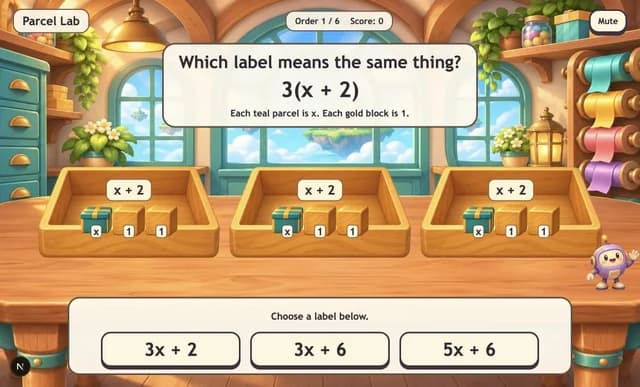
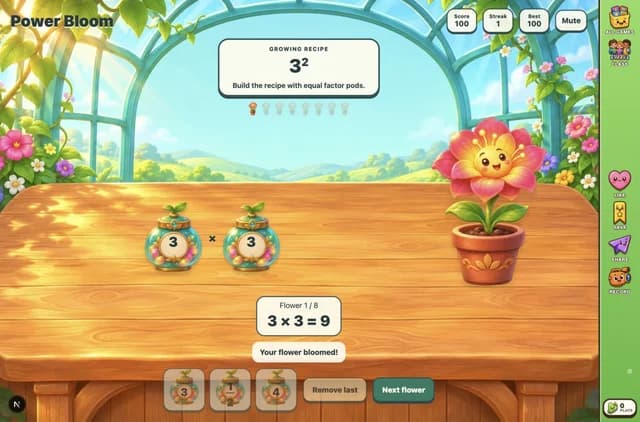
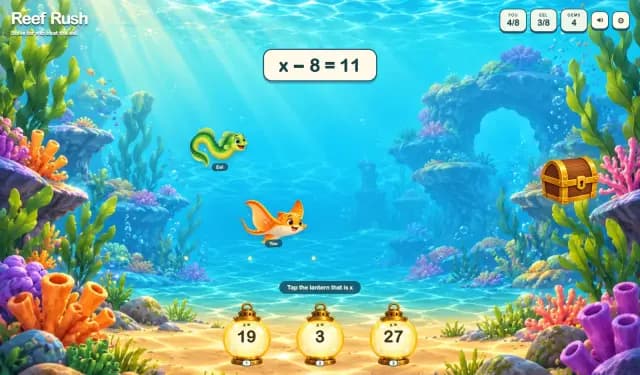
How to play Expression Workshop
- 1
Read the order
The first task is immediately playable. Read what the variable means and compare the pouches with the numbered star groups.
- 2
Build on the bench
Tap the wooden pieces in expression order. Choose addition, subtraction, or multiplication to match the story. Keyboard players can use Tab and Enter or Space.
- 3
Repair a mismatch
Read the feedback, then use Remove last to take back pieces and rebuild. For five less than y, place y, then −, then 5.
- 4
Inspect the expression
When prompted, tap the coefficient, variable factor, or constant term in your finished expression. For 3 × y + 4, these are 3, y, and 4 respectively.
- 5
Deliver eight toys
After Toy delivered!, select Next toy. After eight deliveries, select Play again for a fresh run. Mute and Sound on control the quiet background music.
Key Features
A working expression bench
Each selected wooden piece moves into the expression. Remove last takes back one piece. A complete matching expression automatically builds the toy.
Five kinds of stories
Build sums, differences in both orders, products, and a product plus a constant. Addition and multiplication accept either operand order when the meaning is unchanged.
Inspection before delivery
Product rounds ask for the coefficient or variable factor. Product-plus-constant rounds ask for the constant term. Tap that part in the finished expression to deliver the toy.
Feedback tied to the story
Wrong constructions explain the operation or starting quantity. Incorrect inspections leave the expression intact for another try, and mistakes reset Streak.
Eight-toy runs with fresh numbers
A delivery earns 100 points, minus 20 per mistake on that toy, with a minimum of 40. Best and the sound preference persist in this browser. Play again draws new quantities and variable letters.
What is Expression Workshop?
Expression Workshop is an untimed sixth-grade algebra building game. A closed pouch stands for an unknown number of stars, named by a variable such as y. The illustrated model shows pouches and known star amounts. Tap variable, number, and operation pieces to assemble an expression on the workbench. A matching expression builds a toy automatically; some rounds then ask you to identify a part of that expression before delivery. For example, five less than y means start with y stars and take away five: y − 5. It does not mean 5 − y. Three pouches with y stars each and four extra stars give 3 × y + 4, also written 3y + 4. In that expression, 3 is the coefficient, y is a variable factor of the product, and 4 is the constant term. The game keeps the unknown amount unknown; you are writing a relationship, not substituting a value.
Why play Expression Workshop?
- 1
Connect words and quantities
Pouches represent unknown quantities while numbered star groups show known amounts. The same pieces can describe adding, taking away, or repeating equal groups.
- 2
Notice subtraction order
The opening pair uses the same quantities for addition and subtraction. Later rounds distinguish an unknown starting amount from an unknown amount given away.
- 3
Read expression structure
After building selected expressions, tap a coefficient, variable factor, or constant term directly in the expression.
- 4
Practice without typing
Large selectable pieces support touch, mouse, and keyboard play. There is no timer, text entry, or numeric answer keypad.
Frequently Asked Questions
Which lesson does this game support?
It supports sixth-grade Variables and Expressions: writing an expression from words, interpreting a real situation, and recognizing terms, coefficients, and factors.
Why is five less than y written y − 5?
The unknown amount y is the starting amount. Five is taken from it. By contrast, starting with five and giving away y is 5 − y. The pouch model and feedback distinguish these stories.
Must I find the value of the variable?
No. A pouch stays closed, so its amount remains unknown. Keep its variable in the expression rather than choosing a value for it.
What are coefficients, factors, and constant terms?
In 3 × y + 4, the coefficient 3 multiplies the variable. The numbers or variables multiplied in the product, 3 and y, are factors. The added 4 is a constant term; the other term is 3y.
Can I write the operands in a different order?
Yes for addition and multiplication: y + 5 and 5 + y describe the same sum, and 3 × y and y × 3 describe the same product. Subtraction order matters. In a product-plus-constant task, build the product first, then add the constant.
How do scoring and replay work?
Each toy starts at 100 points. Each wrong complete expression or inspection subtracts 20 from that toy's award, down to 40, and resets Streak. A delivery increases Streak by one. Eight deliveries finish a run; Play again resets Score and Streak but keeps Best.
Which controls and numbers are available?
Use touch, mouse, or Tab with Enter or Space to select pieces, Remove last, and Next toy. Known amounts range from 2 to 9 and pouch multipliers from 2 to 5. The first visit begins with y and 5; later tasks and replays vary. Music starts after interaction and pauses when the page is hidden.