Point to the circle, square, or triangle
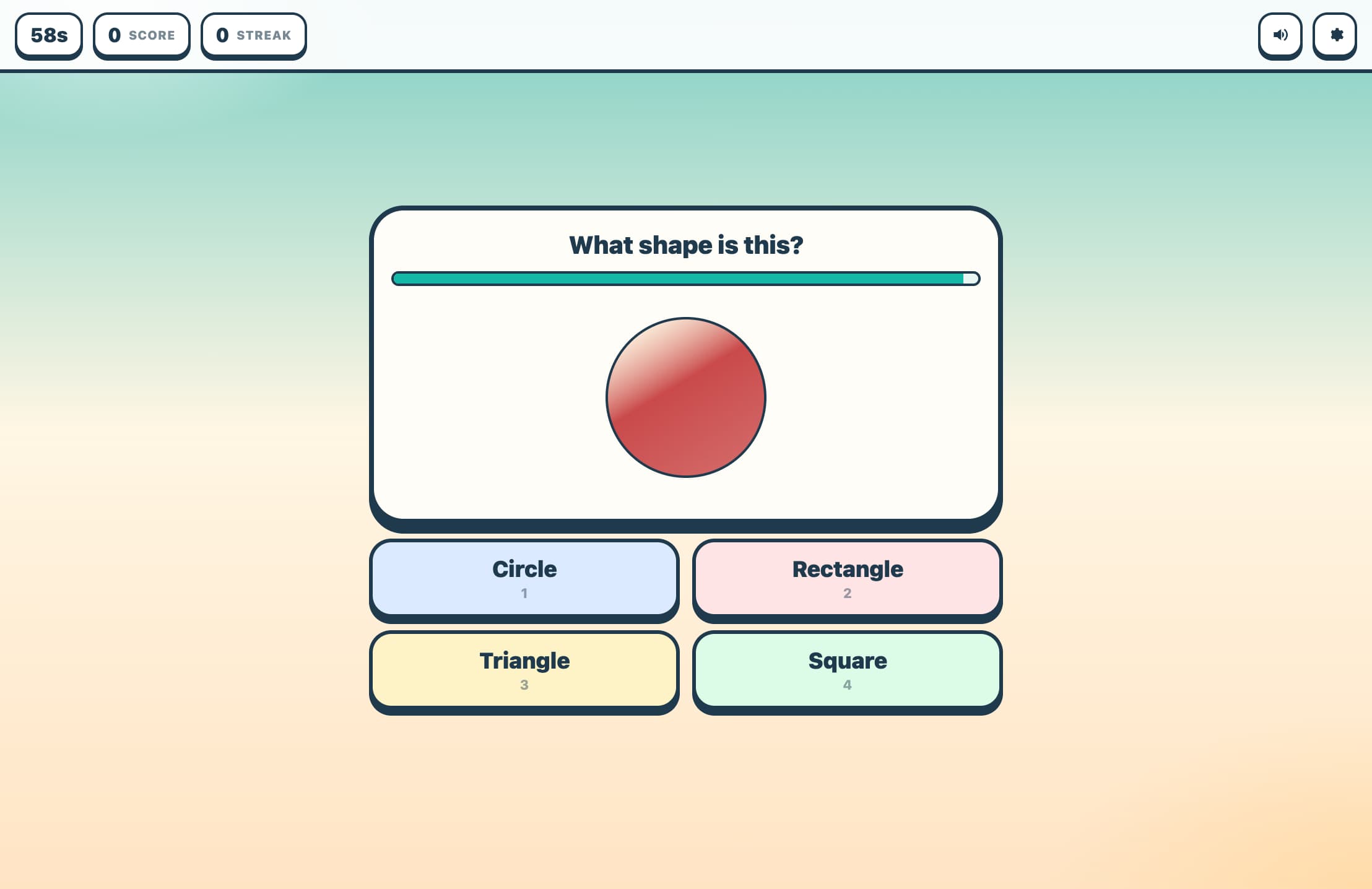
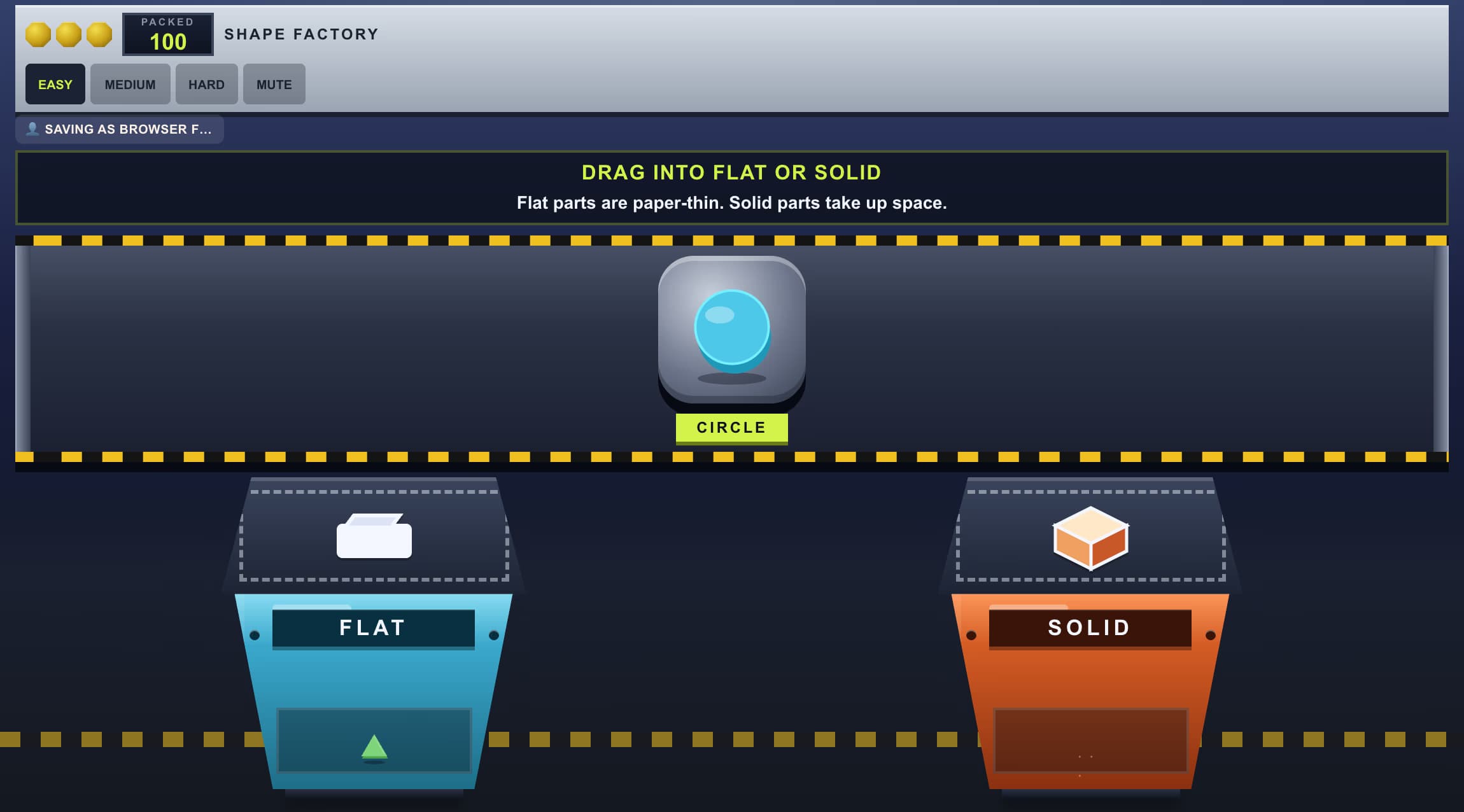
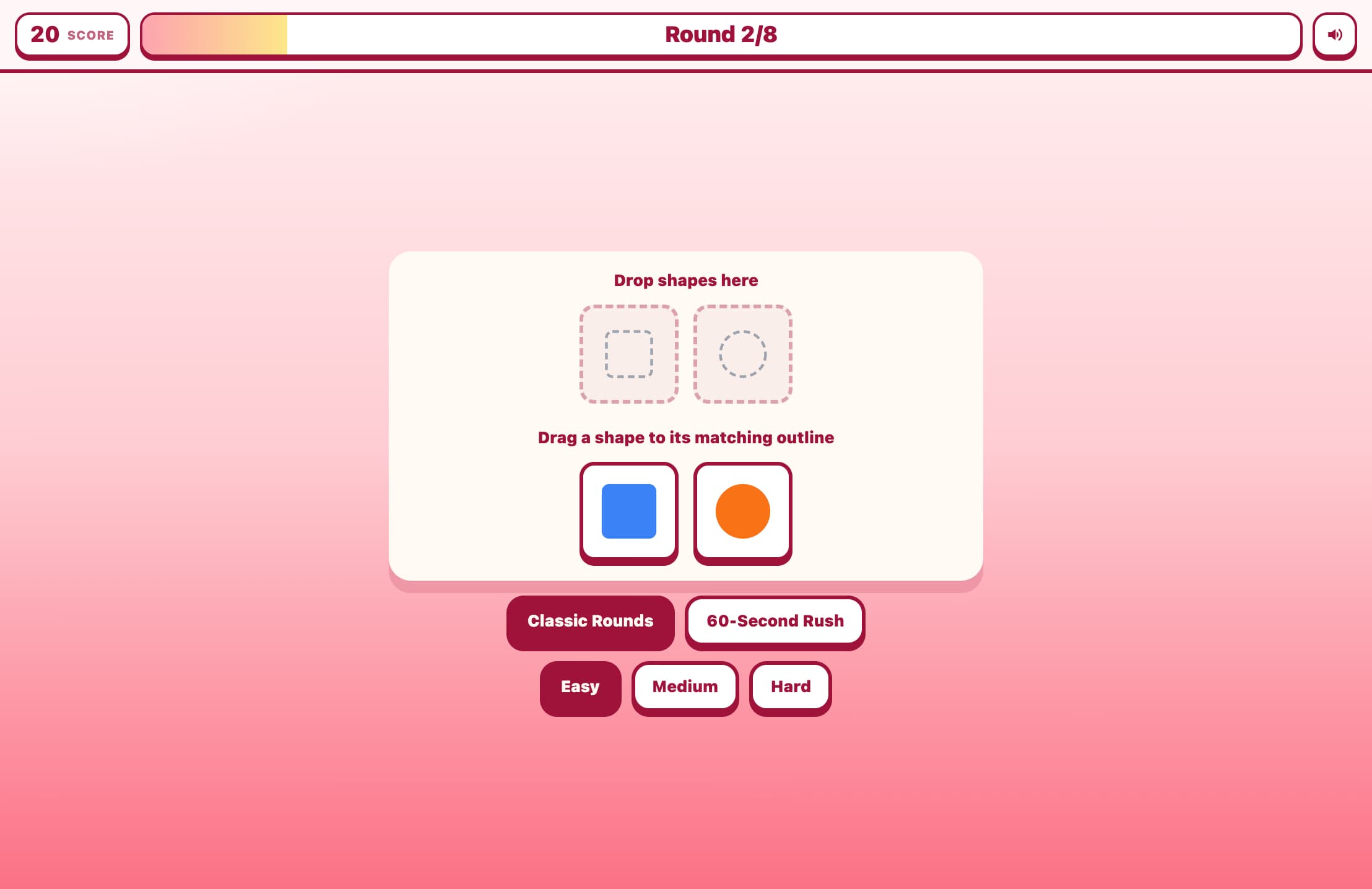
Shapes sit on a white card. Shapes is the game. Point to the circle, square, or triangle. Drag the pointer onto that shape. The pointer shows the shape. Few is Point to the circle or the square. All is Point to the circle, square, or triangle. Near is Same color. A right shape turns green and hops. A wrong shape turns rose. Built for Pre-K.
More like this
How to Play Shapes
Start
Tap Start. Pick Few, All, or Near. Point to the circle, square, or triangle.
Few, All, or Near
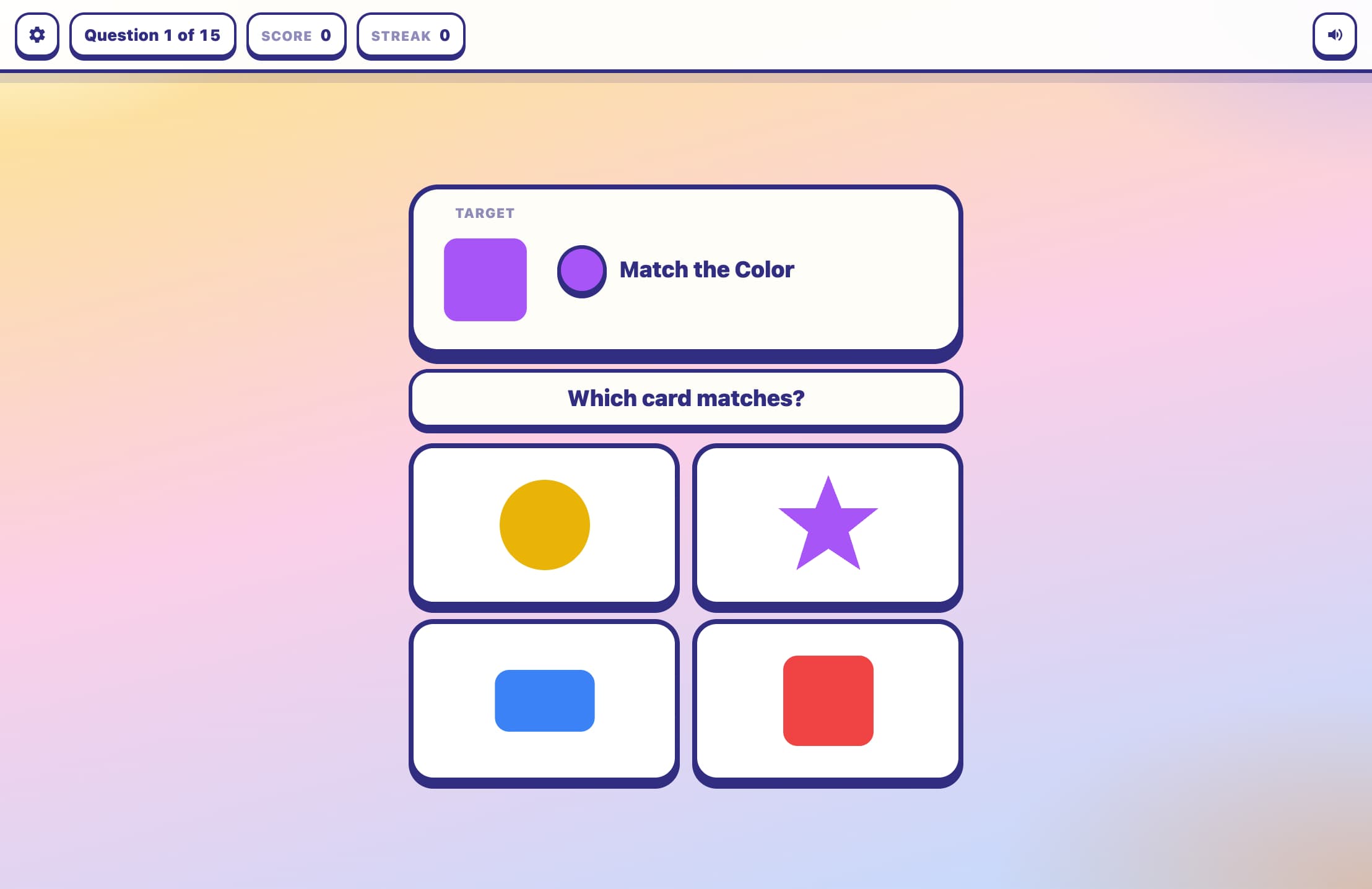
Few is Point to the circle or the square. All is Point to the circle, square, or triangle. Near is Same color.
Point to the circle, square, or triangle
Read the line. It is one of these: Point to the circle. Point to the square. Point to the triangle. Drag the pointer onto that shape. The pointer shows the shape.
Score
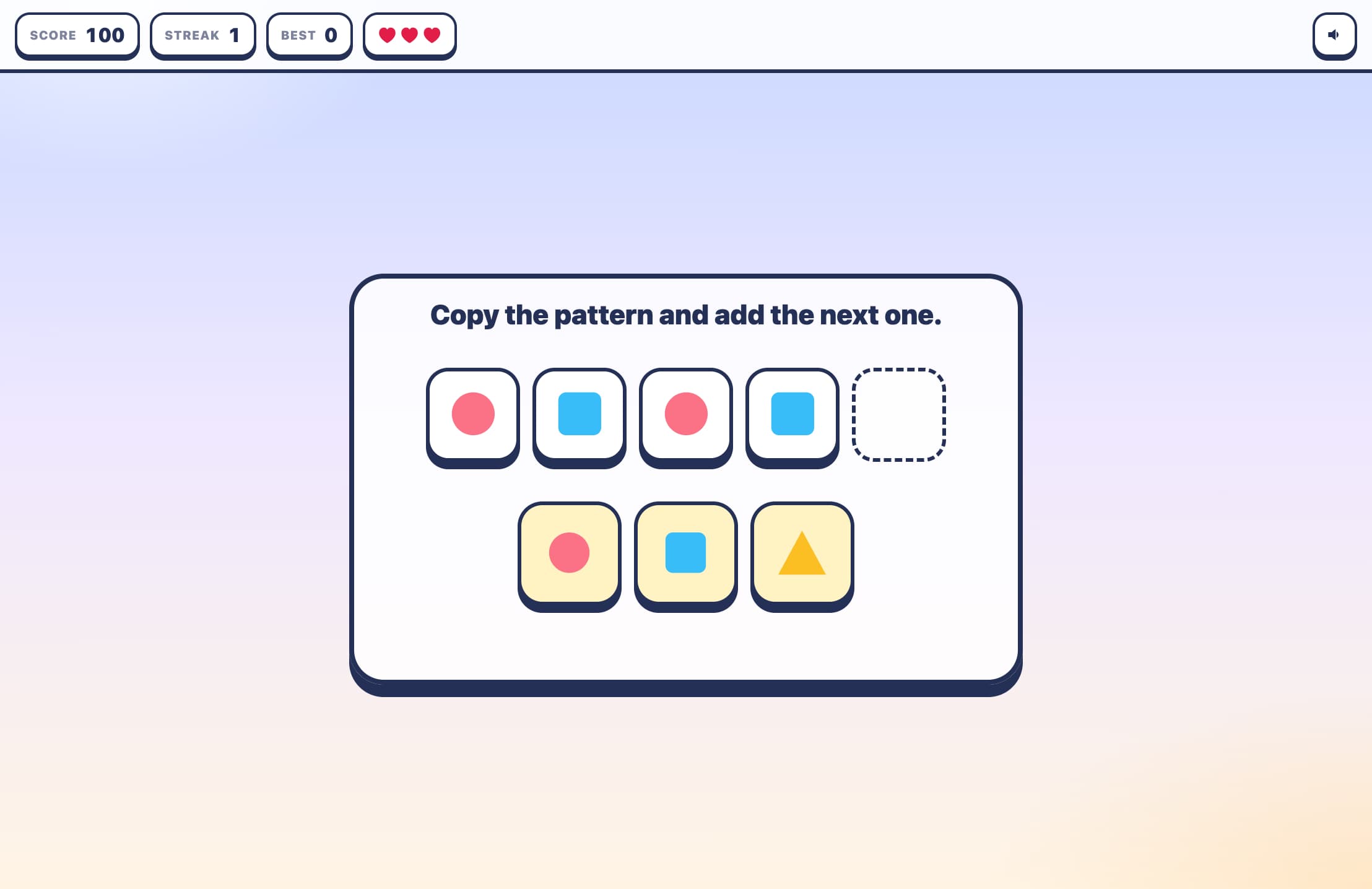
A right shape adds Score and Streak. A wrong shape turns rose and clears the Streak. Three misses and the run is Done. Again starts over. Best is saved. Sound and Mute sit on the bar. A higher Score is a New best.
Key Features
Point to the circle, square, or triangle
Shapes sit on a white card. Drag the pointer onto that shape. The pointer shows the shape.
Few, All, Near
Few is Point to the circle or the square. All is Point to the circle, square, or triangle. Near is Same color.
Score and Streak
A right shape adds Score and grows the Streak. A wrong shape turns rose, clears the Streak, and costs a heart. Three misses and the run is Done.
Best
Best is kept for Few, All, and Near. A higher Score at the end is a New best. Again starts a new run. Sound and Mute sit on the bar.
What is Shapes?
Shapes is a Pre-K game. Shapes sit on a white card. Point to the circle, square, or triangle. The pointer shows the shape. Few is Point to the circle or the square. All is Point to the circle, square, or triangle. Near is Same color.
Why Play Shapes?
Point to the shape
Drag the pointer onto the shape. Point to the circle, square, or triangle. The pointer shows the shape.
The skill changes
Few is Point to the circle or the square. All is Point to the circle, square, or triangle. Near is Same color.
A miss you can feel
A wrong shape turns rose and clears the Streak. A right shape turns green, hops, and adds Score.
Frequently Asked Questions
How do I Point to the circle, square, or triangle?
Read the line. It is one of these: Point to the circle. Point to the square. Point to the triangle. Drag the pointer onto that shape. The pointer shows the shape.
What is Few, All, and Near?
Few is Point to the circle or the square. All is Point to the circle, square, or triangle. Near is Same color. Pick one, then tap Start.
How does Score work?
A right shape adds Score. The Streak makes the next right shape worth more. A wrong shape clears the Streak. Best is saved. A higher Score at the end is a New best. Again starts a new run. Three misses and the run is Done.
Where are Sound and Mute?
Sound and Mute sit on the bar next to the hearts. Tap the button to switch.
Who is Shapes for?
Shapes is for Pre-K. Point to the circle, square, or triangle.