Room Cleaning Robot
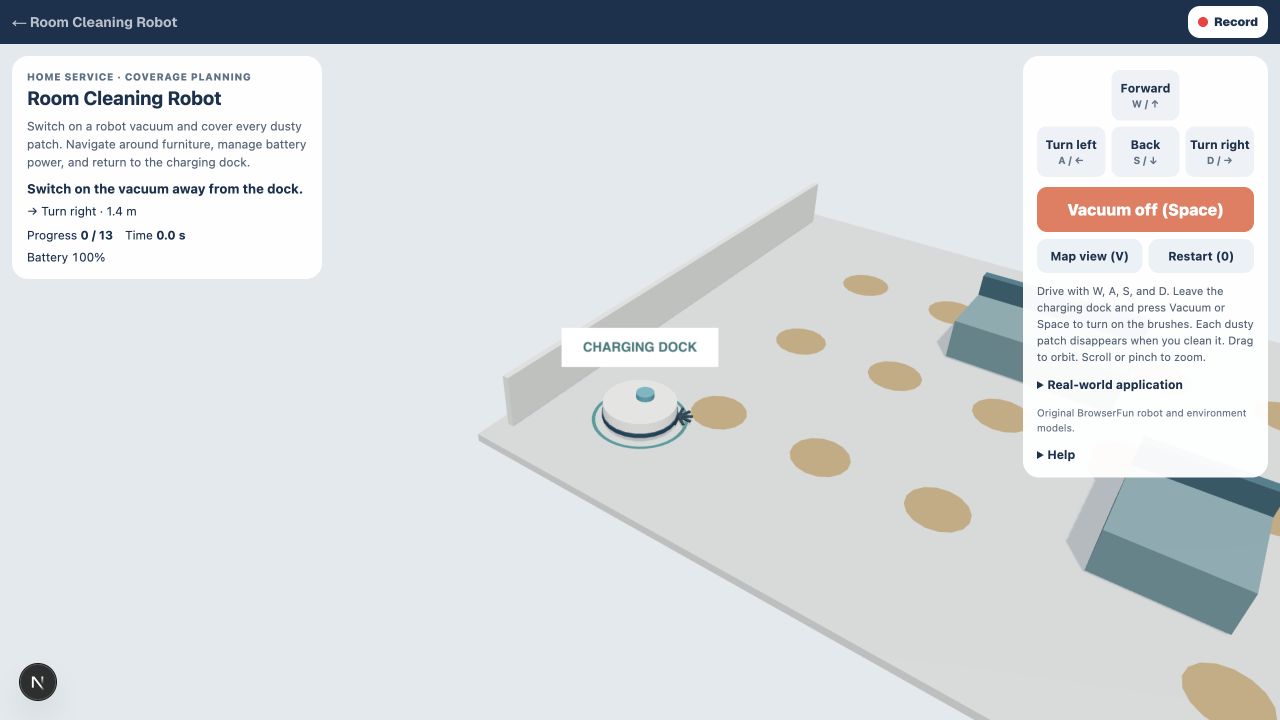
Switch on a robot vacuum and cover every dusty patch. Navigate around furniture, manage battery power, and return to the charging dock.
How to play Room Cleaning Robot
- 1
Cover the room
Drive with W, A, S, and D. Leave the charging dock and press Vacuum or Space to turn on the brushes. Each dusty patch disappears when you clean it.
- 2
Work around furniture
Furniture blocks the robot. Reverse and turn to reach missed patches. Watch your battery; stopping at the charging dock turns the vacuum off and recharges it.
- 3
Finish at home
Clean every patch, then return to the dock and stop. Restart begins a fresh coverage mission.
मुख्य विशेषताएँ
Home service · coverage planning
A cleaning robot combines movement, sensing, coverage planning, and a charging dock. This simulation focuses on covering the room rather than simply reaching one goal.
Keyboard and touch controls
Use the on-screen controls or keyboard shortcuts. Restart begins a fresh mission.
अक्सर पूछे जाने वाले प्रश्न
Is this a real robot controller?
No. This is a simplified educational simulation. It does not connect to physical robots or reproduce real operating procedures.