Farm Robot Weeding
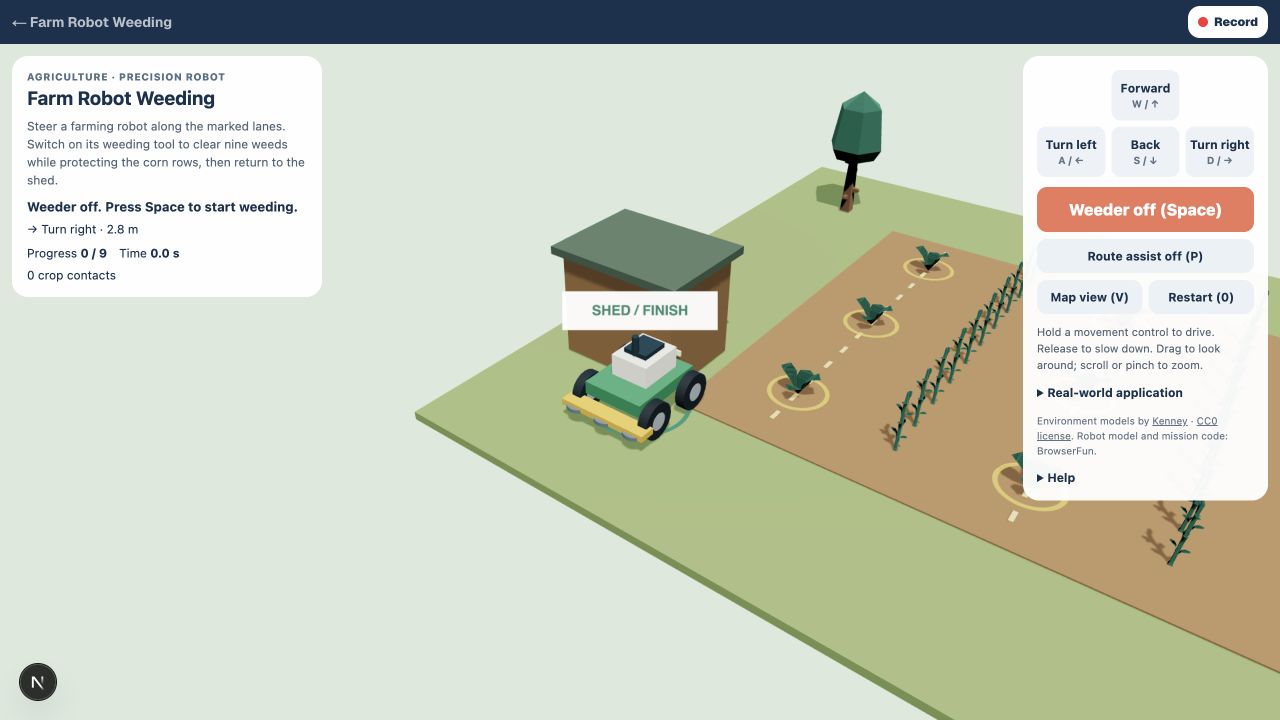
Steer a farming robot along the marked lanes. Switch on its weeding tool to clear nine weeds while protecting the corn rows, then return to the shed.
How to play Farm Robot Weeding
- 1
Stay in the lanes
Use W, A, S, and D to drive along the dashed lanes. Corn grows in the two crop rows. Cross between lanes at the ends of the field.
- 2
Remove weeds precisely
Press Space or Weeder to switch the tool on. Pass through each marked weed. Crop contacts are recorded; the tool pauses when you enter a crop row.
- 3
Compare with autonomy
Press Route assist or P to follow planned routes through the weeds. Clear all nine weeds, then return to the shed and stop.
Fonctionnalités clés
Agriculture · precision robot
Agricultural robots use navigation and sensing to work across fields. This simplified precision-weeding mission teaches coverage and crop protection.
Learn by doing
Compare movement, sensing, and task decisions while completing a real-world-inspired robot mission.
Foire aux questions
Is this a real robot controller?
No. This is a simplified browser simulation for learning. It does not connect to or control physical equipment.
Can I use a keyboard or touch controls?
Yes. Hold the on-screen buttons or use W, A, S, and D. Space performs the mission action. Restart begins a fresh mission.